Decoding AI Model Formats: GGUF, FP8, VAE, Distilled, dev, pruned, nf4, SafeTensors Explained
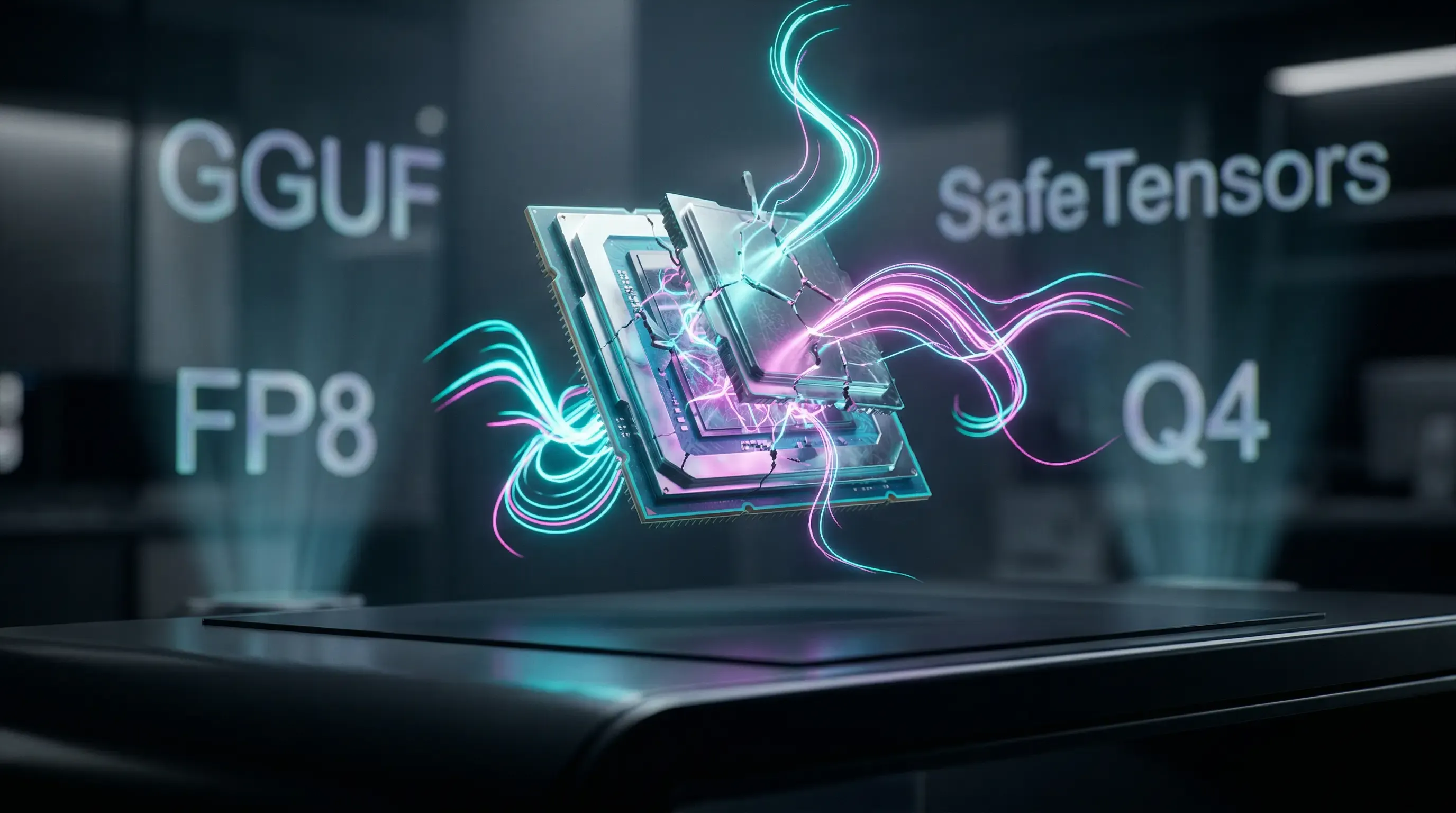
⏱️ Time to Read: ~5 minutes
🎯 What you’ll achieve: Say goodbye to confusing AI jargon! You'll learn exactly what terms like FP8, GGUF, SafeTensors, and VAE mean, enabling you to confidently download the perfect model format for your specific PC hardware without crashing your system.
If you’ve recently tried diving into local AI generation—whether for spinning up large language models (LLMs) with LM Studio, creating stunning images in ComfyUI, or testing bleeding-edge video tools like LTX Video—you’ve likely hit the infamous "Hugging Face Wall."
You find the model you want, eagerly click the "Files" tab on Hugging Face, and are immediately greeted by a terrifying alphabet soup of filenames: FP8, Distilled, Q4_K_M, SafeTensors, and Pruned. 😵💫
Which one do you choose? Which one will actually run on your GPU without instantly throwing an "Out of Memory" error?
Let’s strip away the heavy math and break down exactly what these terms mean, so you know exactly what to grab for your setup. Acting as your personal AI translator, let's dive in! 🏄♂️
Before we get to the fancy acronyms, we need to understand how AI "weights" are stored. Think of weights as the raw data and connections that make up the AI's "brain."
GGUF (GPT-Generated Unified Format) is arguably the best thing to happen to local AI. If you work in 3D or web dev, think of a GGUF file as the .glb or .zip of the AI world. Created by the brilliant team behind llama.cpp, it’s a highly optimized, single-file package that contains everything your computer needs to run the model.
🌟 Why GGUF is a Game-Changer: If an AI model requires 10GB of VRAM, but you are running a card like an RTX 3070 with only 8GB of VRAM, a standard FP8 model will instantly crash with an "Out of Memory" (OOM) error. A GGUF model won't crash. It is ingeniously designed to safely "spill over" the extra memory requirements into your standard system RAM (DDR4/DDR5). If you have a solid 32GB or 64GB of system RAM, the model will still run—just a little slower—saving your creative project from failing!
When you look at GGUF files, you'll see them graded by "Quantization" levels. Quantization is just a fancy word for the mathematical process of shrinking the AI to save space.
Here is your ultimate cheat sheet for choosing the right one for your setup:
You’ll often see models labeled as "Dev" (like FLUX.1-dev) and "Distilled" (like FLUX.1-schnell). This doesn't refer to the file weight, but rather to how many steps the AI needs to take to finish generating its output.
When downloading standard base models, you'll see two main file extensions: .safetensors and .ckpt (Checkpoint).
.safetensors!.ckpt files (which use Python's "Pickle" format) can actually hide and execute malicious code on your computer the second you load them into a UI. SafeTensors is a modern, highly secure format developed by Hugging Face that only stores the math (the weights) and completely blocks executable code from running. As a bonus, it also loads into your RAM significantly faster. Win-win. 🏆You will often see models labeled as "Pruned" or "EMA-only."
While GGUF is amazing for flexibly splitting tasks between your GPU and system RAM, you might see these formats when looking at cutting-edge text models or newer image juggernauts like FLUX.1:
If you've ever generated an AI image and it came out looking completely washed out, devoid of contrast, or covered in a strange swampy gray/purple filter, you are likely missing a VAE.
Think of a VAE as the ultimate color code translator between the AI's artificial brain and your computer monitor. AI models don't draw in standard pixels; they work in a deeply compressed, alien "latent space" to save vast amounts of memory.
While many modern models have an excellent VAE already "baked in," some require you to download a separate VAE file (often ending in .safetensors or .pt) to get rich, cinematic colors and deep blacks.
| Your Goal | The File You Should Download | Why? |
|---|---|---|
| Rapid Prototyping & Fast UI | Distilled GGUF (Q4_K_M) | Finishes in seconds (4-8 steps) and safely fits in an 8GB VRAM GPU. |
| The "Final Render" | Dev / Base GGUF (Q8_0) | Takes longer (20-30 steps) but delivers breathtaking maximum sharpness and detail. |
| Just Generating Art Locally | Pruned .safetensors | 100% safe from malware, loads extremely fast, and saves your SSD space. |
| "I have a 24GB RTX 4090" | Standard FP8 or FP16 | You paid for the hardware—flex it! Skip the GGUF compression entirely! 😎 |

Build a private AI assistant for your own files using Ollama, LangChain, Qdrant, local embeddings, and retrieval-augmented generation.
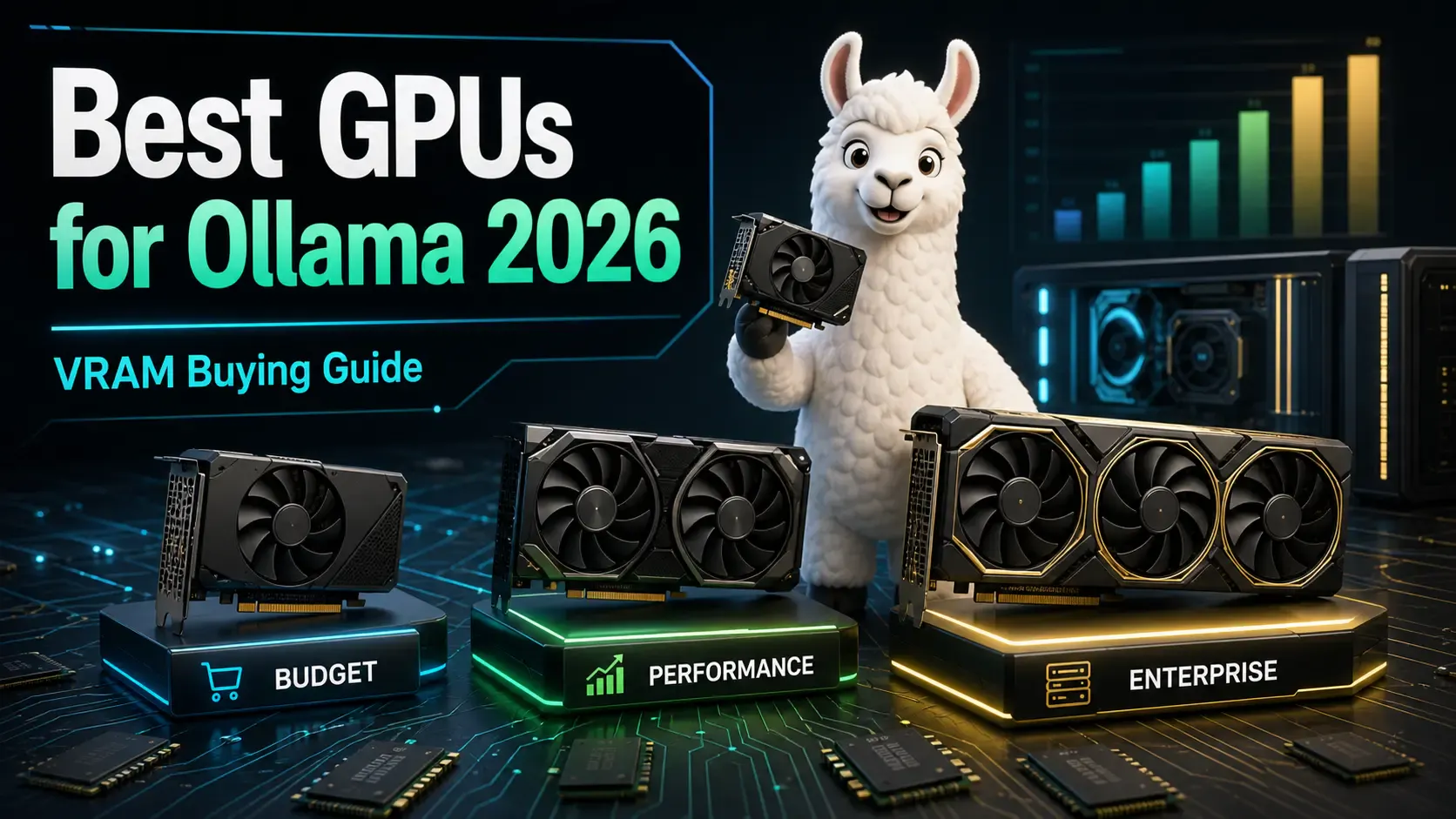
A practical buying guide to the best GPUs for running Ollama and local LLMs in 2026 — from budget cards to enterprise hardware, with VRAM requirements explained.
Learn how RAM, VRAM, GPU, CPU, model size, and context length affect Ollama performance before buying local AI hardware.