Everything a Developer Should Know About Ollama - Part 1
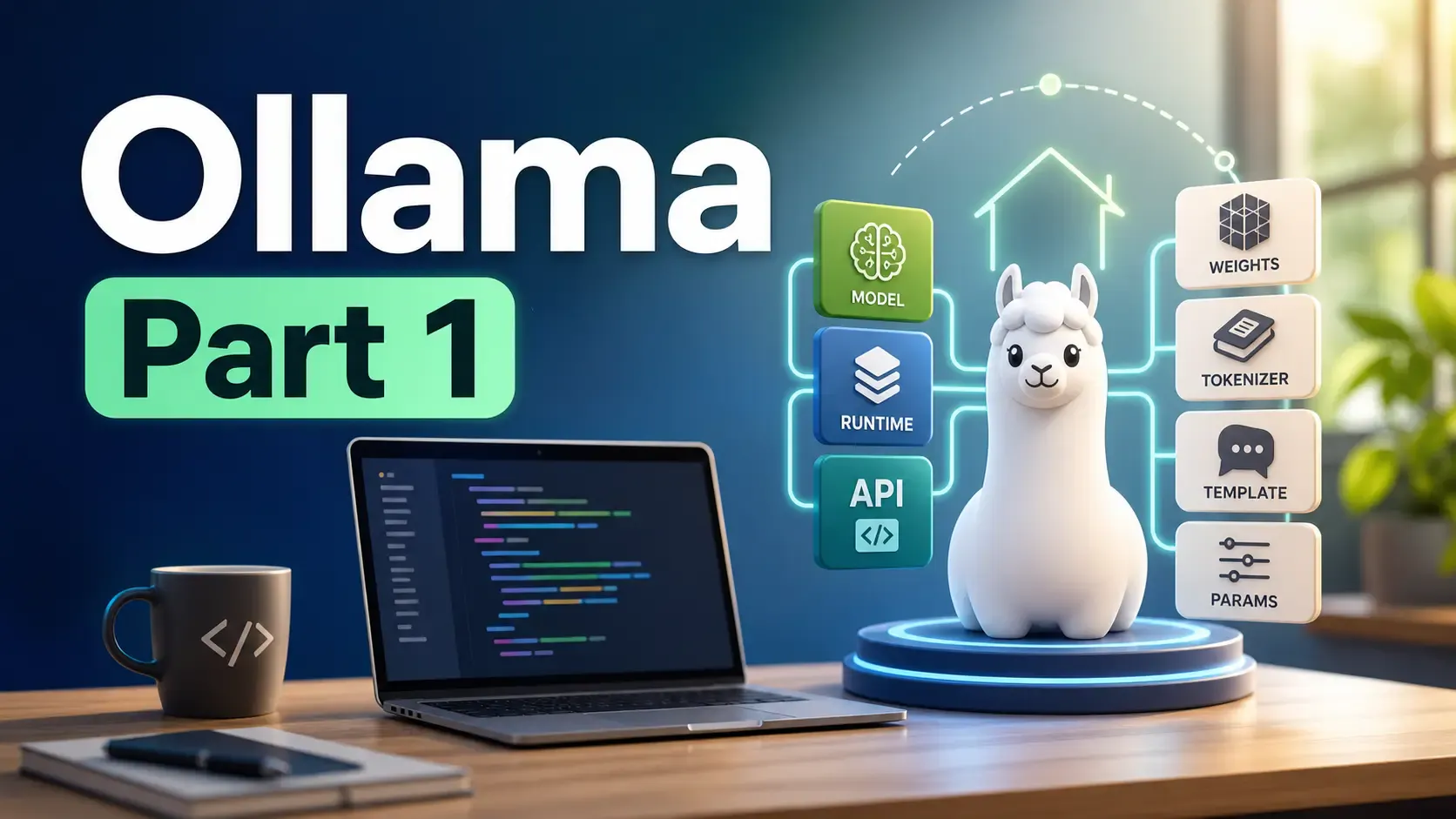
Ollama is one of the fastest ways to run AI models locally. In this first part, we will build the mental model: what Ollama is, what it is not, and how local generative models are packaged.
Around 8-10 minutes.
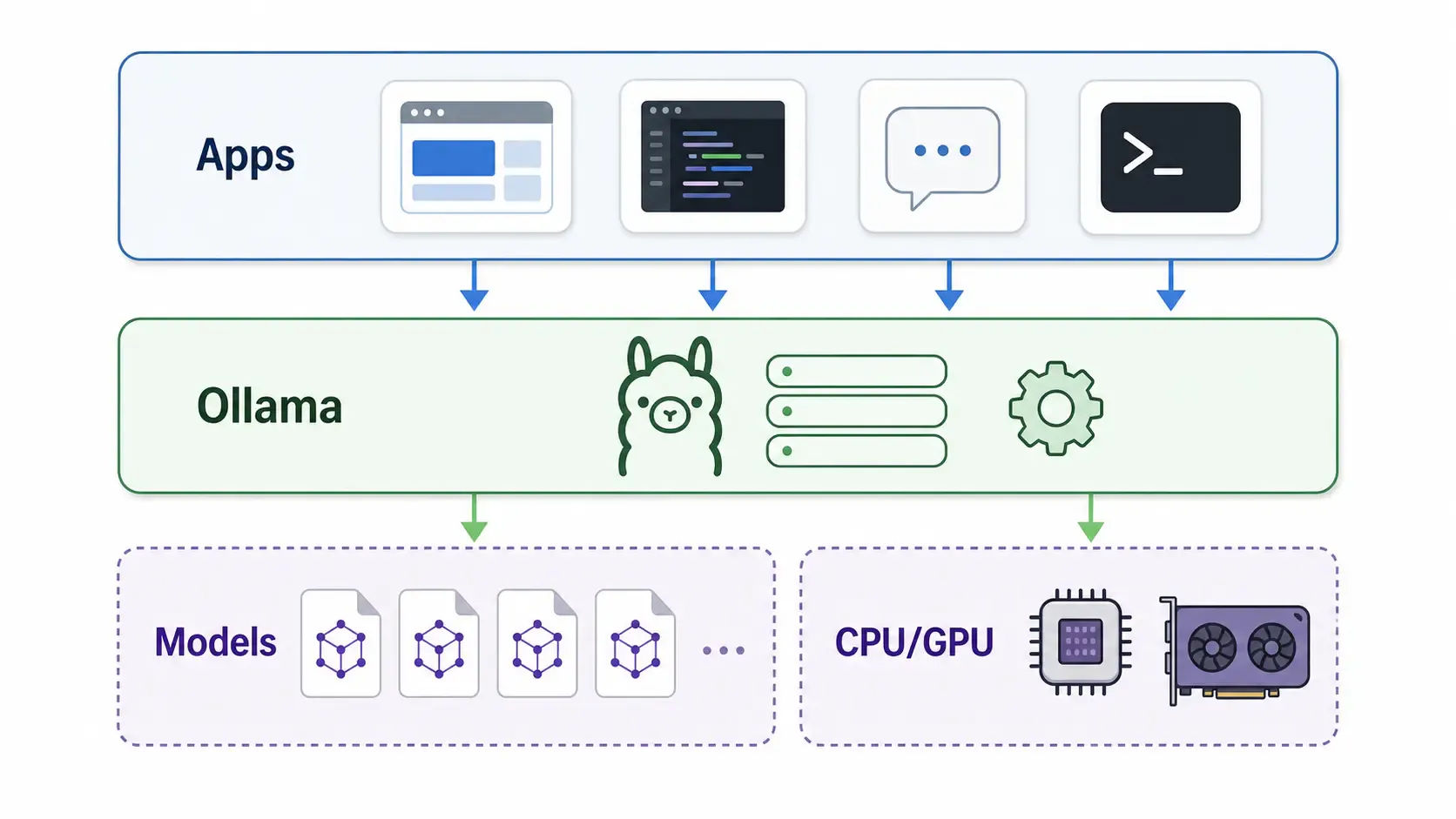
Ollama is a local model runner for LLMs. You install it on your machine, pull a model, and talk to that model from a terminal, desktop app, browser UI, editor extension, or HTTP client.
The core idea is simple:
http://localhost:11434For local development, that is a very useful shape. You can prototype an AI feature without paying for every request, test prompts privately, run models offline, or build an app against a local API before deciding whether you need a hosted model.
Ollama is especially popular because it removes setup friction. Without a tool like Ollama, you may need to manually download model weights, pick a quantized file, configure a backend, remember chat templates, tune runtime parameters, and expose an API yourself.
Ollama is not the only option. It is the convenient local runtime option. Other tools may be better depending on what you are building.
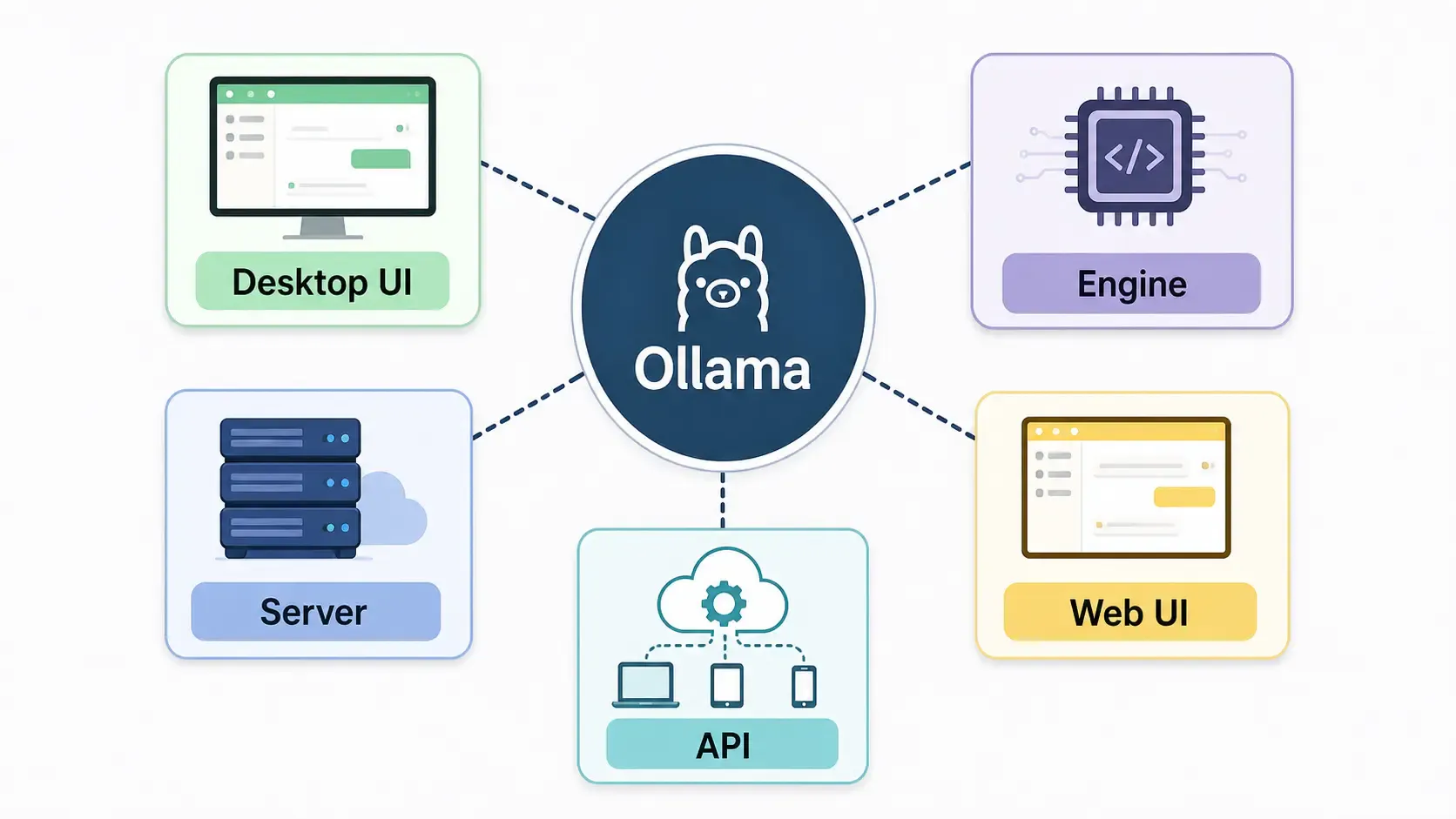
| Tool | Best for | Link |
|---|---|---|
| LM Studio | Desktop GUI for downloading and chatting with local models | lmstudio.ai |
| llama.cpp | Low-level C/C++ inference engine and tooling | github.com/ggml-org/llama.cpp |
| vLLM | High-throughput server inference, usually for bigger deployments | vllm.ai |
| Jan | Local AI desktop app with a user-friendly interface | jan.ai |
| Open WebUI | Web UI often used with Ollama | openwebui.com |
| LocalAI | Self-hosted OpenAI-compatible local AI API | localai.io |
| text-generation-webui | Advanced local model playground | github.com/oobabooga/text-generation-webui |
Use Ollama when you want the fast path from "I have a laptop" to "I can call a local model from code".
Use something else when you need a heavy serving stack, advanced multi-GPU deployment, custom inference tuning, or a full desktop-first model management experience.
Ollama is convenient, but it is not magic.
Also, do not assume "local" always means "private" in every mode. Local models run locally, but Ollama also has cloud-related features. Know which model you are using and where requests are going.
This is a common naming confusion.
Llama is a family of language models from Meta. Examples include Llama 3.x style models.
Ollama is software for running models. It can run Llama-family models, but it can also run many non-Llama models, such as Google Gemma, Alibaba Qwen, Mistral, DeepSeek, Microsoft Phi, embedding models, and vision-capable models when supported.
Think of it like this:
When you run:
ollama run llama3.2
you are asking Ollama to run a model named llama3.2. Ollama is the tool. Llama is the model family.
A generative model is not usually a single friendly .exe file. It is a bundle of parts that need to agree with each other.
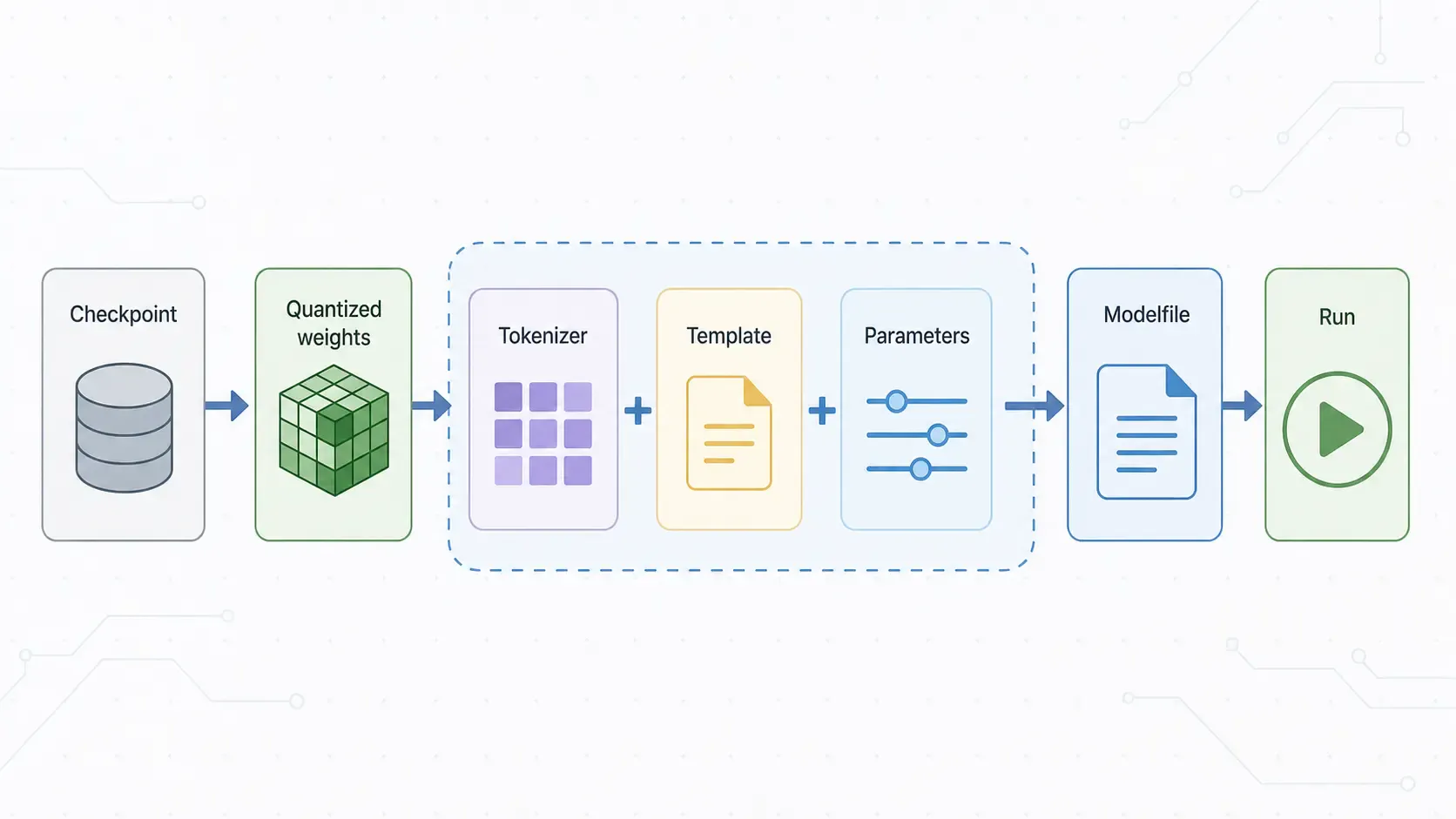
The important pieces are:
Ollama's role is to package and run those pieces behind a simple interface.
When you pull a model from Ollama, Ollama stores model blobs locally and records the model definition. When you run it, Ollama loads the correct files, applies the template and parameters, starts the runner, and exposes the model through the CLI and HTTP API.
Ollama has a Modelfile, which is similar in spirit to a Dockerfile for a model. The official Modelfile reference describes instructions like:
FROM for the base modelPARAMETER for runtime settingsTEMPLATE for prompt formattingSYSTEM for the default system messageADAPTER for LoRA adaptersLICENSE for license textExample:
FROM llama3.2
PARAMETER temperature 0.7
PARAMETER num_ctx 4096
SYSTEM You are a concise developer assistant.
Create and run it:
ollama create dev-helper -f ./Modelfile
ollama run dev-helper
That does not train a new base model. It creates a local Ollama model definition using an existing base model plus your chosen behavior and parameters.
The simplest way to understand Ollama:
Your app / CLI / UI
        |
        v
Ollama local API on :11434
        |
        v
Model package: weights + tokenizer + template + params
        |
        v
CPU/GPU inference on your machine
You are not calling "AI in general". You are calling a specific local model through a local runtime. Model choice matters. Hardware matters. Prompt format matters. Context size matters. Quantization matters.
Ollama just makes all of that much easier to start with.
In Part 2, I cover the practical side: installing Ollama, running models from terminal and UI, calling the API, storing models on a custom disk, and exposing Ollama safely to your network.
Learn how to quickly expose a localhost server to your local network on Windows using netsh portproxy. A step-by-step guide to accessing local apps from any device.
Getting the claude-vscode.editor.openLast not found error after updating Claude Code? This step-by-step guide shows you how to roll back to a stable version and get Claude working again in 5 minutes.
Is Flux 2 Klein 9B KV better than Qwen Image Edit? Dive into our comprehensive breakdown proving how Flux 2 maintains accuracy for CGI, DaVinci Resolve, and Nuke.