How to Expose Any Local Port to Your Network on Windows (Using netsh)
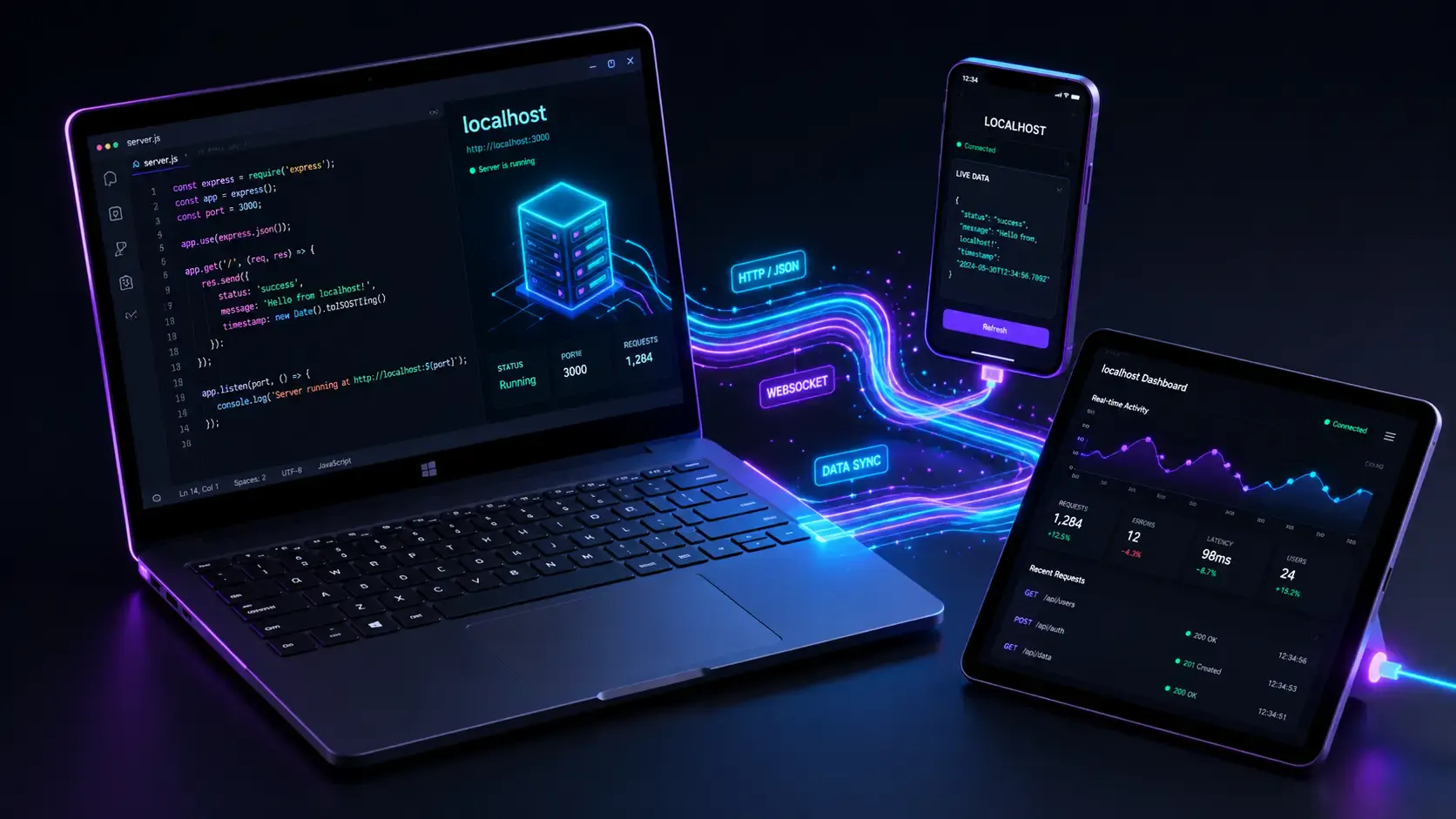
Ever been in this situation? You've just spun up a local server on your Windows machine—maybe a slick FastAPI app, a bleeding-edge ComfyUI instance for AI generation, or a robust ERPNext bench. It works flawlessly when you hit http://127.0.0.1:8900 in your browser.
But the moment you try to access it from your phone, your MacBook, or your buddy's PC on the same WiFi... 🦗 crickets. Nothing loads.
Don't panic! This guide will show you exactly how to fix this networking headache using netsh—a powerful, built-in Windows networking tool that requires absolutely zero installation.
127.0.0.1) to your network IP.When a server listens on 127.0.0.1, it is bound to the loopback interface—a virtual network card that only your own machine can use. By design, it is completely invisible to the outside world for security reasons.
| Address | Who can reach it? |
|---|---|
127.0.0.1 (localhost) | 🛑 Only your own machine |
192.168.x.x (local IP) | 🟢 Any device on the same network |
Think of it like a house: 127.0.0.1 is your internal home intercom system. Your local IP (192.168.x.x) is the front door that guests can actually knock on. By using netsh portproxy, we are essentially building a bridge between the front door and the intercom! 🌉
First things first, let's find your "front door" address. Open up PowerShell or CMD and run:
ipconfig
Look for the IPv4 Address under your active adapter (WiFi or Ethernet). It will look something like 192.168.1.105. Copy this down—you'll need it shortly! 📝
⚠️ Important: All commands in this guide must be run with Administrator privileges.
Right-click your Start button → select "Terminal (Admin)" or "Windows PowerShell (Admin)".
This step tells Windows: "Hey, if any connection arrives on port 8900 from the network, forward it straight to 127.0.0.1:8900."
Run this command:
netsh interface portproxy add v4tov4 listenport=8900 listenaddress=0.0.0.0 connectport=8900 connectaddress=127.0.0.1
What is happening here? 🤔
v4tov4: Forwarding IPv4 traffic to an IPv4 address.listenport=8900: The port to listen on (change this to whatever port your app uses).listenaddress=0.0.0.0: Listen on all network interfaces.connectport=8900: The local port to forward traffic to.connectaddress=127.0.0.1: Your local server address.💡 Pro tip: Make sure to replace
8900with your actual port number throughout this guide.
The portproxy rule is active, but the strict Windows Defender Firewall might still act as a bouncer and block incoming connections. Let's add an inbound firewall rule to let the traffic through:
netsh advfirewall firewall add rule name="Port 8900" dir=in action=allow protocol=TCP localport=8900
Note: Giving the rule a descriptive name like
"Port 8900"makes it incredibly easy to find and delete later when you're done testing.
Let's double-check that our portproxy rule was successfully registered before we start testing:
netsh interface portproxy show all
You should see an output that looks like this:
Listen on ipv4:             Connect to ipv4:

Address         Port        Address         Port
--------------- ----------  --------------- ----------
0.0.0.0         8900        127.0.0.1       8900
If your rule is sitting happily in that table, you're ready for the magic! ✨
Grab your phone, tablet, or another laptop connected to the same WiFi network. Open your favorite browser and navigate to:
http://192.168.1.105:8900
(Remember to replace 192.168.1.105 with the IP you found in the ipconfig step!)
Boom! 🎉 Your local service should now be perfectly accessible across your entire network.
Port proxy rules persist across reboots. For security hygiene, it's best to clean them up once you no longer need external access.
1. Remove the portproxy rule:
netsh interface portproxy delete v4tov4 listenport=8900 listenaddress=0.0.0.0
2. Remove the firewall rule:
netsh advfirewall firewall delete rule name="Port 8900"
3. Verify everything is cleared:
netsh interface portproxy show all
Check that your server itself isn't strictly bound to 127.0.0.1. Some frameworks bind to localhost by default and might reject the forwarded connection. Look for a --host or --bind flag when starting your server:
# FastAPI / uvicorn
uvicorn app:main --host 0.0.0.0 --port 8900

# Python built-in HTTP server
python -m http.server 8900 --bind 0.0.0.0
Wait, if you can bind directly to 0.0.0.0 inside your app, you can actually skip the netsh portproxy step entirely and just do the firewall rule! 😉
You must run your terminal as Administrator! Right-click your terminal app and select "Run as administrator".
Run this on your Windows machine to check active ports:
netstat -ano | findstr :8900
If you see a line with LISTENING, your server is up. If not, your application might have crashed.
To reset and completely delete all portproxy rules at once:
netsh interface portproxy reset
| Task | Command |
|---|---|
| Add proxy rule | netsh interface portproxy add v4tov4 listenport=PORT listenaddress=0.0.0.0 connectport=PORT connectaddress=127.0.0.1 |
| Add firewall rule | netsh advfirewall firewall add rule name="Port PORT" dir=in action=allow protocol=TCP localport=PORT |
| View all rules | netsh interface portproxy show all |
| Delete proxy rule | netsh interface portproxy delete v4tov4 listenport=PORT listenaddress=0.0.0.0 |
| Delete firewall rule | netsh advfirewall firewall delete rule name="Port PORT" |
| Reset all rules | netsh interface portproxy reset |
In just two simple commands, you can make any locally running service accessible to every device on your network without installing third-party tools like ngrok. The netsh interface portproxy command seamlessly handles the traffic forwarding, and netsh advfirewall ensures Windows Defender doesn't block the connection.
Happy coding, and don't forget to clean up your rules! 💻🚀

Learn what Ollama is, how it differs from Llama, how local AI models are packaged, and where Ollama fits in a developer workflow.
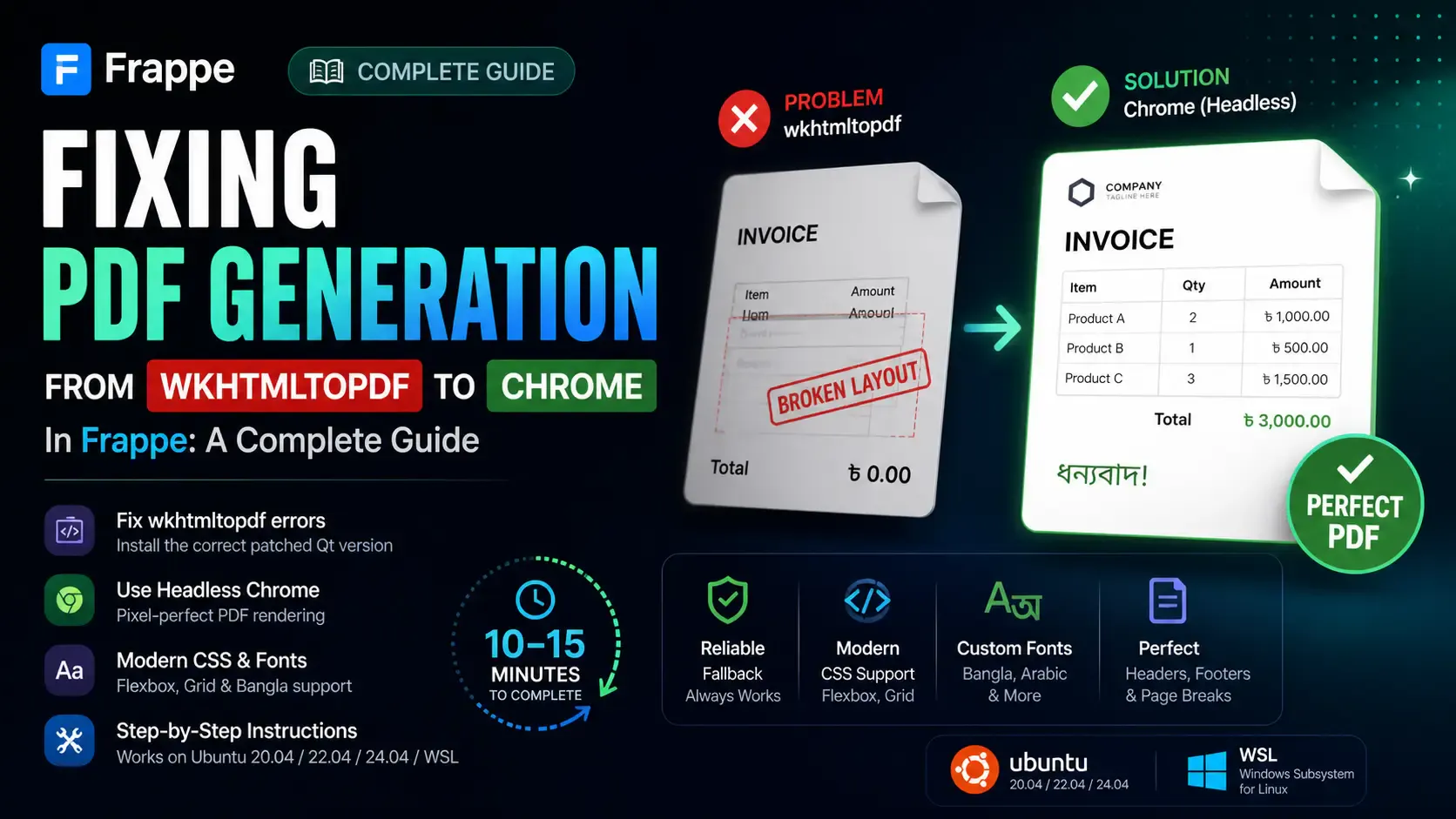
Getting the "Invalid wkhtmltopdf version" error in Frappe or ERPNext? Learn how to fix broken PDFs, install the patched Qt version, and switch to headless Chrome for pixel-perfect modern CSS and custom font support.
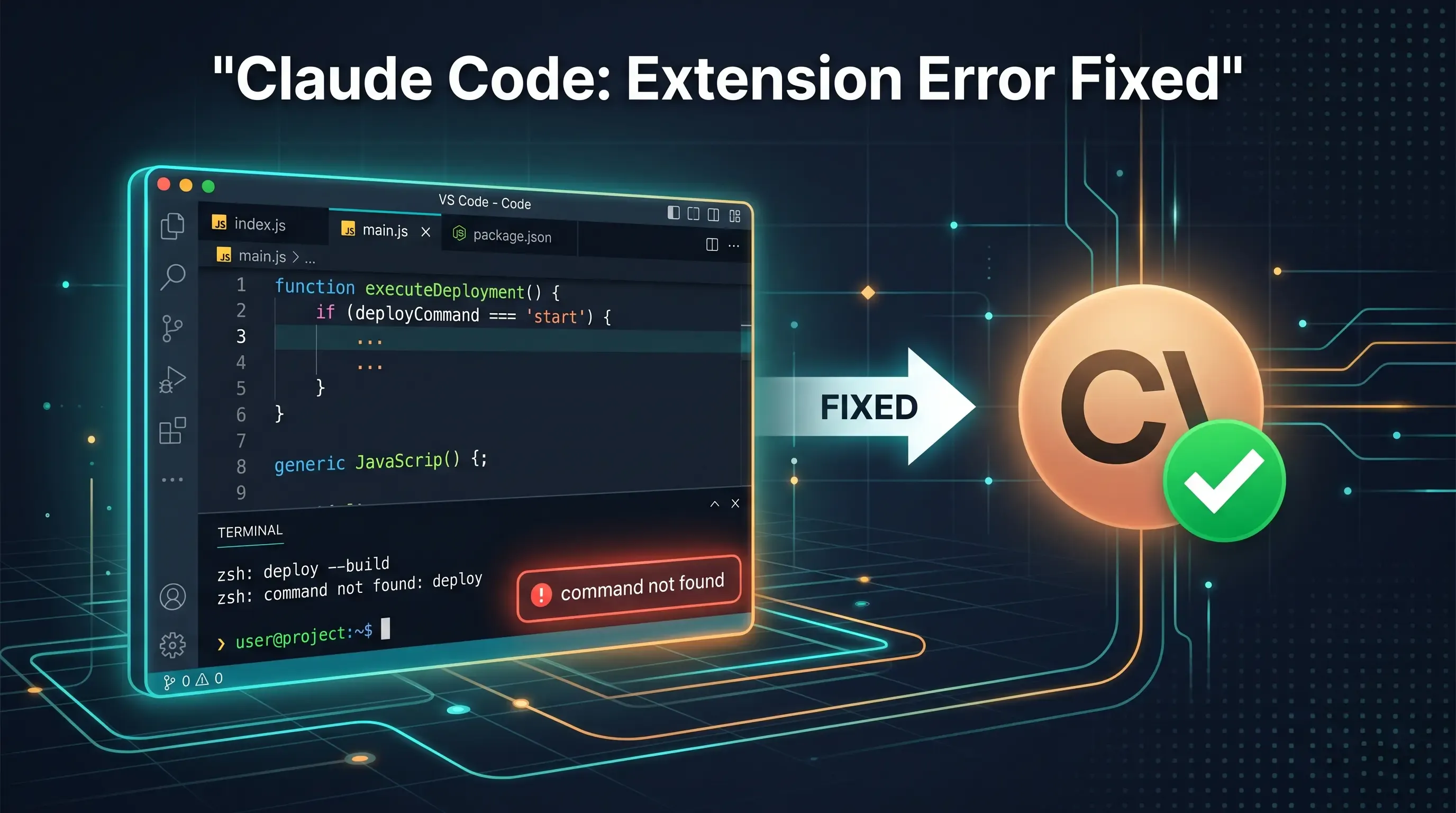
Getting the claude-vscode.editor.openLast not found error after updating Claude Code? This step-by-step guide shows you how to roll back to a stable version and get Claude working again in 5 minutes.