Frappe Role-Based Workspace Redirect: Fix the Desk Home Icon

When you build role-based dashboards in Frappe Framework, each role usually gets its own Workspace. But there's a catch most people hit eventually: the home/monitor icon in the page header — and the bare /desk landing — often sends users to the wrong workspace, or to a "Page not found" screen.
This post walks through creating per-role workspaces and a small, reusable client-side fix you can drop into any Frappe app.
You've created custom workspaces like Sales Desk, Support Desk, Ops Desk, each restricted to a role. A user logs in, lands on their workspace — great. Then they click the monitor/home icon in the breadcrumb bar and get:
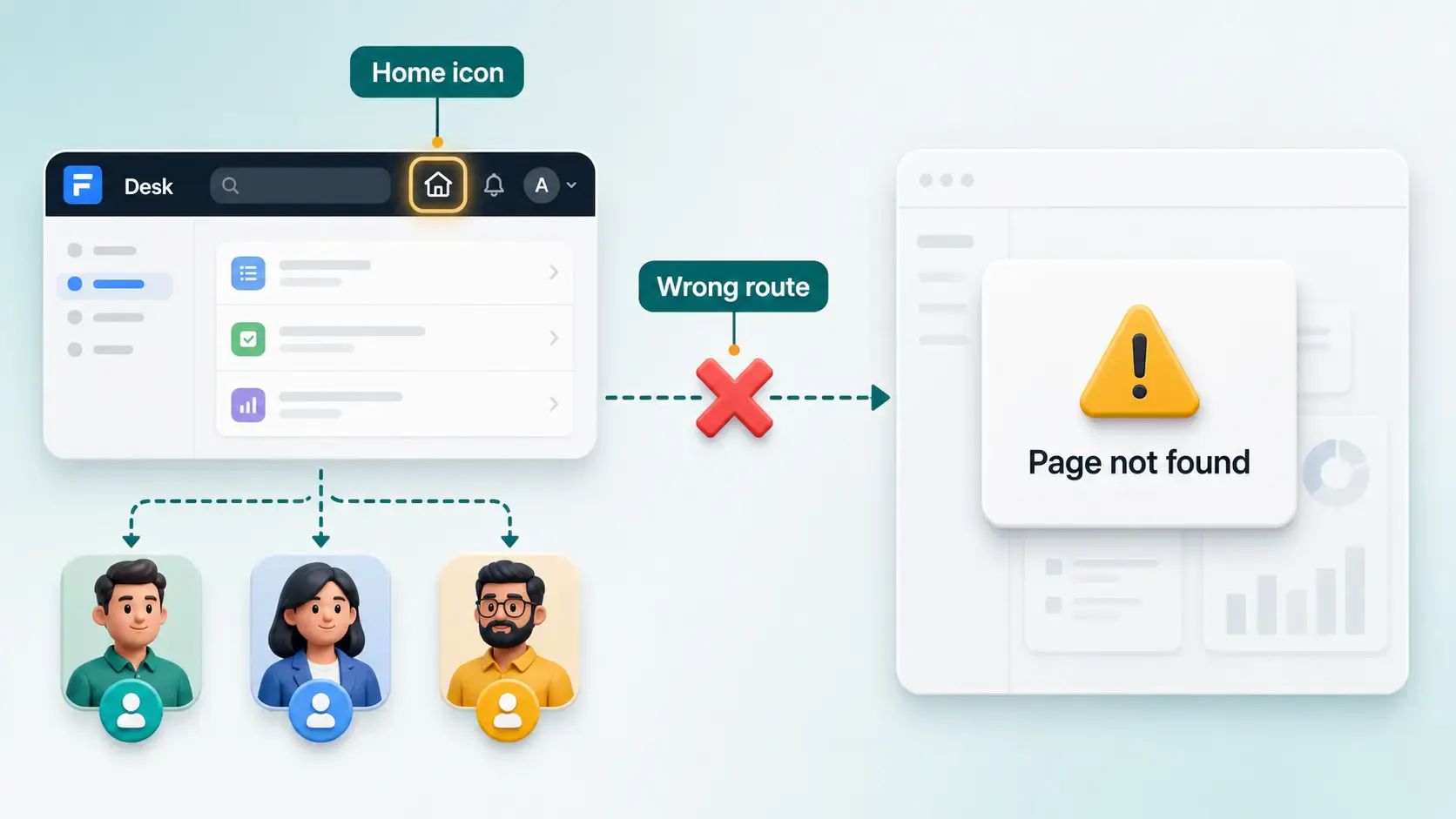
Page sales-desk not found
The resource you are looking for is not available
…even though they were just on a perfectly good workspace.
Frappe builds that breadcrumb "home" link from its internal desktop icon / sidebar resolution. Custom workspaces created outside the standard flow often aren't present in that boot data (frappe.boot.desktop_icons). When Frappe can't resolve the right target, it falls back to a default workspace — frequently one the current user can't even access.
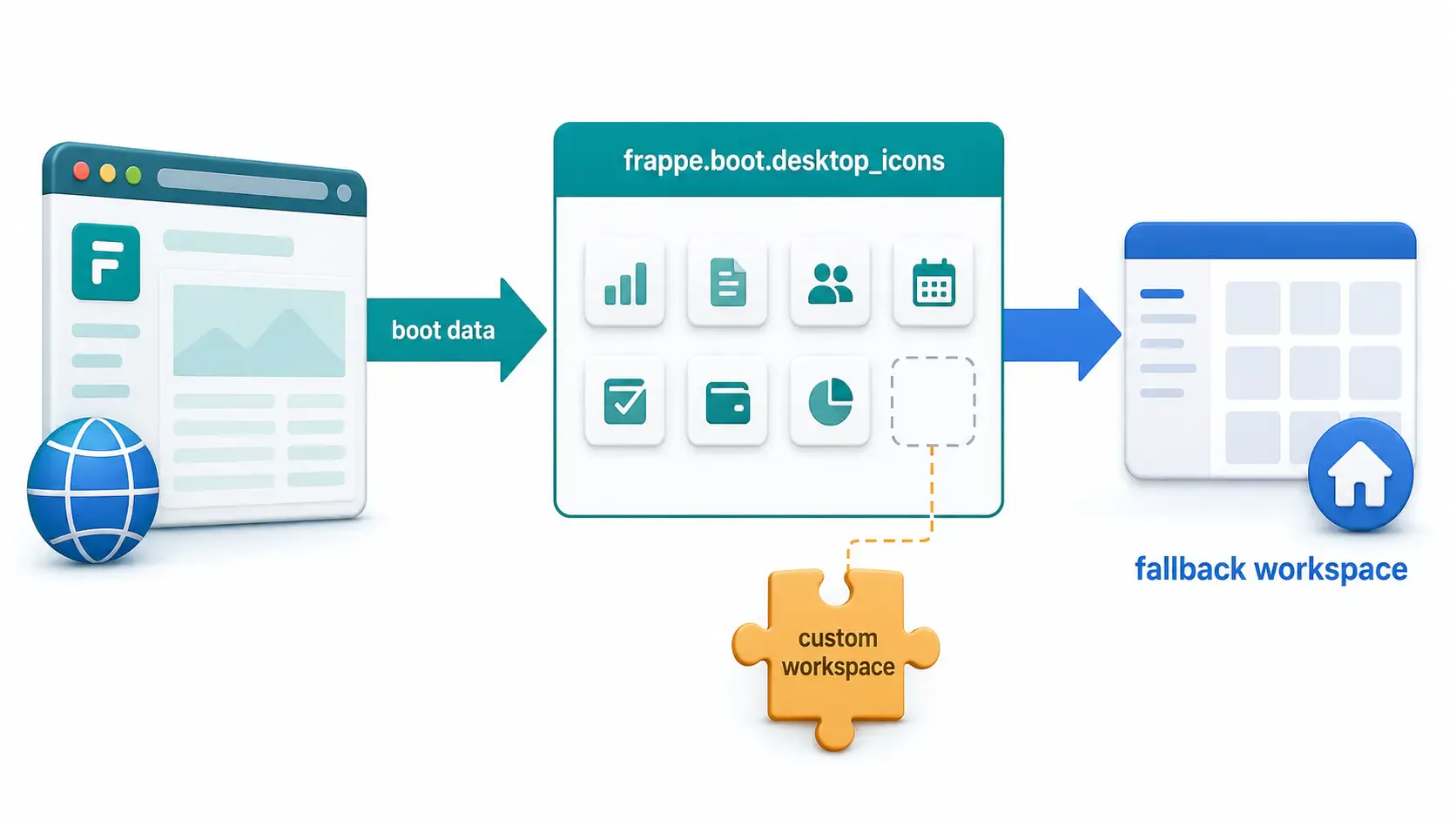
So this isn't a permissions bug or a workspace bug. It's Frappe picking the wrong link, and you can't reliably fix it by editing workspaces.
The robust fix: intercept the click yourself and send the user to their own dashboard before Frappe's router runs.
app_include_js, the hook used to load this script into Desk.addEventListener — reference for the capture-phase listener option.preventDefault() and MDN stopPropagation() — the browser APIs used to stop the bad navigation.your_app). Create one with bench new-app your_app and install it on your site with bench --site your_site install-app your_app.bench --site your_site set-config developer_mode 1
bench clear-cache
You can do this entirely from the UI.
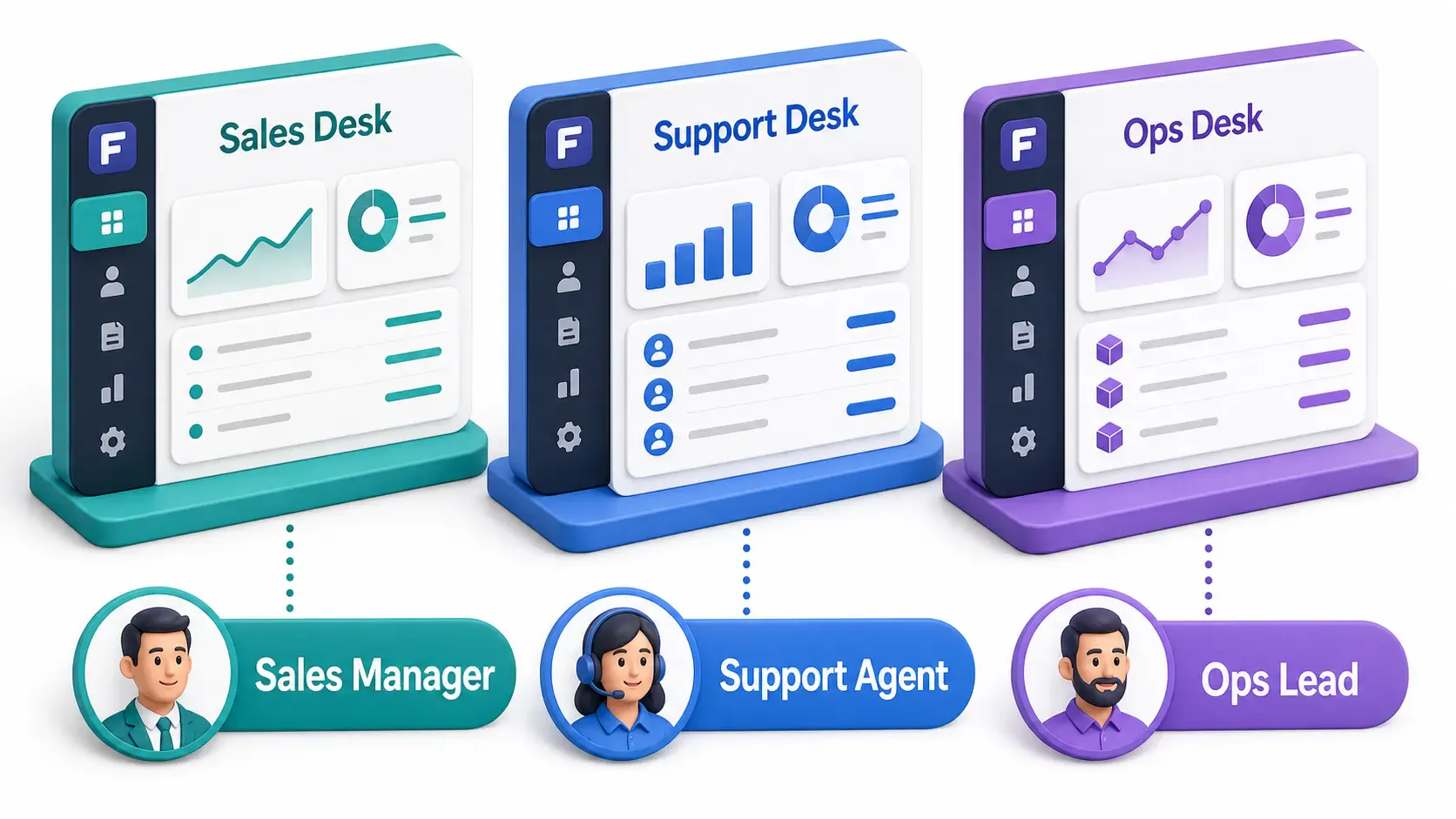
/app (the desk) as an Administrator.By default a public workspace is visible to everyone. To limit it to a role:
Sales Manager).Repeat for each role: Support Desk → Support Agent, Ops Desk → Ops Lead, etc.
The workspace's URL slug is its title lowercased with spaces as hyphens — Sales Desk →
/desk/sales-desk. You'll reuse these slugs in the script below.
If you want these workspaces to deploy automatically on other sites, export them as Frappe fixtures. In your app's hooks.py:
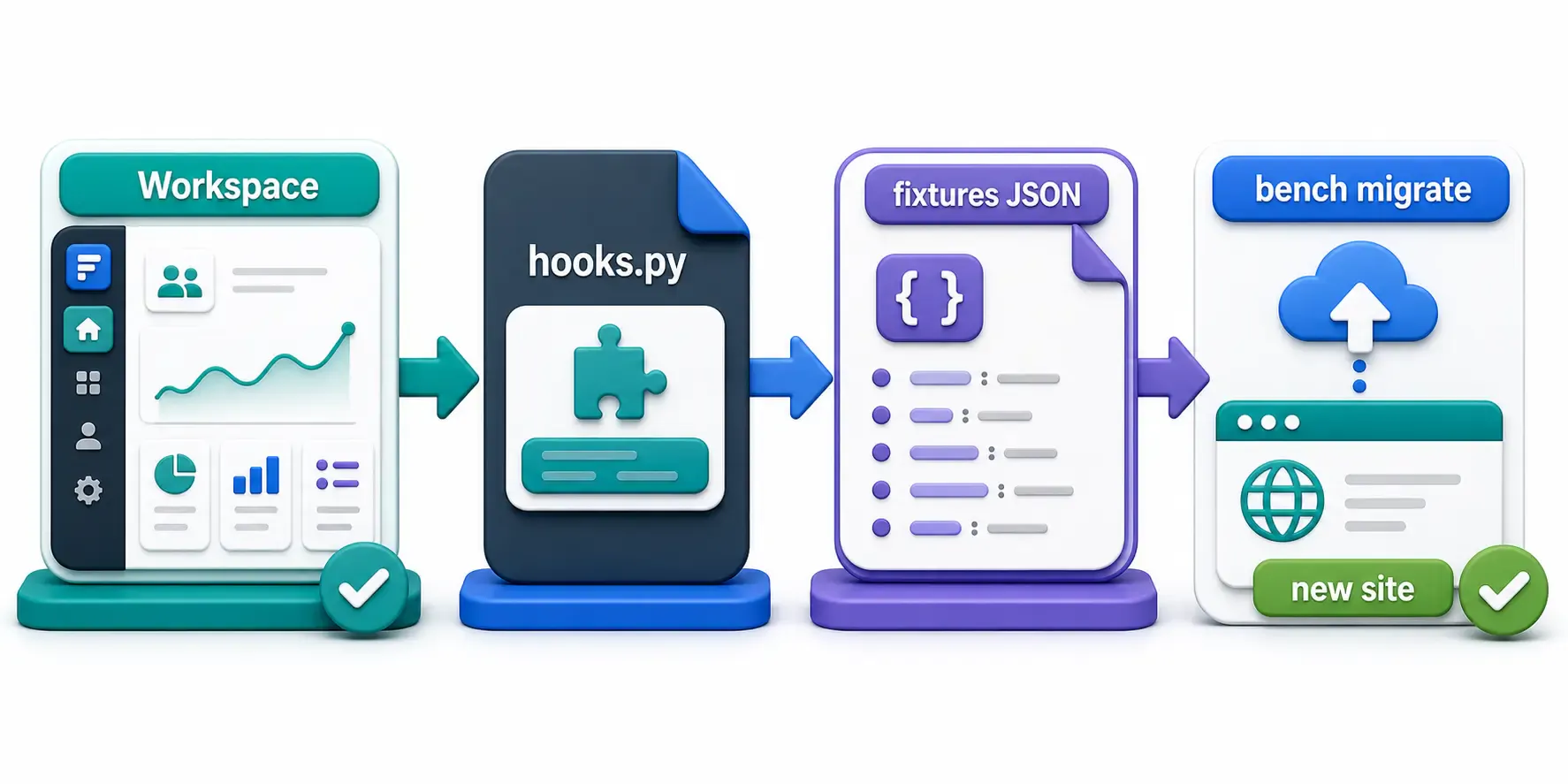
fixtures = [
	{"dt": "Workspace", "filters": [["module", "=", "Your App"]]},
]
Then export and commit:
bench --site your_site export-fixtures --app your_app
This writes the workspace JSON into your_app/your_app/fixtures/, so bench migrate recreates them anywhere.
Create the JavaScript file inside your app's public folder:
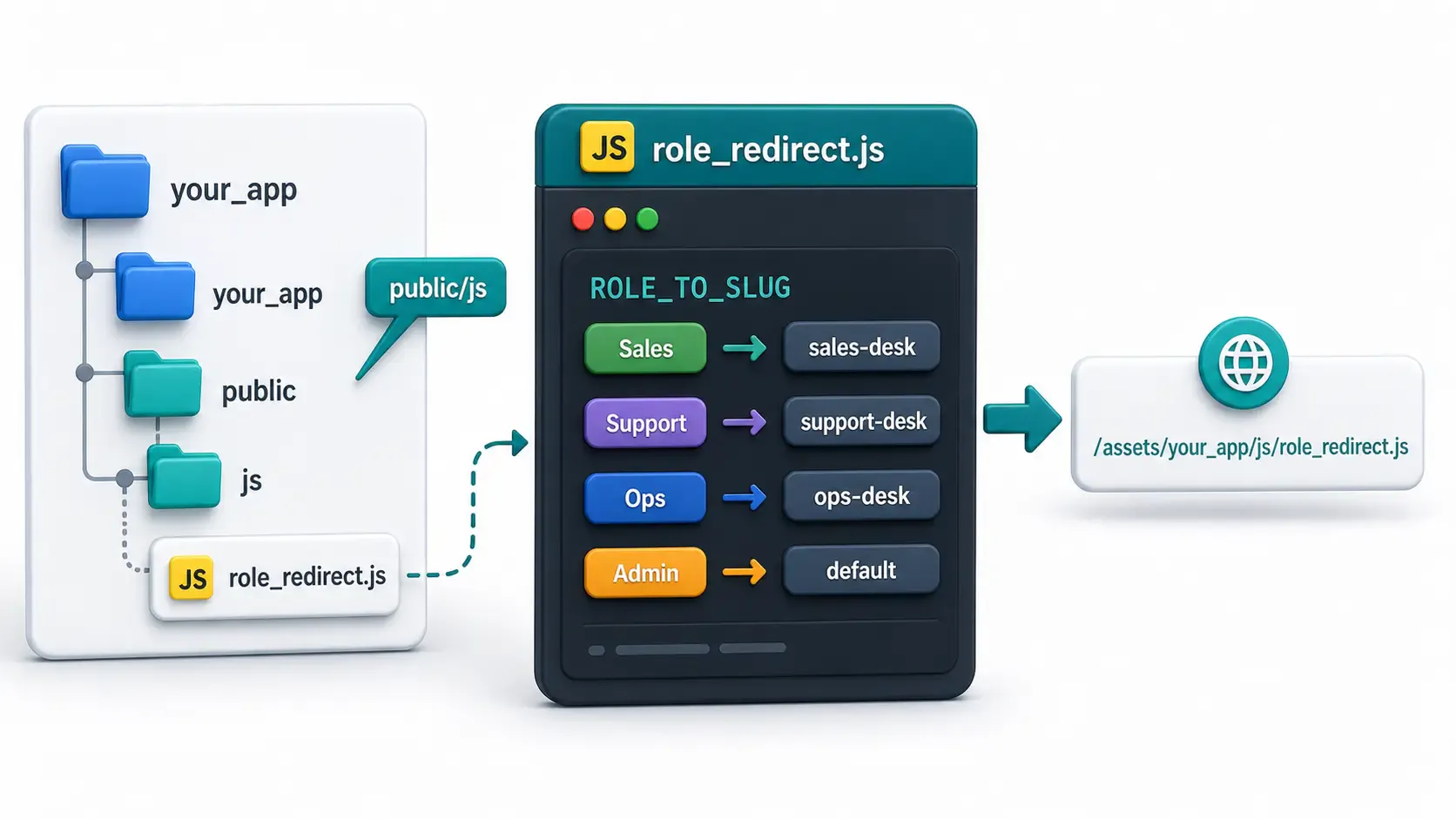
your_app/your_app/public/js/role_redirect.js
Anything under your_app/public/ is served at /assets/your_app/... after a build. So this file will be available at:
/assets/your_app/js/role_redirect.js
Start it as a single self-running function (an IIFE) and define your role → route map. Keep the map in one place so it's easy to maintain.
// your_app/public/js/role_redirect.js
(function () {
  // Most specific role first. Slugs match your workspace routes (/desk/<slug>).
  const ROLE_TO_SLUG = [
    ["Sales Manager", "sales-desk"],
    ["Support Agent", "support-desk"],
    ["Ops Lead", "ops-desk"],
  ];

  // Bare desk/home paths that should bounce to the role's dashboard.
  const HOME_PATHS = new Set(["/desk", "/desk/home", "/desk/dashboard"]);

  // All the role dashboards (so we can detect "you're on someone else's dashboard").
  const DASHBOARD_PATHS = new Set(
    ROLE_TO_SLUG.map(([, slug]) => "/desk/" + slug),
  );

  // The current user's own dashboard path — null for admins (let them roam freely).
  function my_dashboard_target() {
    const roles = frappe.user_roles || [];
    if (roles.includes("Administrator") || roles.includes("System Manager"))
      return null;
    for (const [role, slug] of ROLE_TO_SLUG) {
      if (roles.includes(role)) return "/desk/" + slug;
    }
    return null;
  }

  // ... Steps 2–4 go here, inside this same function ...
})();
This is the key. By listening in the browser capture phase (true as the third argument to addEventListener), our handler runs before Frappe's own click/router handler. We stop the bad navigation and route the user to their own dashboard instead.
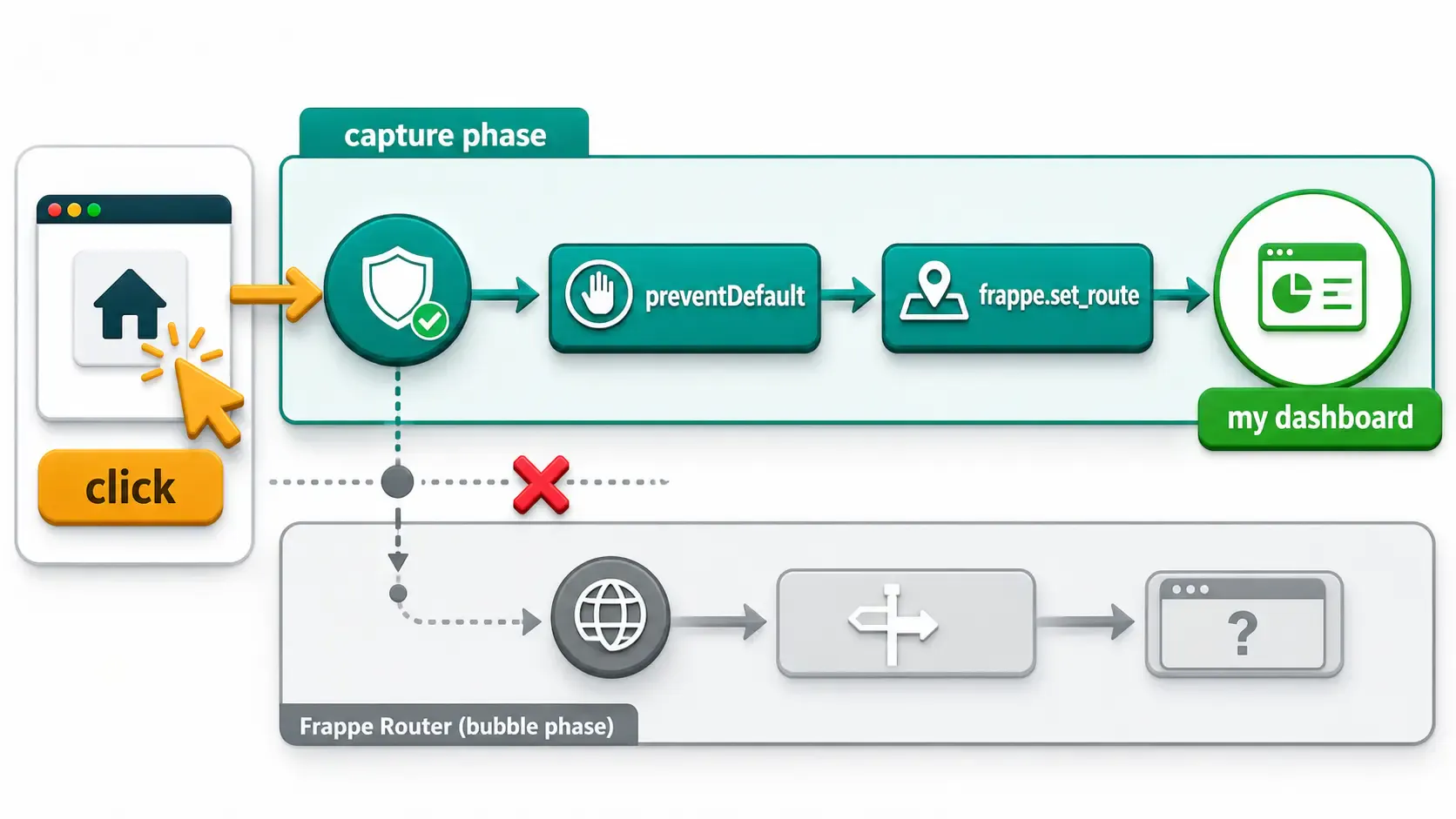
function intercept_breadcrumb_clicks() {
  if (document.__breadcrumb_patched) return;
  document.__breadcrumb_patched = true;

  document.addEventListener(
    "click",
    function (e) {
      const a = e.target.closest && e.target.closest(".navbar-breadcrumbs a");
      if (!a) return;

      const my = my_dashboard_target();
      if (!my) return; // admins / non-staff: leave breadcrumbs alone

      const href = (a.getAttribute("href") || "").replace(/\/+$/, "");
      const is_home = href === "/desk" || HOME_PATHS.has(href);
      const is_foreign_dashboard = DASHBOARD_PATHS.has(href) && href !== my;

      // Only act on the home icon or a dashboard that isn't theirs.
      if (!is_home && !is_foreign_dashboard) return;

      e.preventDefault();
      e.stopPropagation();
      frappe.set_route(my + "/");
    },
    true, // capture phase — runs before Frappe's own handler
  );
}
Notes:
e.stopPropagation() in the capture phase prevents Frappe's bubbling handler from also firing./desk landing (and trailing slashes)Clicking the home icon is one path; landing on /desk directly (after login, or via the app launcher) is another. Add a redirect on route change. Watch out for trailing slashes — /desk/ won't match /desk unless you normalize it.
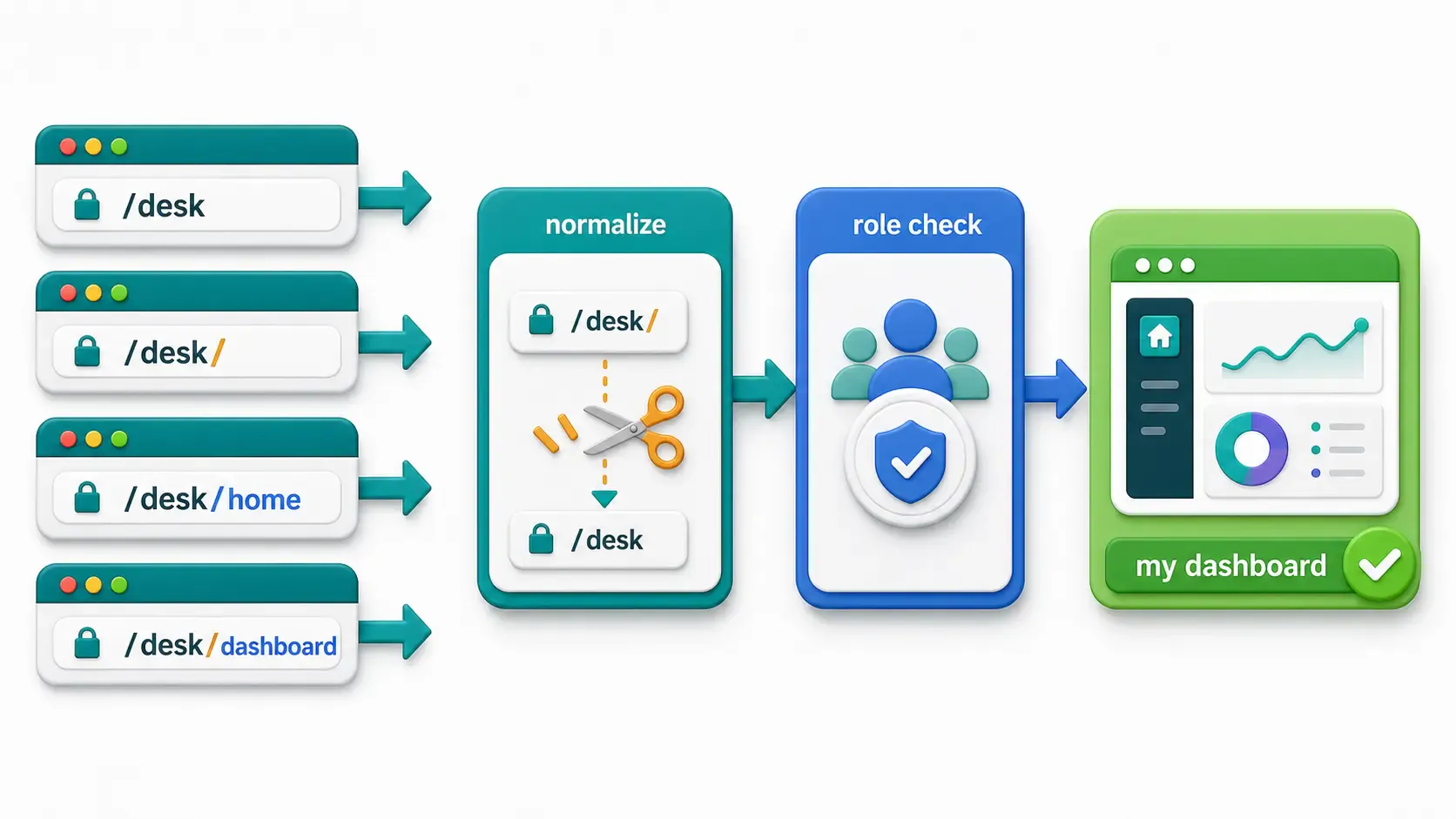
function safe_redirect() {
  if (!frappe.boot || !frappe.user_roles) return;

  const my = my_dashboard_target();
  if (!my) return;

  // Normalize: "/desk/" -> "/desk", "/desk/sales-desk/" -> "/desk/sales-desk"
  const path = window.location.pathname.replace(/\/+$/, "") || "/desk";
  if (path === my) return; // already home

  const on_home = HOME_PATHS.has(path);
  const on_foreign = DASHBOARD_PATHS.has(path) && path !== my;

  if (on_home || on_foreign) {
    frappe.set_route(my + "/");
  }
}
Still inside the same IIFE, bind the interceptor immediately (so the very first click works) and run the redirect on every route change.
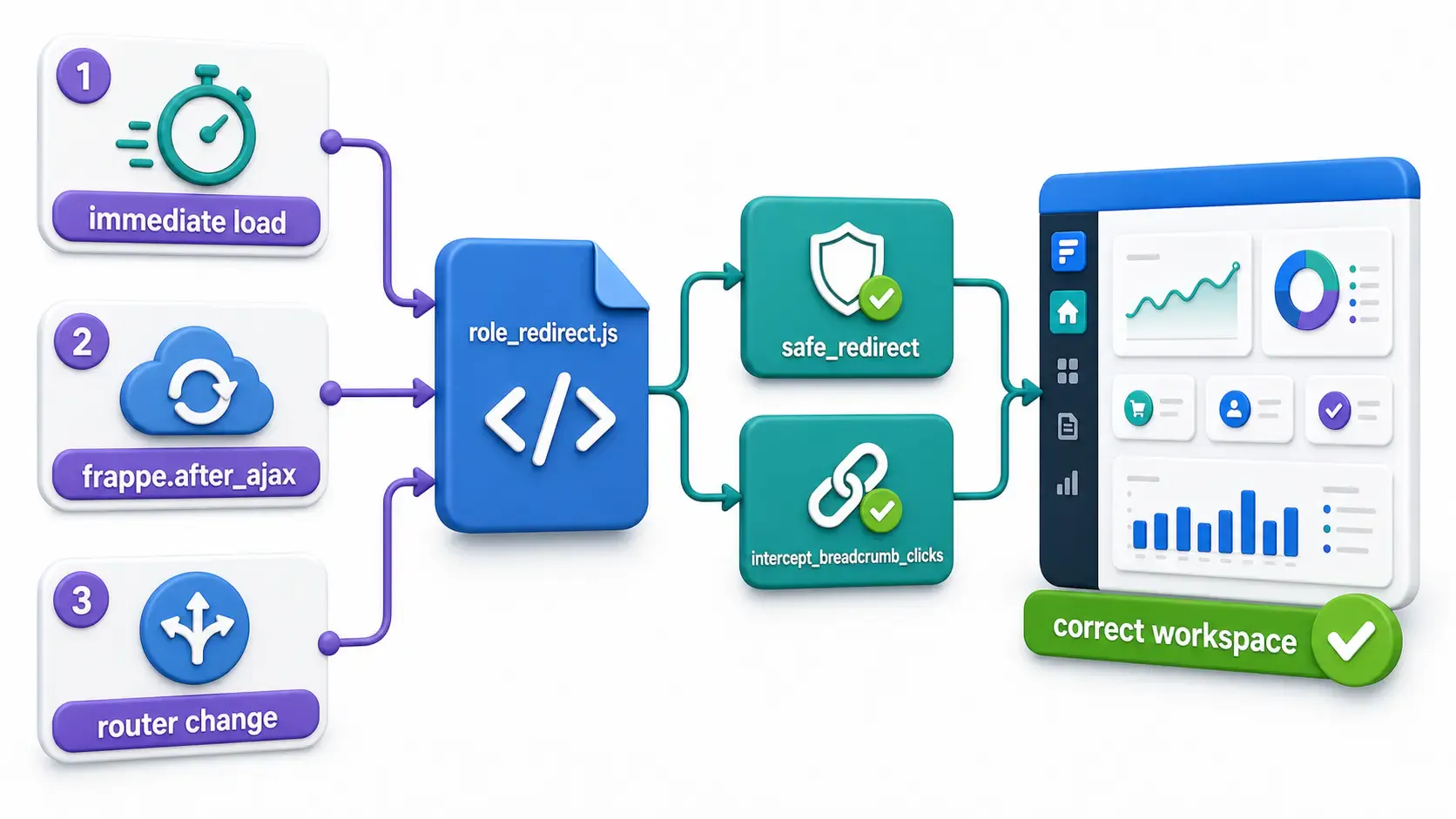
intercept_breadcrumb_clicks();

frappe.after_ajax(() => {
  intercept_breadcrumb_clicks();
  setTimeout(safe_redirect, 1); // let the router finish mounting
});

if (frappe.router && frappe.router.on) {
  frappe.router.on("change", () => setTimeout(safe_redirect, 1));
}
The file won't load on its own. You must tell Frappe to include it on the Desk via app_include_js in your app's hooks.py:
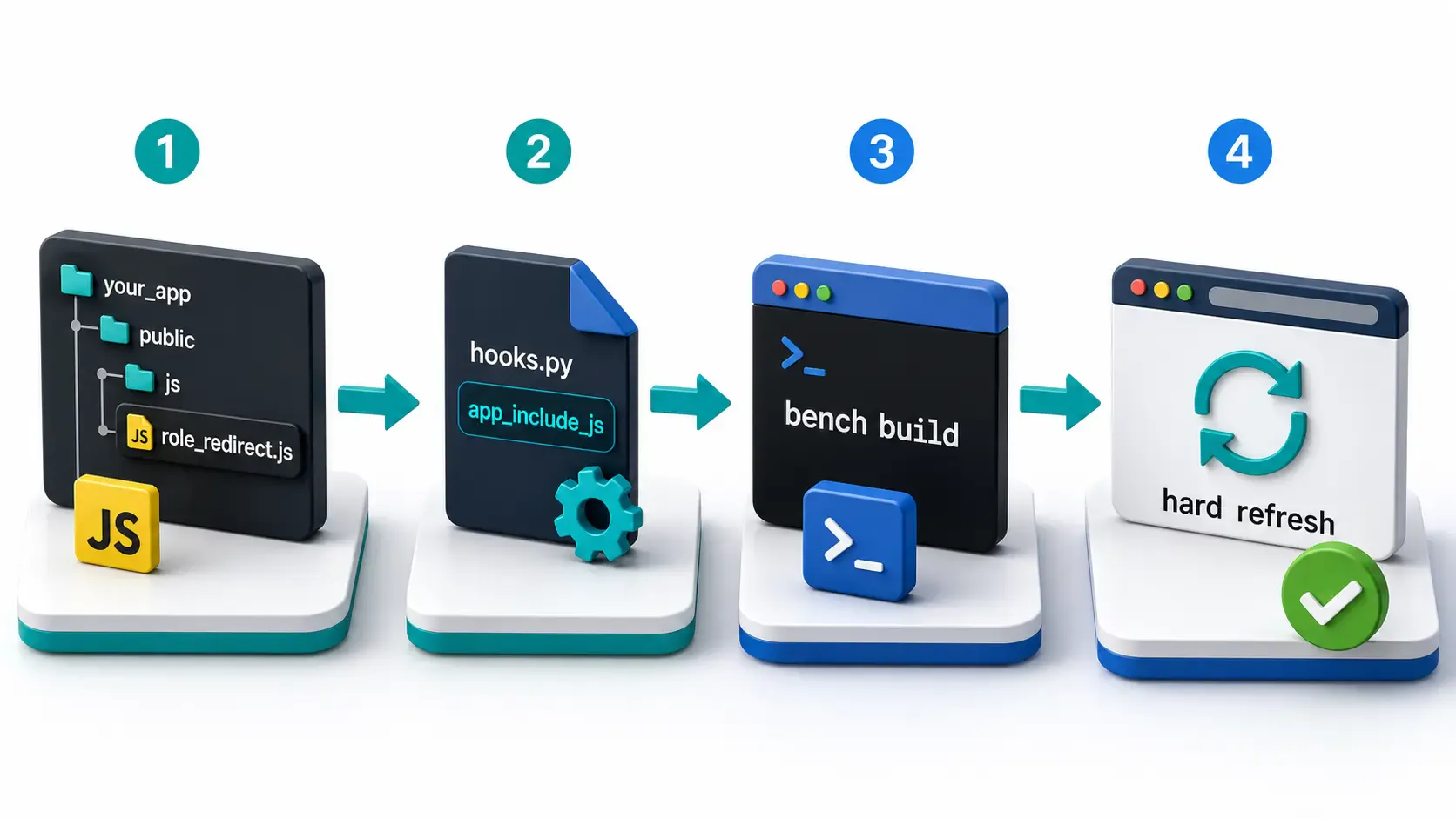
your_app/your_app/hooks.py
# Loaded on every desk page
app_include_js = [
	"/assets/your_app/js/role_redirect.js",
]
Use the
/assets/...path, not thepublic/source path. Frappe serves built assets from/assets/<app>/....
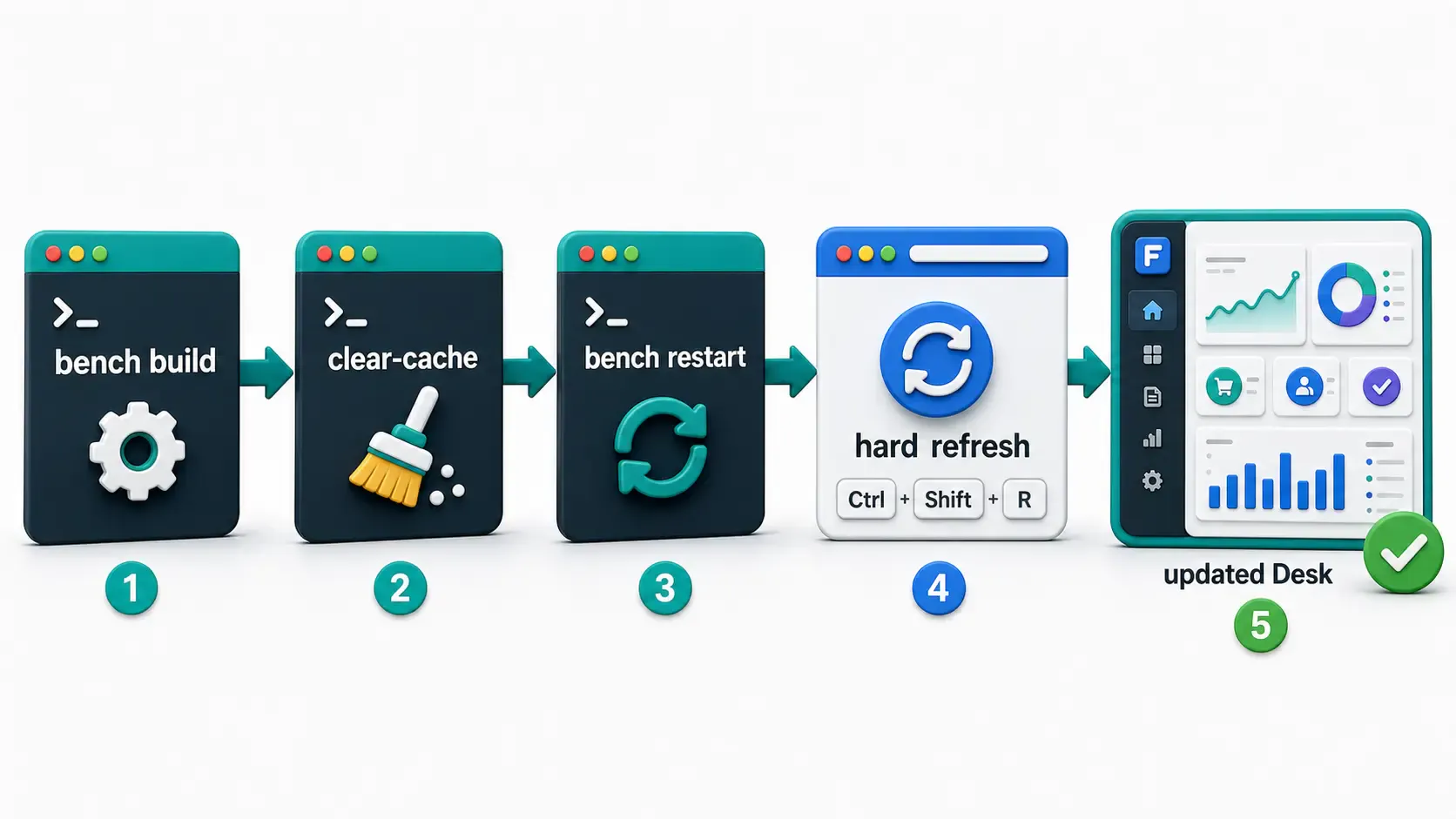
bench build --app your_app
bench clear-cache
bench restart
Hard-refresh the browser (Ctrl/Cmd + Shift + R) to clear the old bundle.
Frappe Desk behaves like a single-page app. It binds a global click handler that intercepts <a> clicks and routes them internally. If you listen in the normal (bubbling) phase, your handler runs after Frappe's — too late; the navigation already happened.
Listening with addEventListener("click", handler, true) runs your handler in the capture phase, which fires top-down before bubbling. Combined with preventDefault() + stopPropagation(), you get the final say on where the click goes.
This pattern is handy any time you need to override Frappe's built-in link behavior without forking core.
After building, test with real users or clean test accounts. Don't use one overloaded admin account for every test, because extra roles can hide the problem. 🕵️
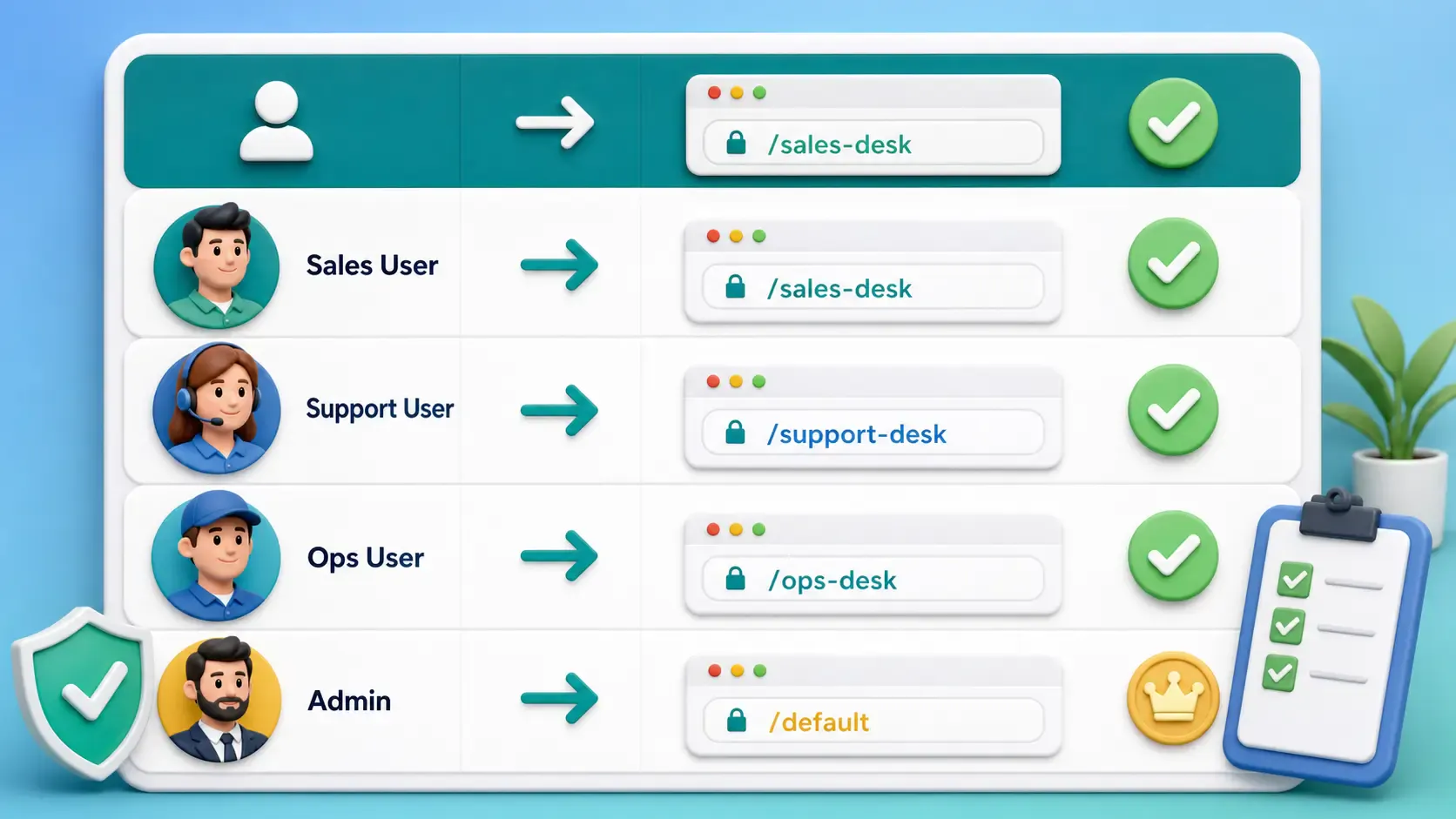
| User type | Expected behavior |
|---|---|
Sales Manager only | /desk and the home icon should land on /desk/sales-desk/ |
Support Agent only | /desk and the home icon should land on /desk/support-desk/ |
Ops Lead only | /desk and the home icon should land on /desk/ops-desk/ |
System Manager / Administrator | No forced redirect; they keep normal Desk behavior |
| User with no mapped role | No forced redirect; they keep normal Desk behavior |
my_dashboard_target() returns null for System Manager / Administrator, so they keep Frappe's default behavior (and the app launcher when they have multiple apps). Don't force a single workspace on them.ROLE_TO_SLUG must match the actual /desk/<slug> routes of your workspaces (title lowercased, spaces → hyphens).bench build --app your_app + a hard refresh is required for changes to show up.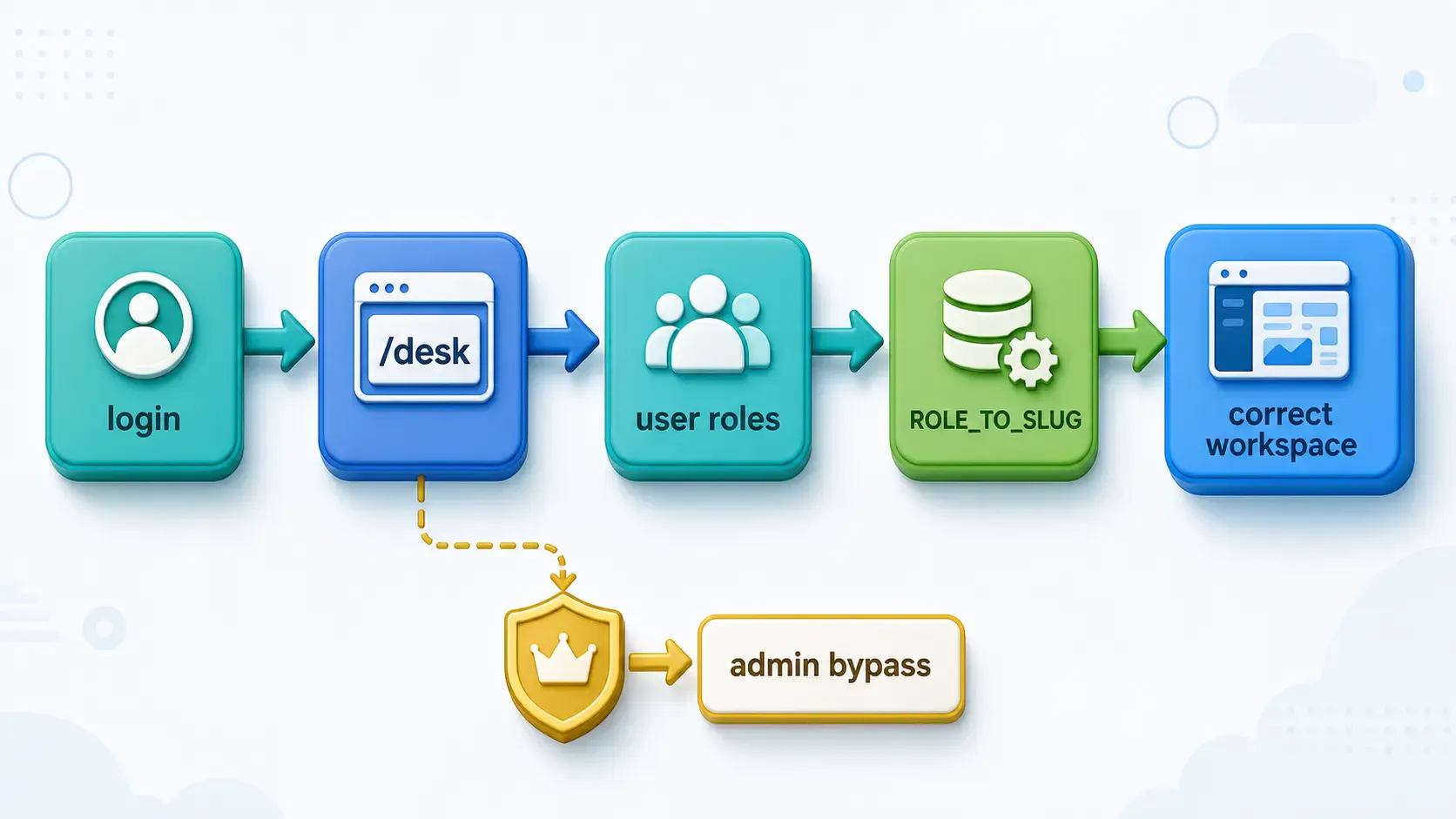
The full flow is simple:
/desk, /desk/home, /desk/dashboard, or clicks the breadcrumb home icon.frappe.user_roles.Custom per-role workspaces are a great way to give each team a focused landing page — but Frappe's breadcrumb home link doesn't always know about them. Create a workspace per role, restrict it by role, then add a tiny capture-phase click interceptor (registered through app_include_js) plus a route-change redirect. Now the home/monitor icon reliably sends every user back to their dashboard.
Drop it in, map your roles, build, and you're done.
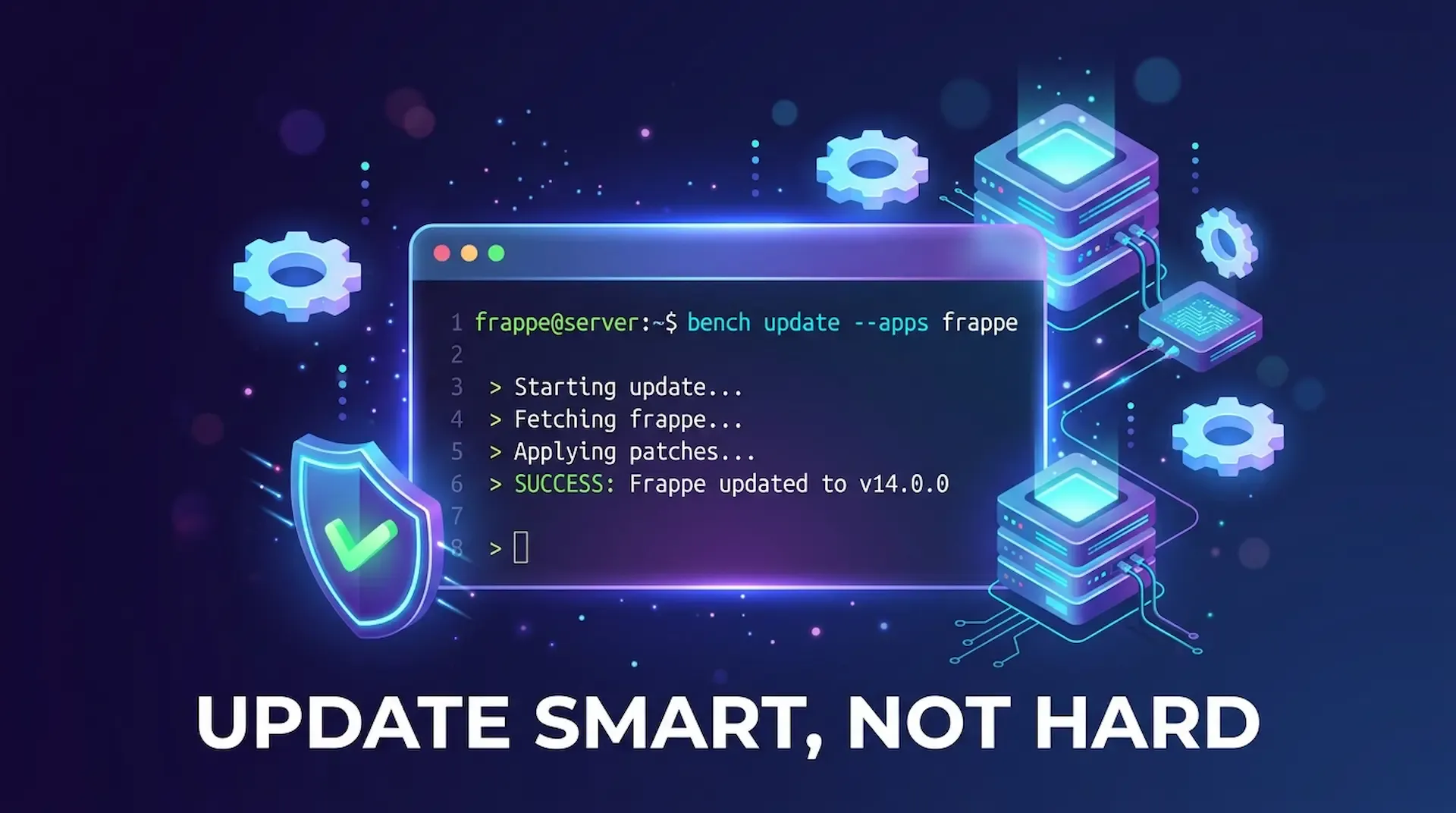
ired of bench update messing up your custom app? This guide shows you how to update only Frappe or any single app, fix common blockers like 503 errors and permission issues, and keep your bench stable.
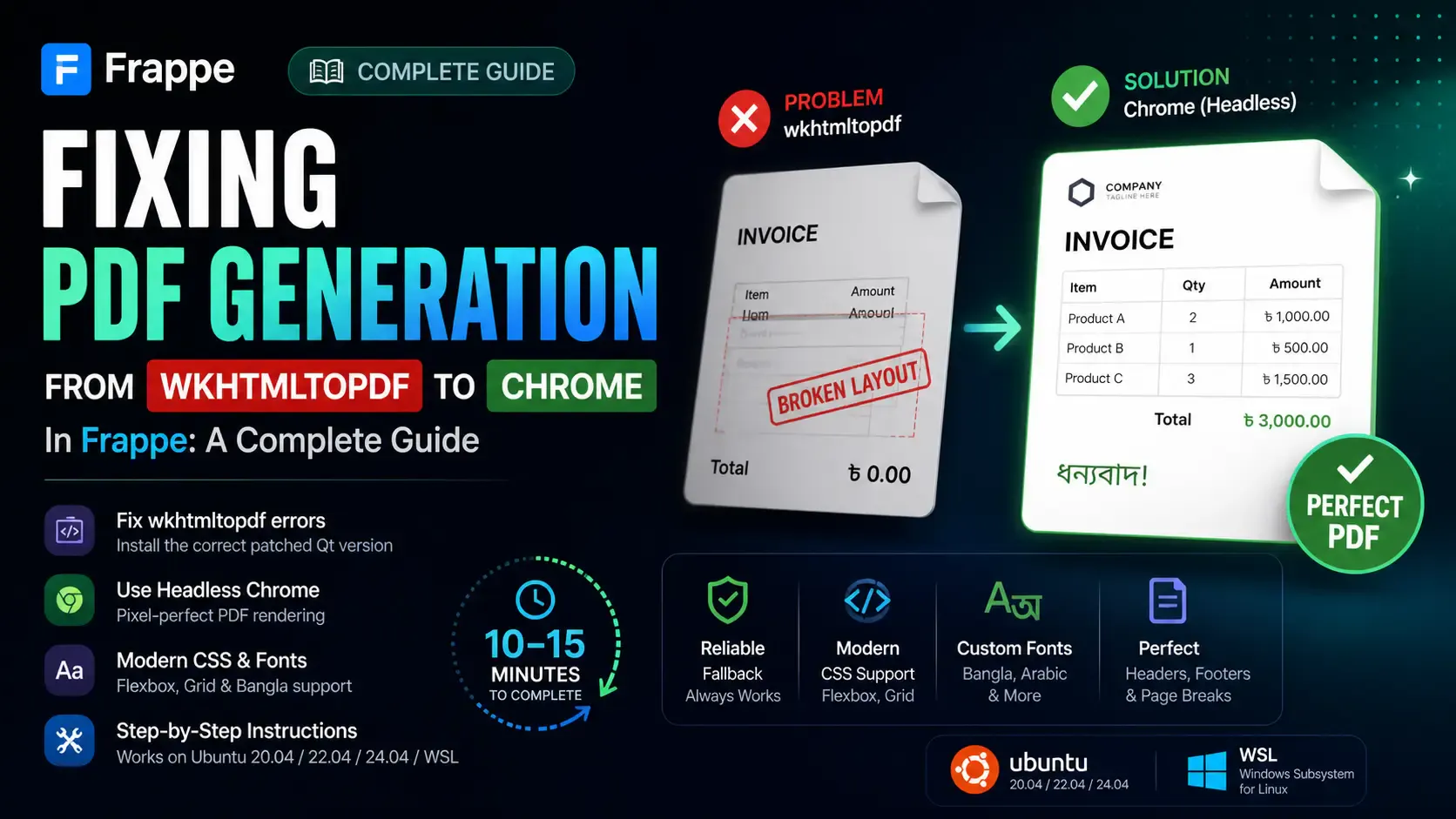
Getting the "Invalid wkhtmltopdf version" error in Frappe or ERPNext? Learn how to fix broken PDFs, install the patched Qt version, and switch to headless Chrome for pixel-perfect modern CSS and custom font support.
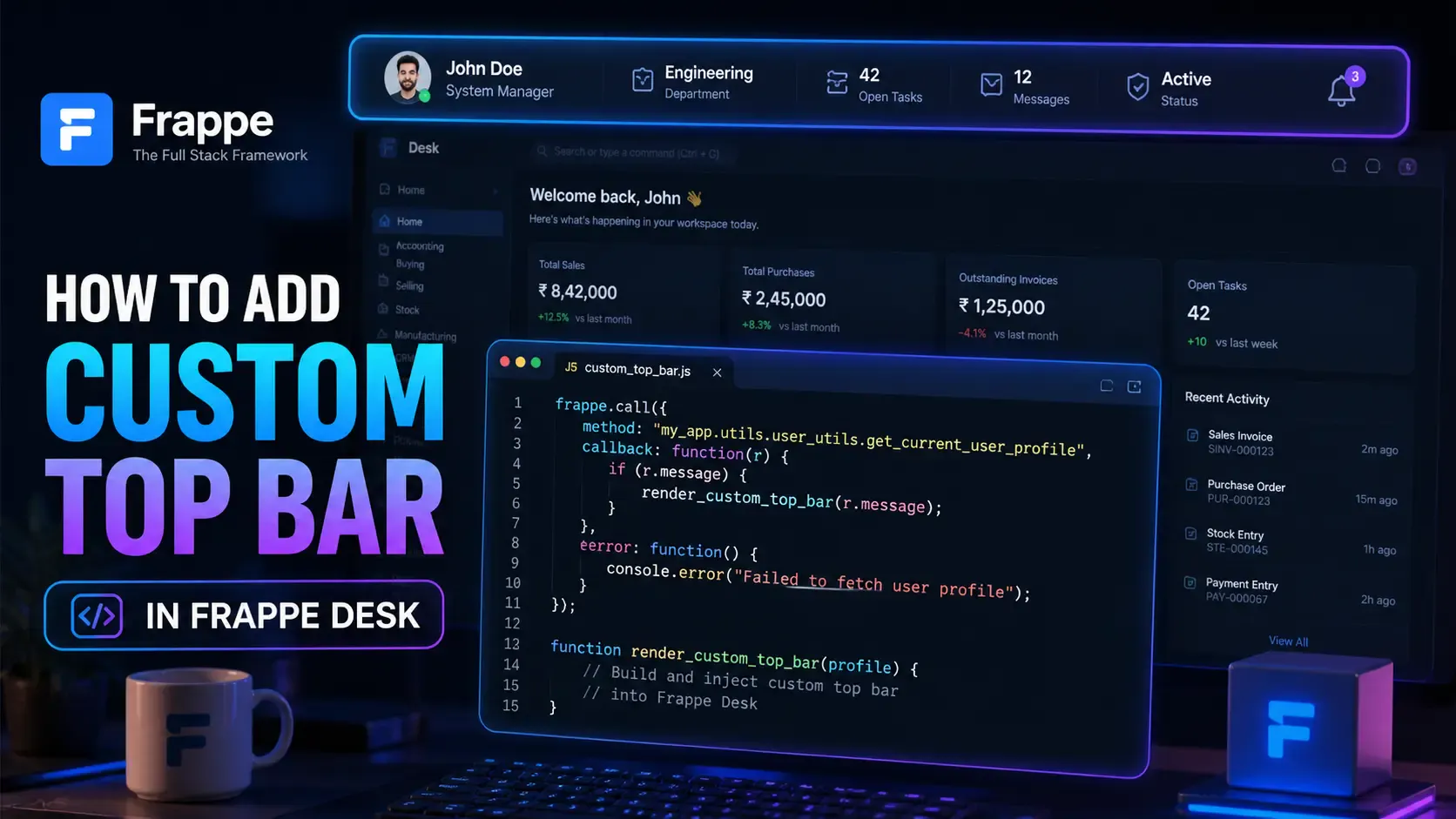
Learn how to enhance your Frappe Desk UI by adding a custom, dynamic top bar. Follow this beginner-friendly, step-by-step tutorial to display user profiles, statuses, and more!