Frappe Create Custom Reports in Seconds from the document list view
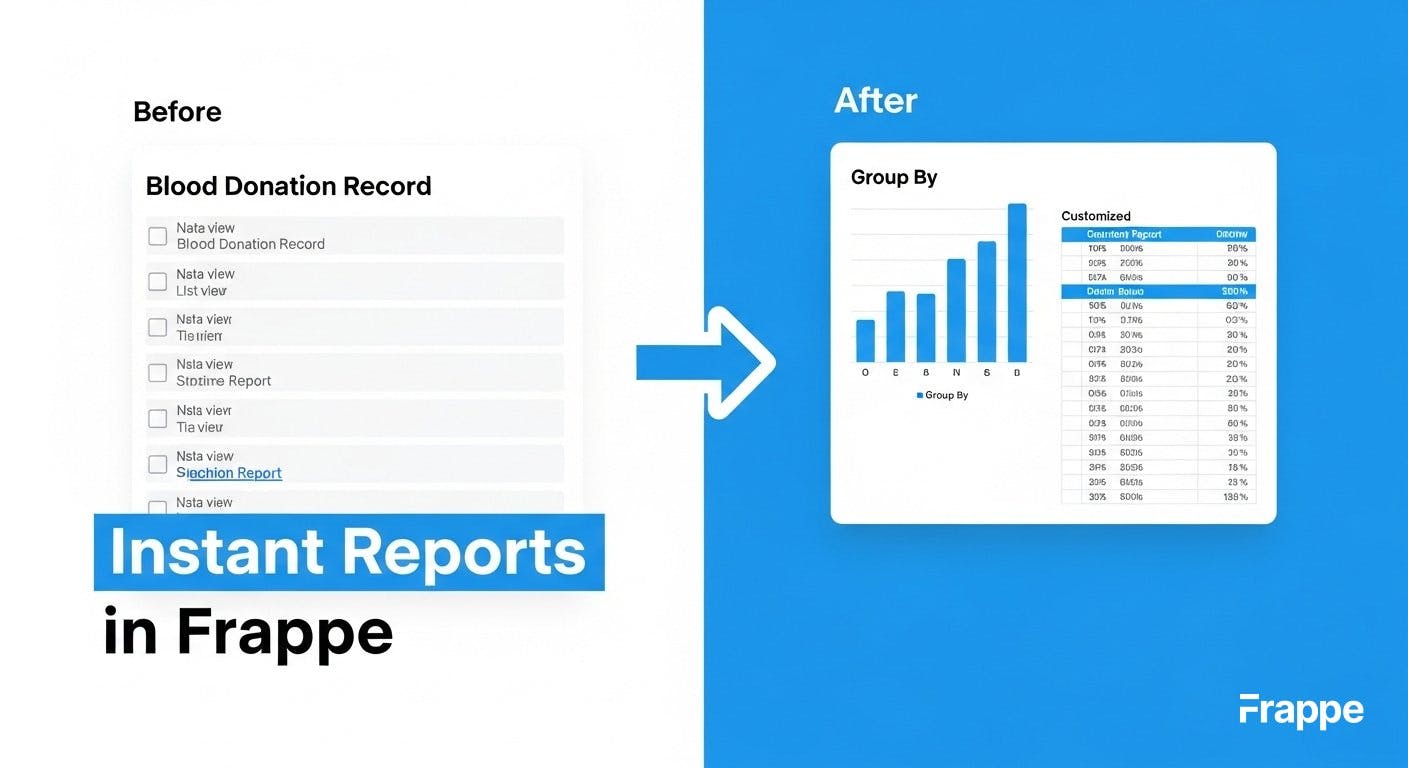
The Frappe framework is often called one of the most well-thought-out, "batteries-included" frameworks available, especially for building data-driven applications. If you've ever wrestled with building custom reports, you'll understand why in just a moment.
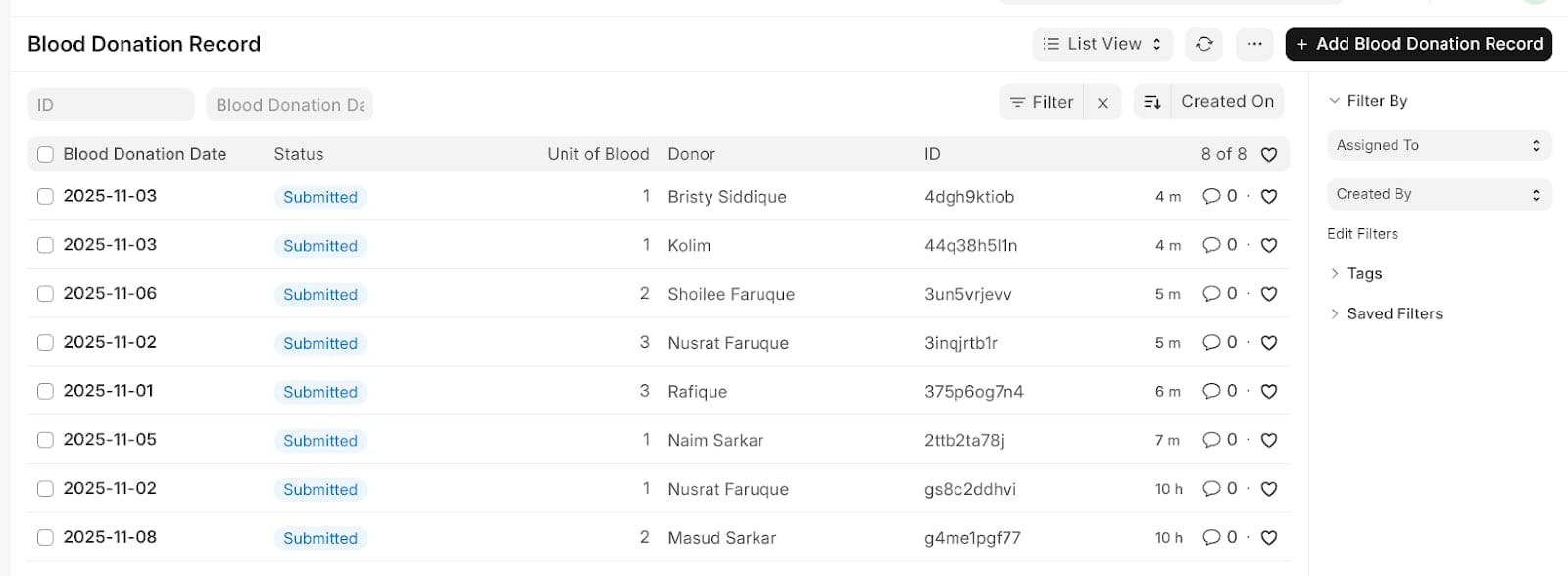
Let's use a custom DocType I created called Blood Donation Record. Here's the standard list view with a couple of sample entries.
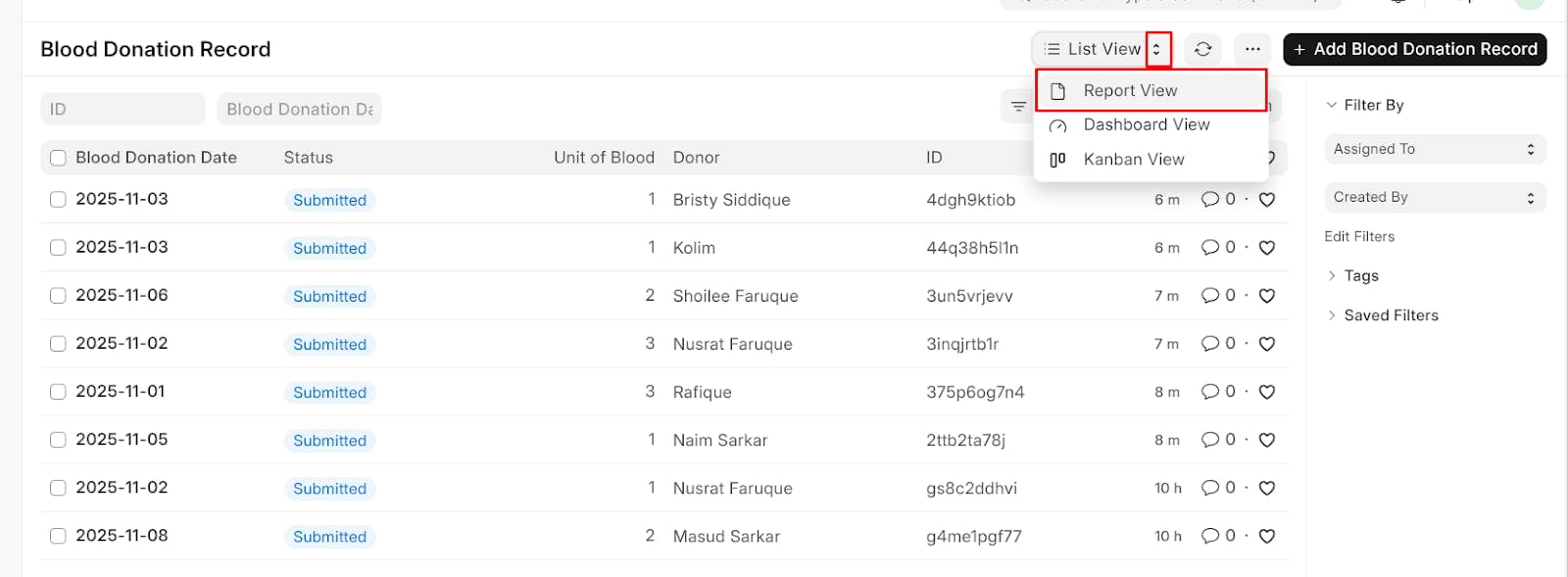
Here's where the magic begins. Notice the "Report" button in the top right? With a single click, Frappe instantly transforms this standard list view into a flexible report builder.
Just like that, we're in a report view. No code, no configuration, just an instant, filterable report.
But what if the default list view columns aren't what you need for your report? Simple. You can add or remove columns right from this view.
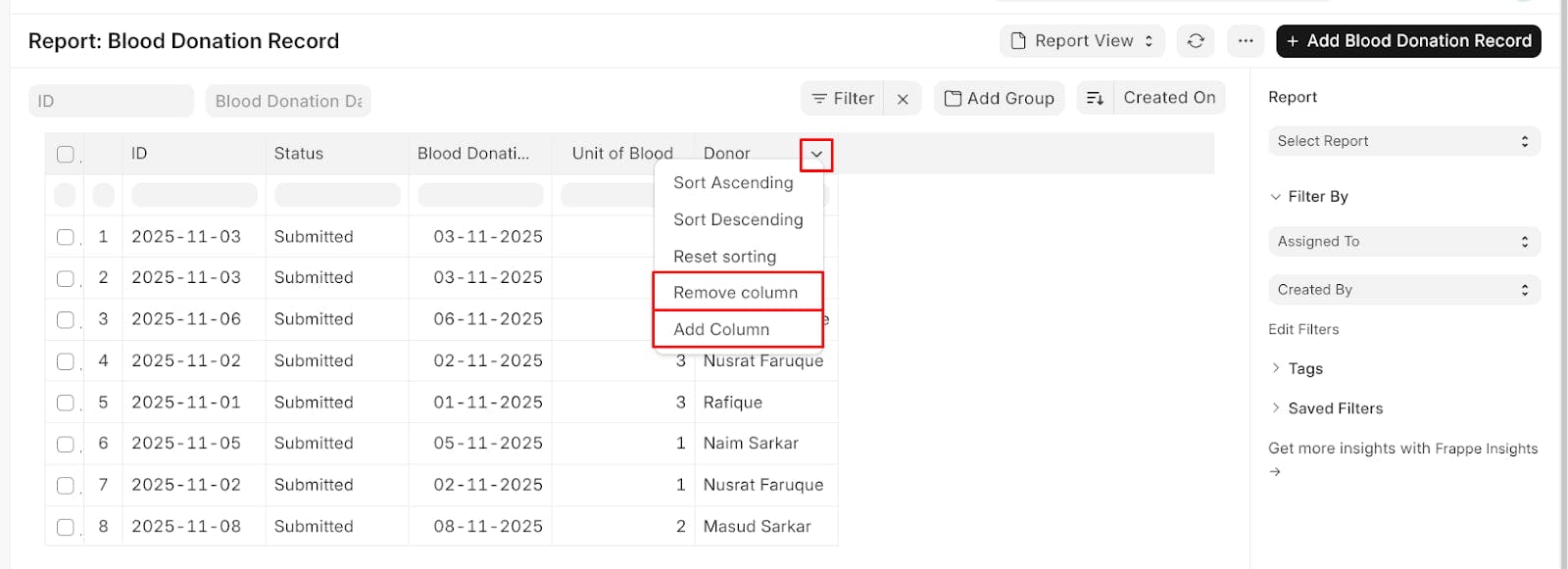
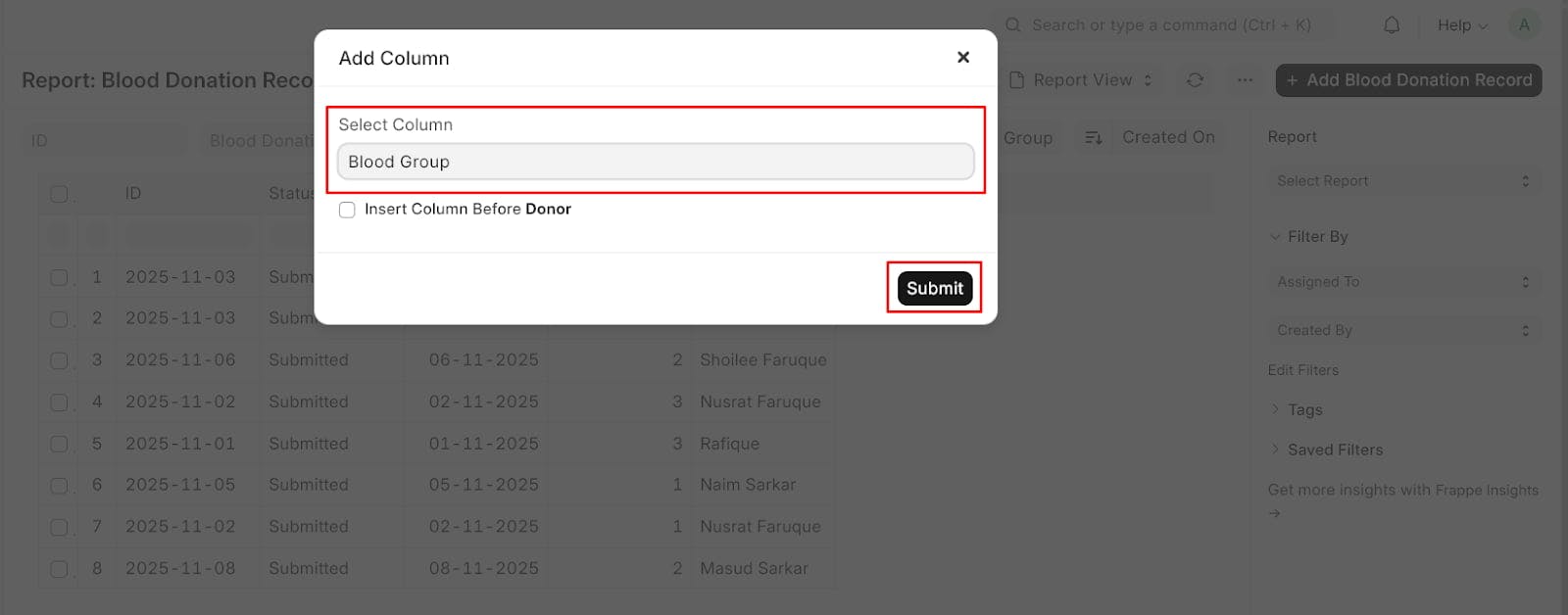
Let's say we need to see the Blood Group for each donation. We just click "Pick Columns," select "Blood Group" from the available fields...
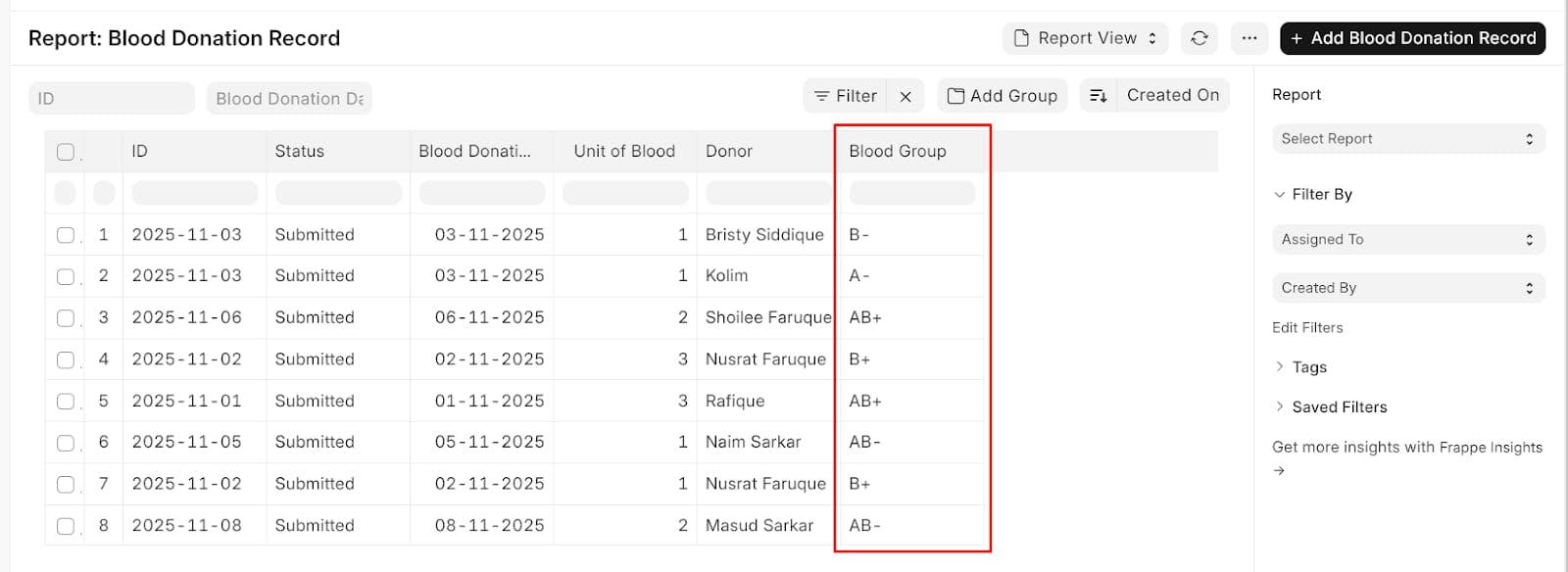
...and voilà! The "Blood Group" column is instantly added to our report. ✨
This is great, but what about data aggregation?
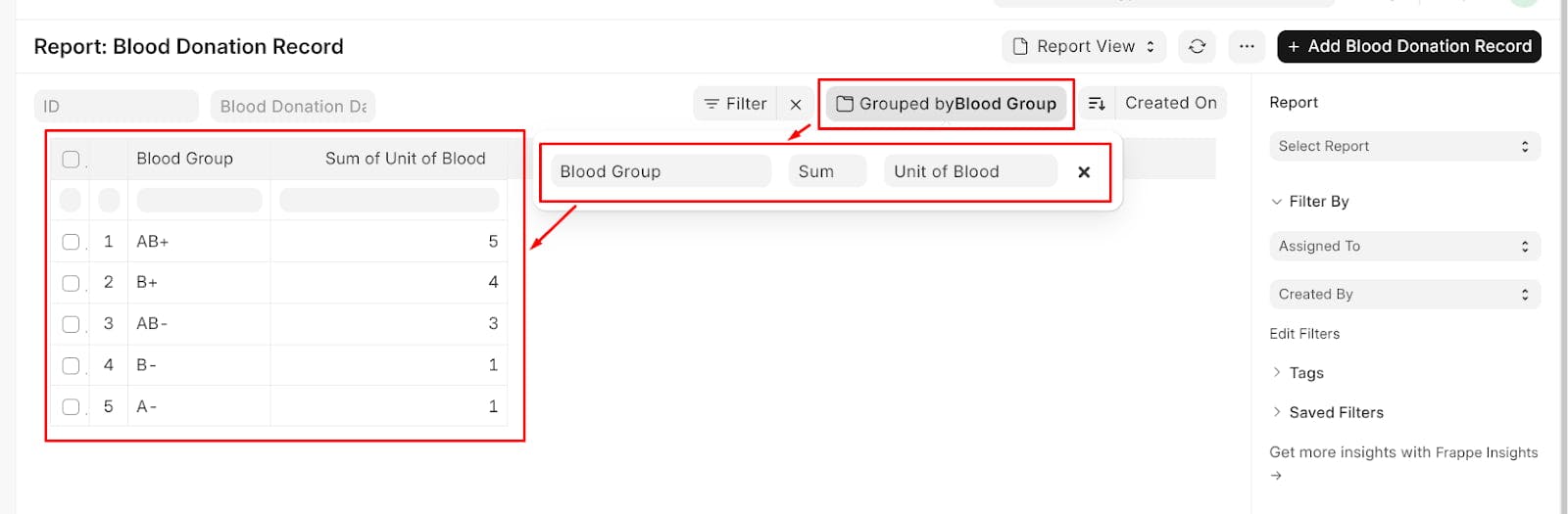
Frappe's got you covered. You can easily prepare a summary report using the "Group By" feature.
For instance, you could group by Blood Group to see how many donations you have for each type.
Now for the best part. After you've filtered, customized columns, and set up your groupings, you don't have to do it all over again. You can save this custom view as a new report.
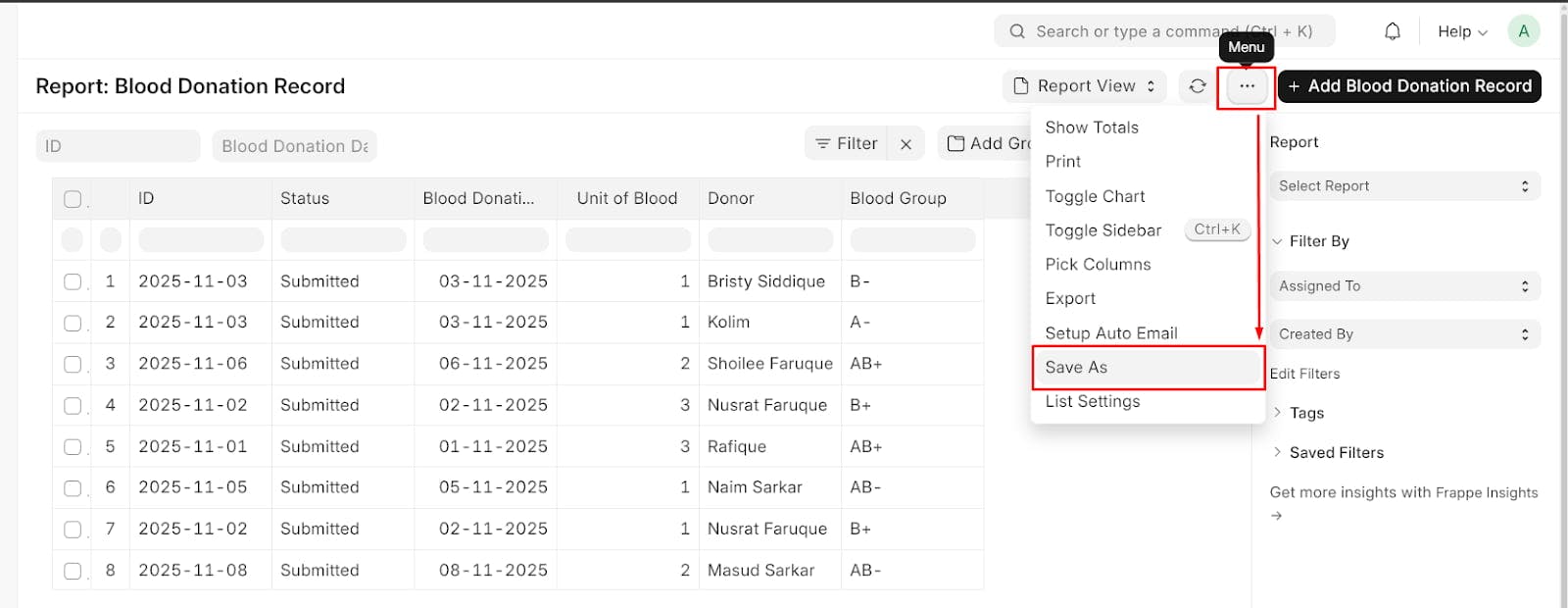
Once saved, your new report will appear in the sidebar under "Reports" for this DocType. Anyone with permission can now access this "Blood Donation by Group" report with one click, and it will always reflect the latest data.
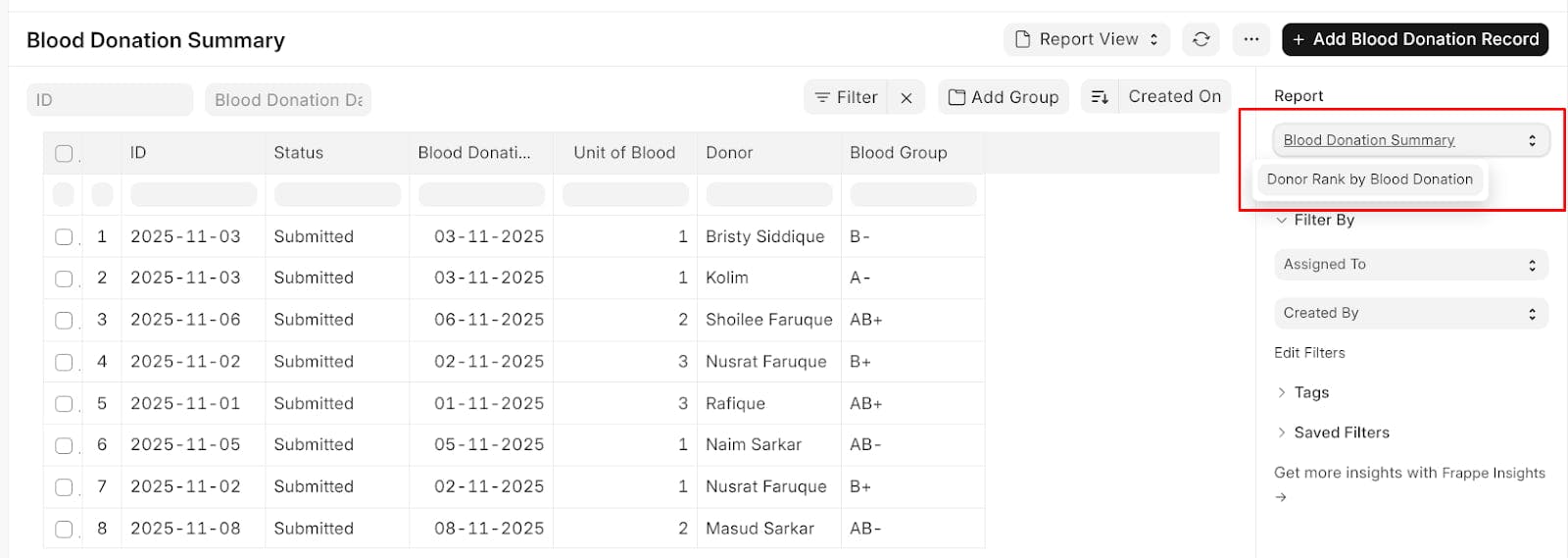
This seamless integration between the data list (DocType List) and a powerful, no-code Report Builder is a massive time-saver.
It empowers users—developers and non-technical staff alike—to quickly explore data and create valuable, reusable reports without writing a single line of SQL or Python.
That's the kind of thoughtful design that makes the Frappe framework so effective for building real-world applications quickly.
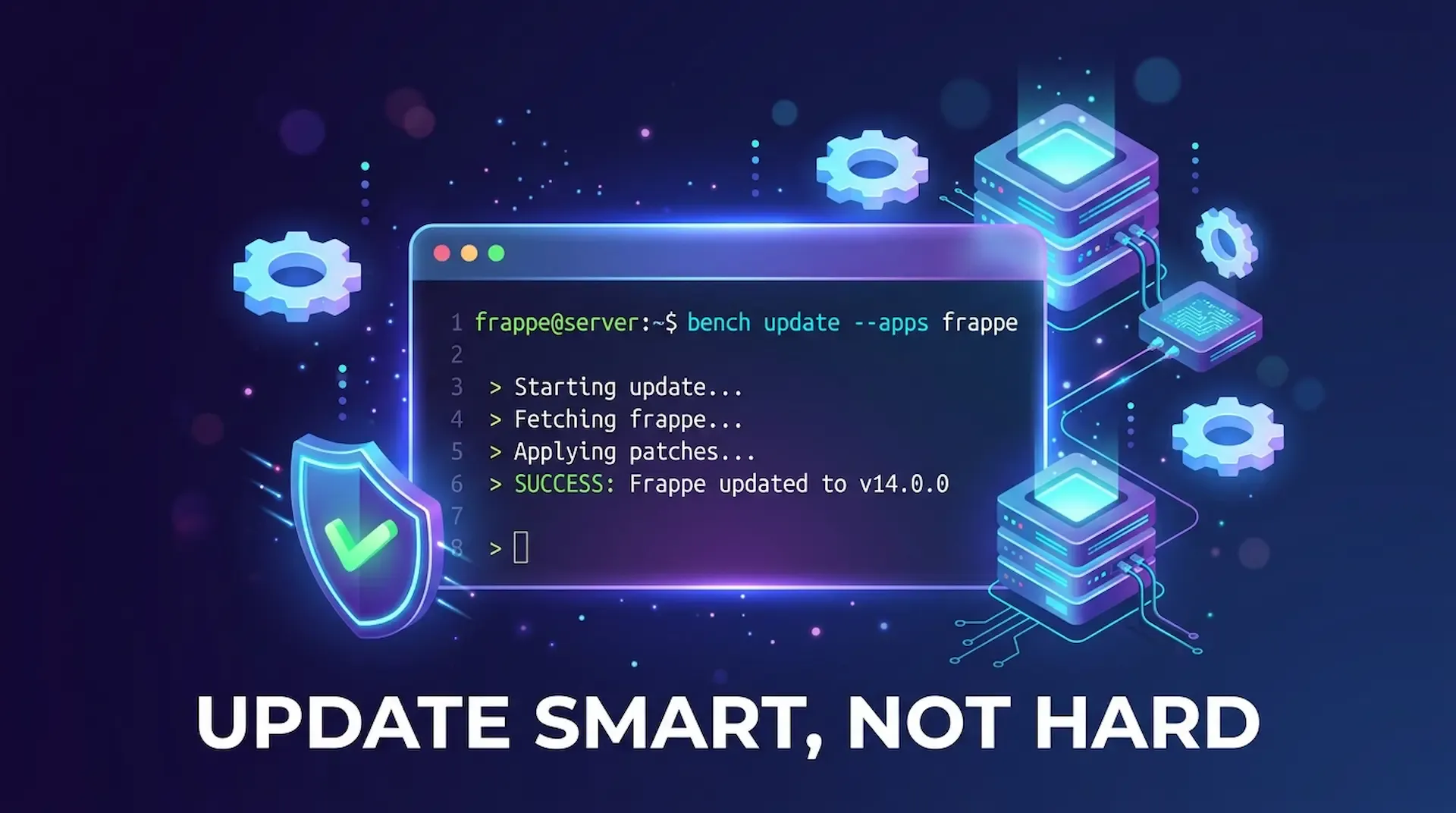
ired of bench update messing up your custom app? This guide shows you how to update only Frappe or any single app, fix common blockers like 503 errors and permission issues, and keep your bench stable.
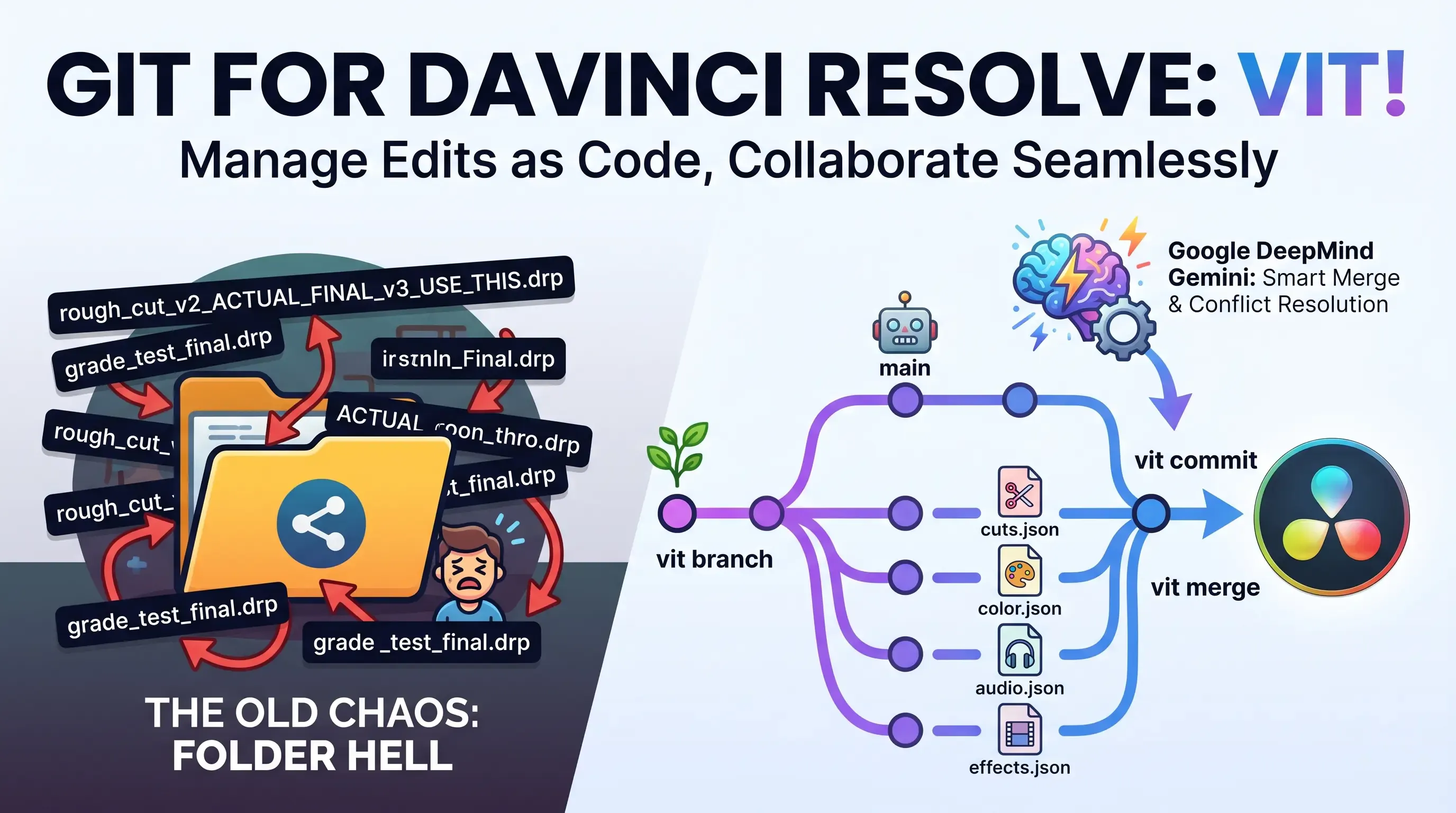
Explore Vit, the revolutionary tool that uses AI semantic merges to resolve video editing conflicts in DaVinci Resolve. Perfect for editors, colorists, and sound designers.
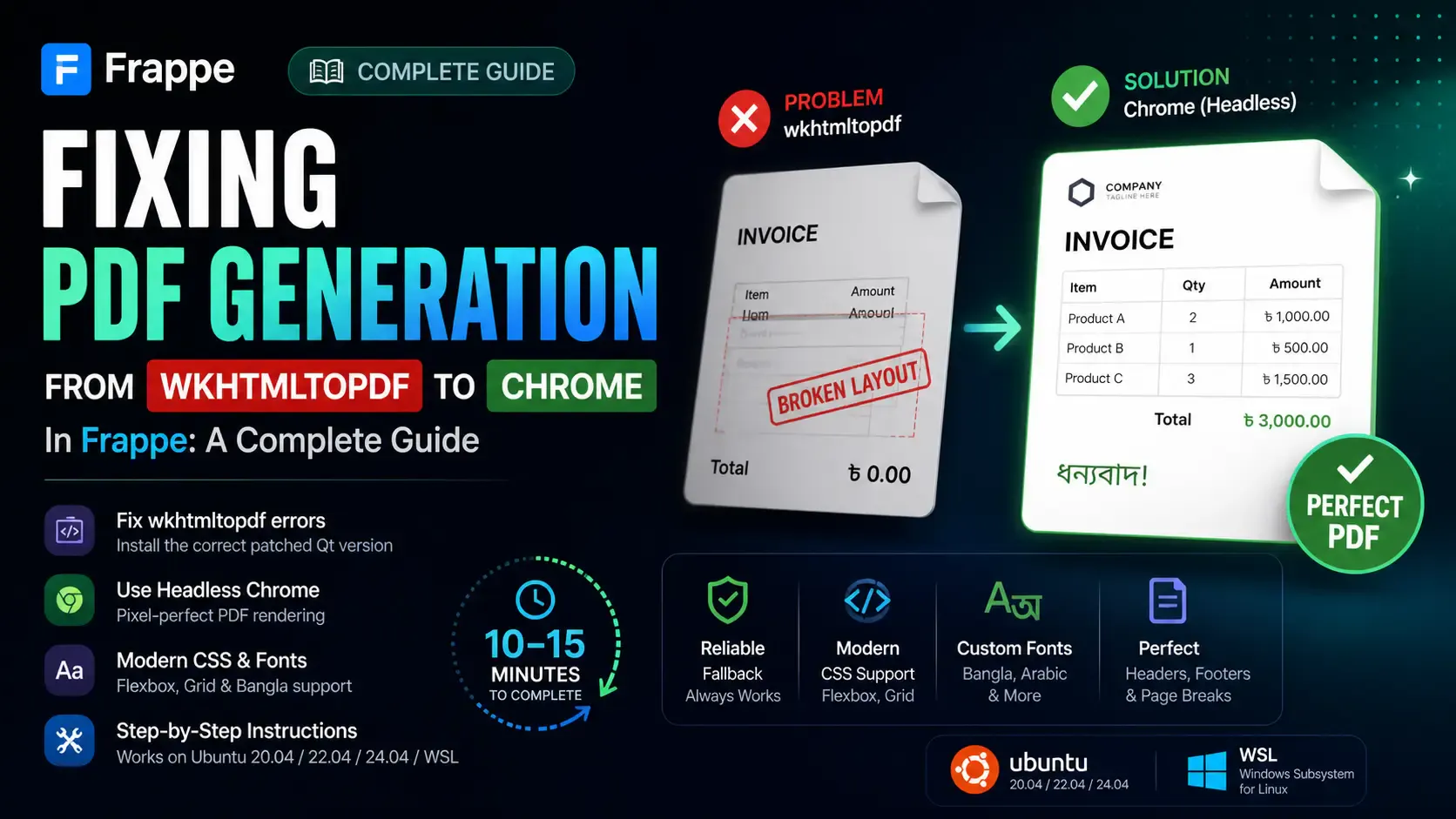
Getting the "Invalid wkhtmltopdf version" error in Frappe or ERPNext? Learn how to fix broken PDFs, install the patched Qt version, and switch to headless Chrome for pixel-perfect modern CSS and custom font support.