How to Transcribe Mixed-Language Video with Gemini (Bangla & English)
Okay, I have to confess something. 🙈
I honestly didn't know this was possible. I spent hours trying different prompts, failing miserably, and feeling like a total n00b. But finally, I cracked the code, and the solution is so simple it makes me feel a bit silly for missing it. 😅
If you are a content creator who speaks in mixed languages (like "Banglish" — a mix of Bangla and English) and you've been struggling to get accurate transcriptions, this guide is going to change your life. 🚀
When I record my tutorials for YouTube, I naturally switch between Bangla (80%) and English (20%).
Most AI tools choke on this. They either give you broken English or completely ignore the non-English parts. But Google Gemini is different—if you know how to ask. 😉
Here is the exact process to turn your mixed-language video into a polished, professional English article or transcript.
First things first: Don't extract the audio.
Upload your video file directly into Gemini. Gemini's multimodal capabilities allow it to "watch" and "listen" to the video file natively, which provides much better context than audio alone.
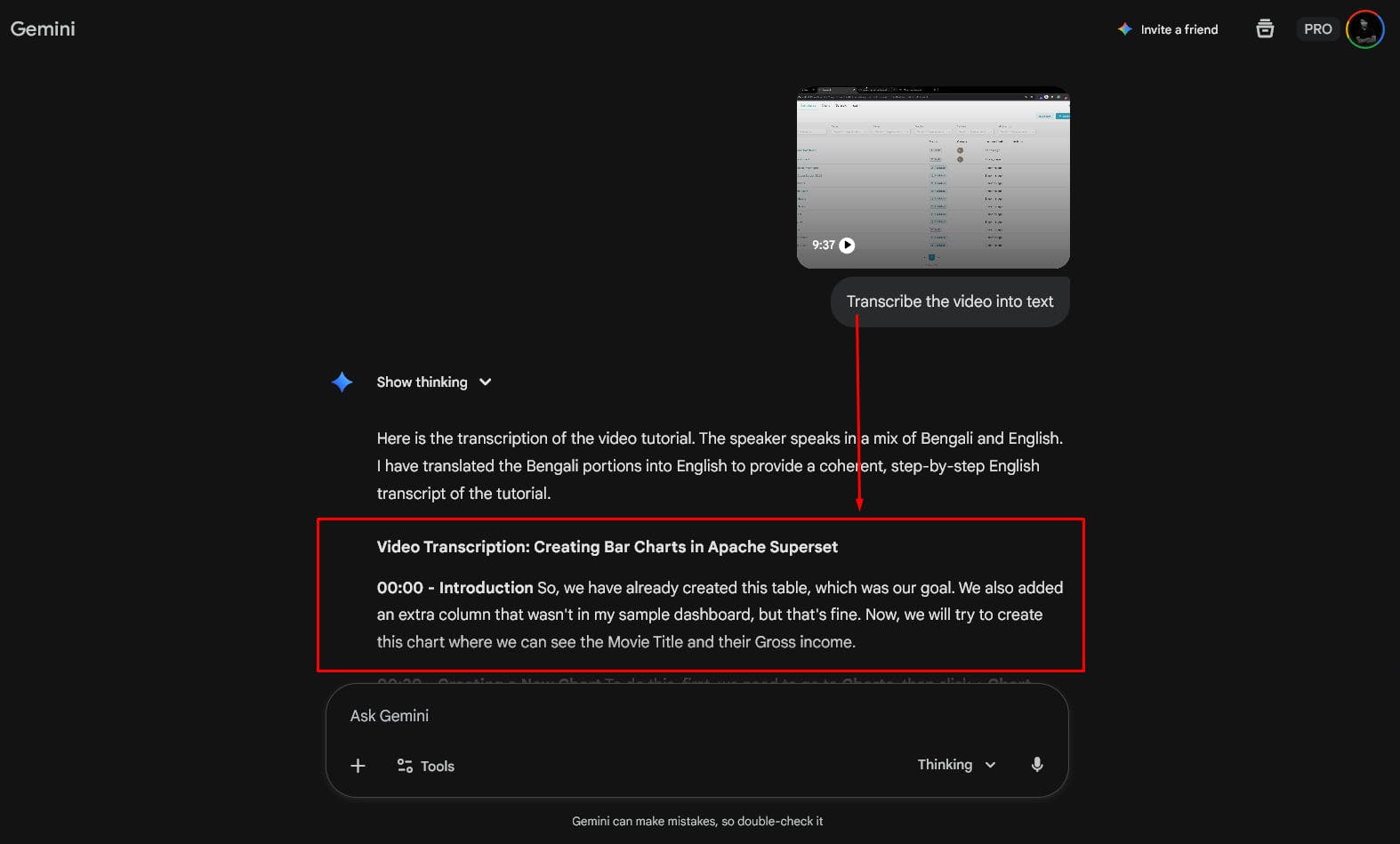
Start with a super simple prompt to wake it up:
"Transcribe the video into text"
Gemini will generate a transcription.
But here's the catch: ⚠️ It will likely translate everything into English immediately, losing the nuance of your original mixed phrasing. It tries to be "too helpful" too fast.
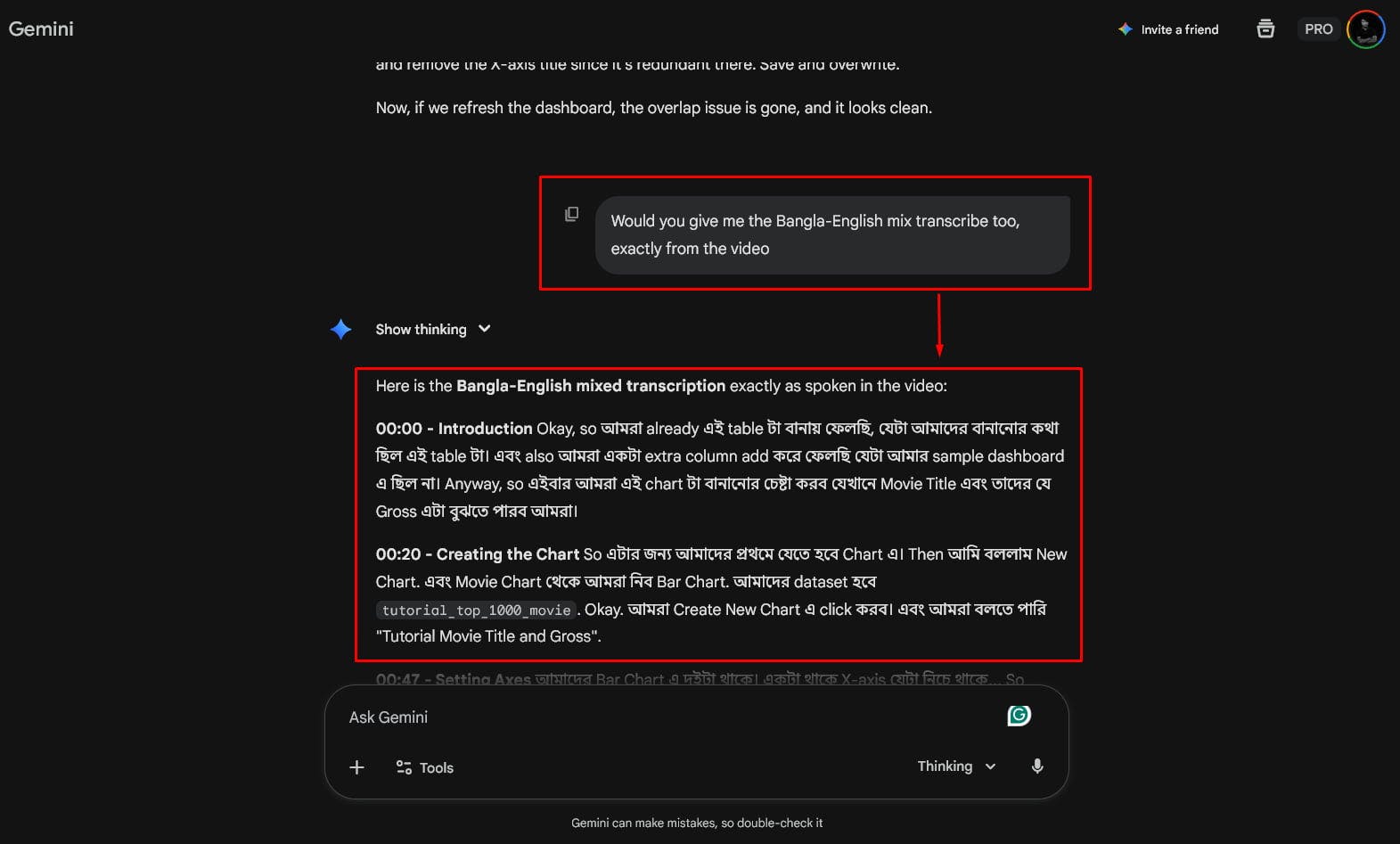
Now, we need to tell Gemini to acknowledge the actual languages used. Ask for the raw, mixed transcription:
"Would you give me the Bangla-English mix transcribe too, exactly from the video?"
(💡 Pro Tip: Swap "Bangla" with whatever language you are mixing!)
This forces the AI to listen closely to the actual words spoken, ensuring it captures the timestamps and flow correctly.
This is where the magic happens. 🪄
Now that Gemini understands the content and the context, we are going to ask it to act as a professional editor. We want it to translate, fact-check, and polish the text into a high-quality English tutorial.
Copy and paste this prompt:
Act as an expert copywriter. ✍️

I will upload this video to YouTube with the existing voice. Now, I need you to translate this text into English so the video will have dual audio context (Bangla audio + English text).

Please:
1. Translate the mixed text into professional English.
2. Check and correct any factual errors.
3. Ensure every line maintains the original context.
4. Keep the tone suitable for a beginner tutorial.

Make it shine! 🌟
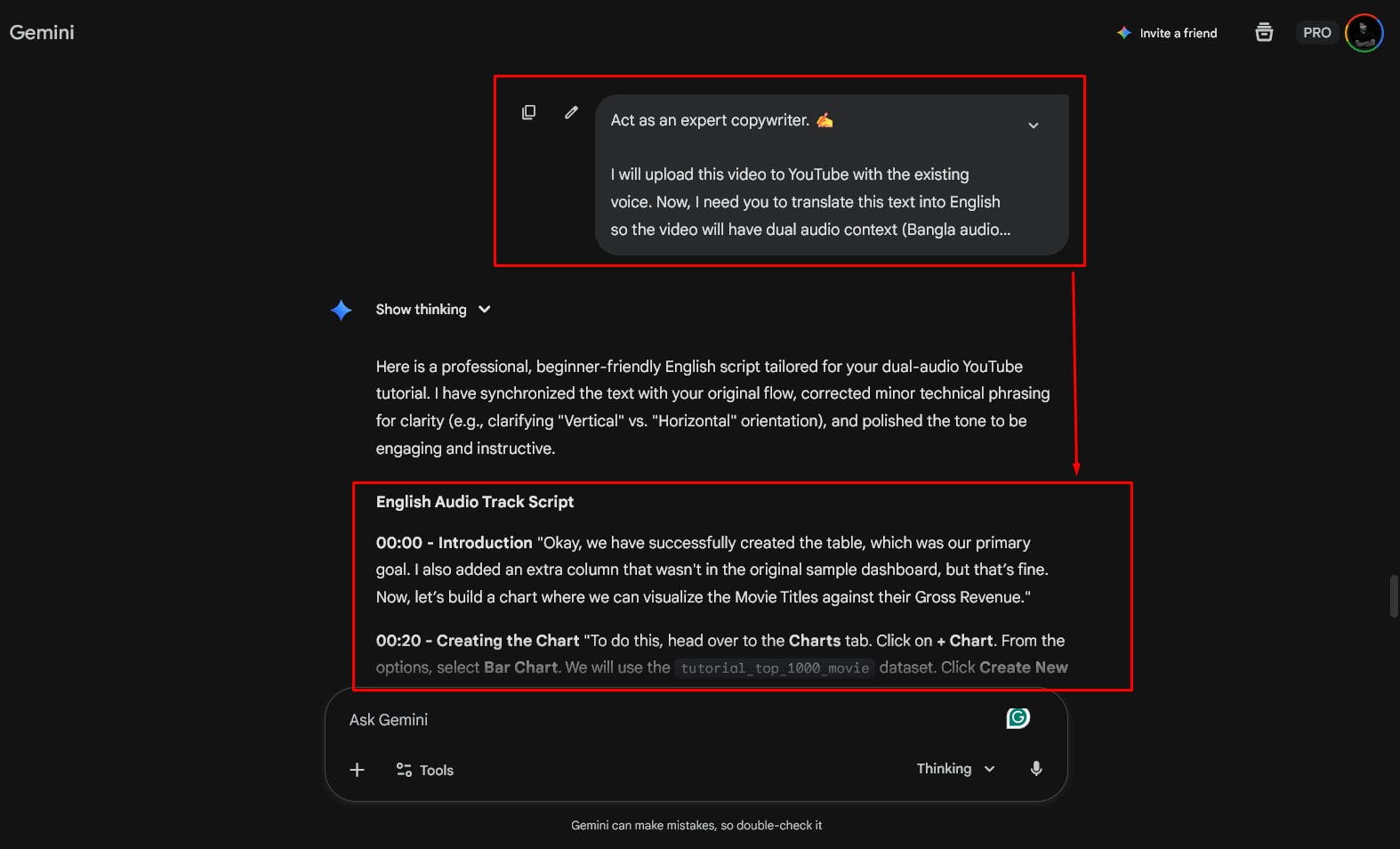
By breaking it down into steps, you stop the AI from hallucinating. You first establish the content (video), then the raw data (mixed transcript), and finally the desired output (polished English).
Give this a try on your next project! It saved me hours of manual typing. Let me know if it works for you! 👇
Happy Creating! 🎨
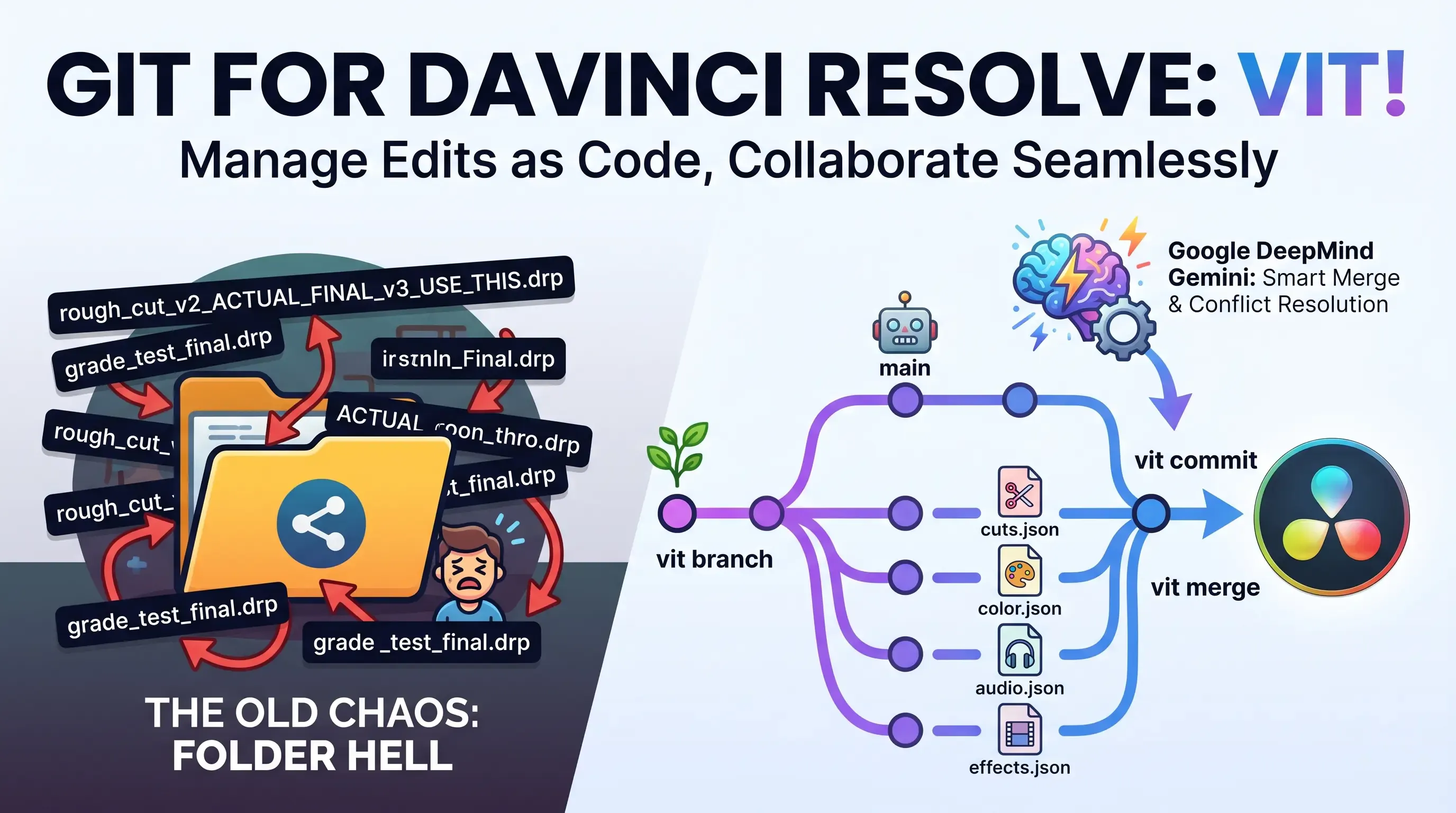
Explore Vit, the revolutionary tool that uses AI semantic merges to resolve video editing conflicts in DaVinci Resolve. Perfect for editors, colorists, and sound designers.
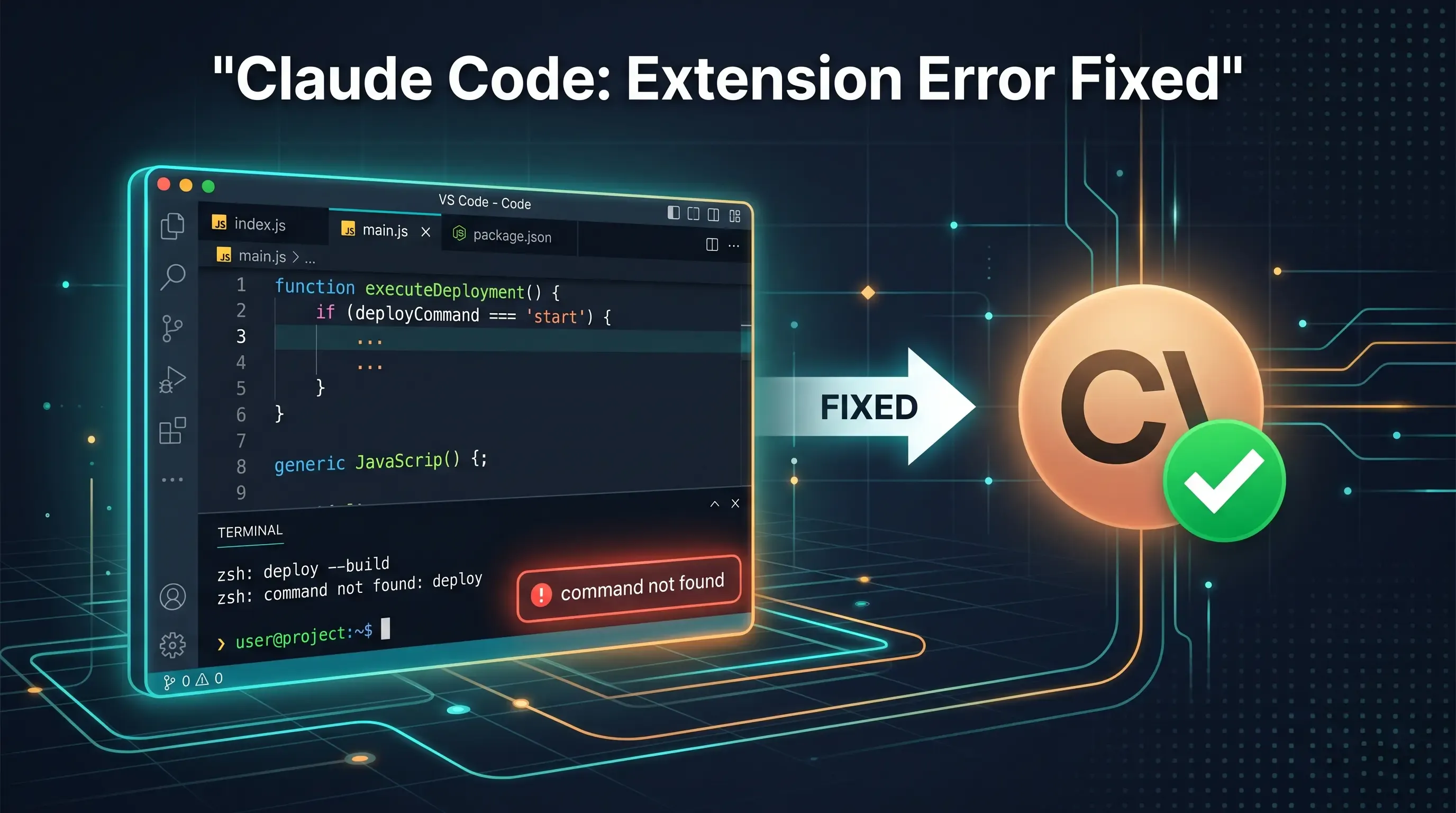
Getting the claude-vscode.editor.openLast not found error after updating Claude Code? This step-by-step guide shows you how to roll back to a stable version and get Claude working again in 5 minutes.
Learn how to teach your AI coding assistant domain-specific knowledge using Agent Skills. A complete guide to setting up SKILL.md for Google Antigravity & VS Code.