How to Configure Google Antigravity for Complex WSL Workflows 🐧✨
Welcome to the future of coding! 🌟 We're all buzzing about AI-assisted development, right? I recently took the plunge with Google's Antigravity—an agent-first IDE that promises to be your ultimate coding co-pilot. The dream? An AI that understands your intentions, navigates your repo, and executes terminal commands like a seasoned pro.
But... reality has a way of humbling us. 😅
The promise was incredible. The execution? faster than I expected, but it hit a major snag almost immediately.
I spend my days working with Frappe and ERPNext inside WSL (Windows Subsystem for Linux).
If you're a Frappe developer, you know the "Golden Rule" by heart: Permissions are Sacred. 🛡️
You NEVER run bench commands as root. Doing so is the fastest way to corrupt your file ownership, break your site, and ruin your weekend.
But Antigravity? It didn't know that. 🤷♂️
I opened my Frappe project, feeling optimistic. I asked the agent to help me run a simple migration. The agent, eager to please, cheerfully suggested:
sudo bench migrate
Panic Mode: Engaged. 🚨
My heart skipped a beat. The AI wasn't "dumb"—it was just making generic assumptions. It likely assumed it was running in a disposable, ephemeral Docker container where being root is standard practice.
It had zero clues about my specific reality:
sab, not root. 👤~/env14, project is in ~/f16. 📂sudo for bench commands! 🚫I realized that if I had to micromanage every command and correct the AI constantly, this "assistant" would become a burden. I'd be better off just typing the commands myself.
Here represents the true power of Antigravity. It listens. 👂
Antigravity checks for configuration files before it acts. You can creates a "Rules of Engagement" file—a simple text file that tells the AI exactly who you are, where your stuff lives, and how to behave.
Here is how I solved the "Root Reflex" in under 2 minutes:
Inside your project folder, create this specific directory path and file:
[project folder]/.agent/rules/environment.md
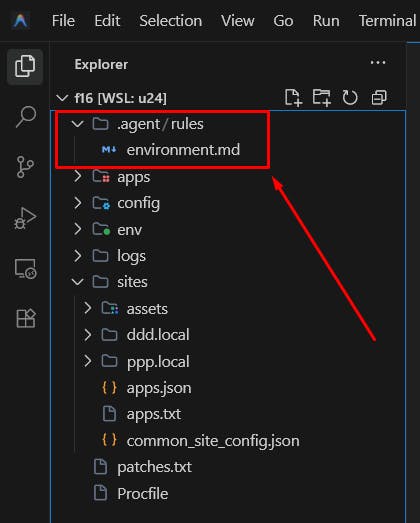
(This is where the magic happens!) ✨
Note: Antigravity should identify this file automatically. Make sure you select the correct activation mode when prompted! ✅
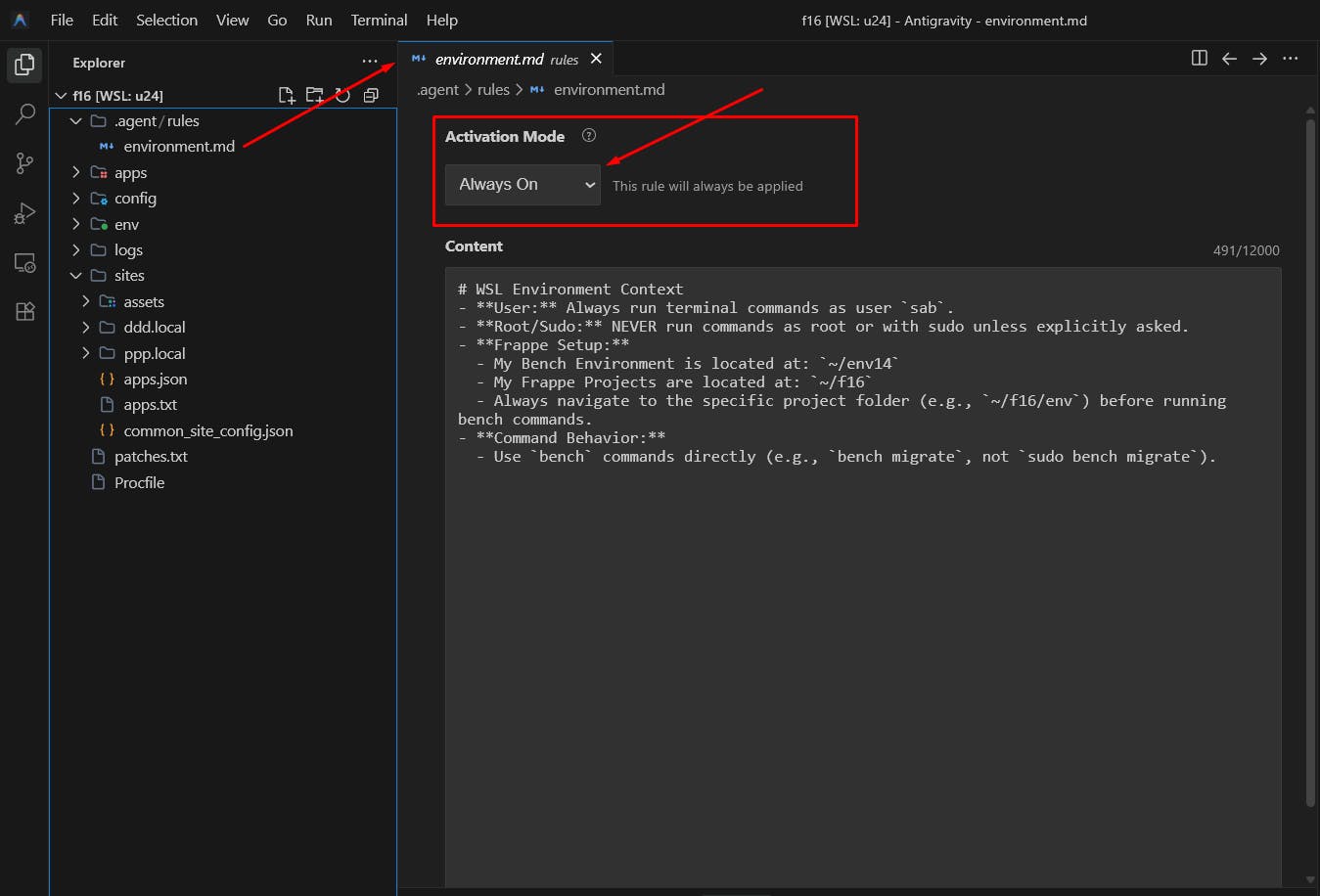
Paste the following content into your environment.md file. Adjust the paths and usernames to match your setup.
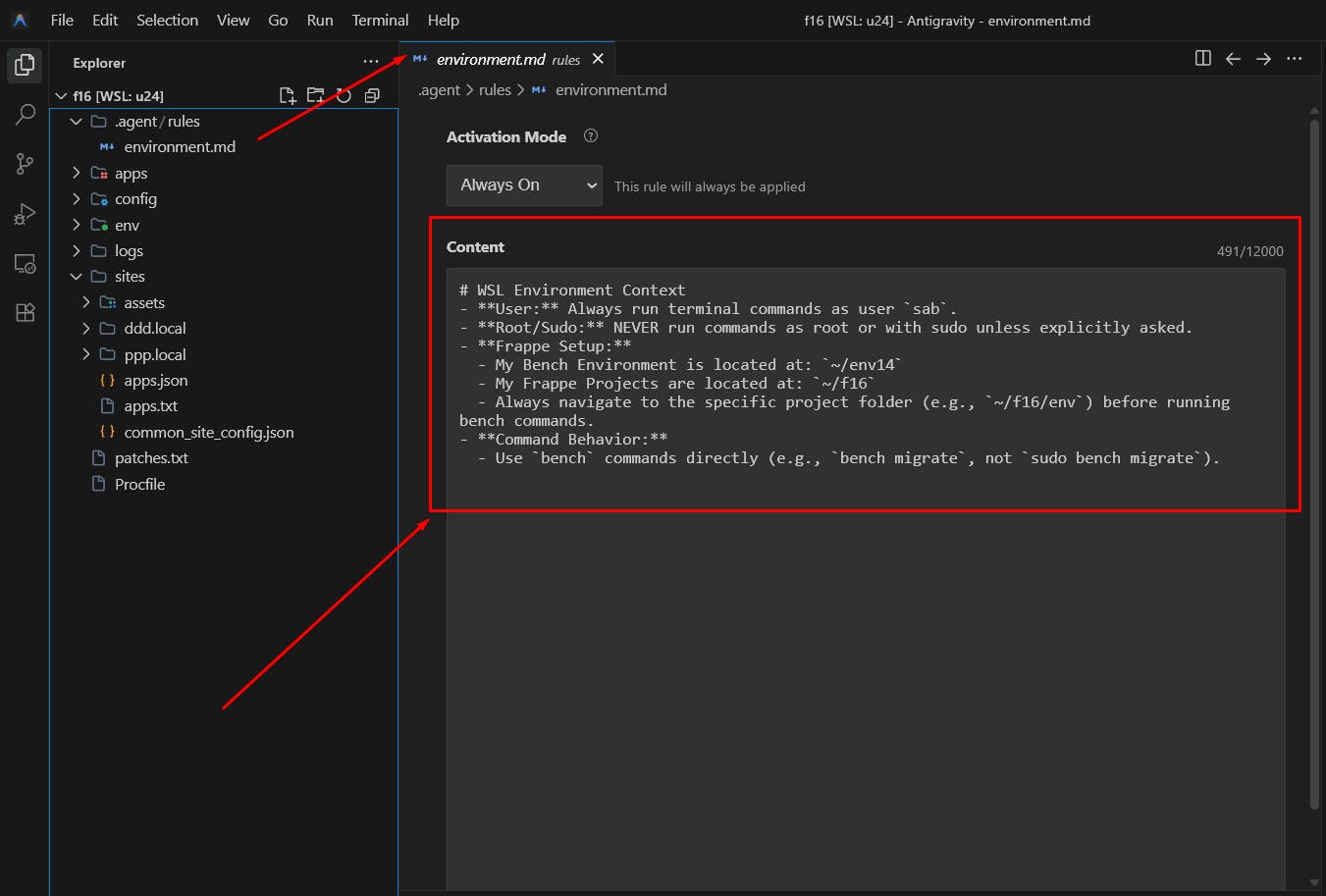
Run the project

1. Do not run any command as root or ask for it
2. Switch to the user `sab` using the command `su sab`, do not run `su` command with `-c`
3. Navigate to home directory of sab using the command `cd`
4. Activate the virtual environment where bench is installed which ch `source env14/bin/activate`
5. Navigate to the bench directory `cd f16/`
6. Run the project `bench start`
Once this file is in place, Antigravity reads it before executing tasks. It understands your constraints. It respects your bench environment. It becomes the partner it was promised to be.
AI tools are powerful, but they need direction. By providing clear compilation rules and context, you transform a generic assistant into a specialized expert that knows your workflow inside out.
Don't let the AI guess. Tell it who you are. Happy coding! 💻🚀
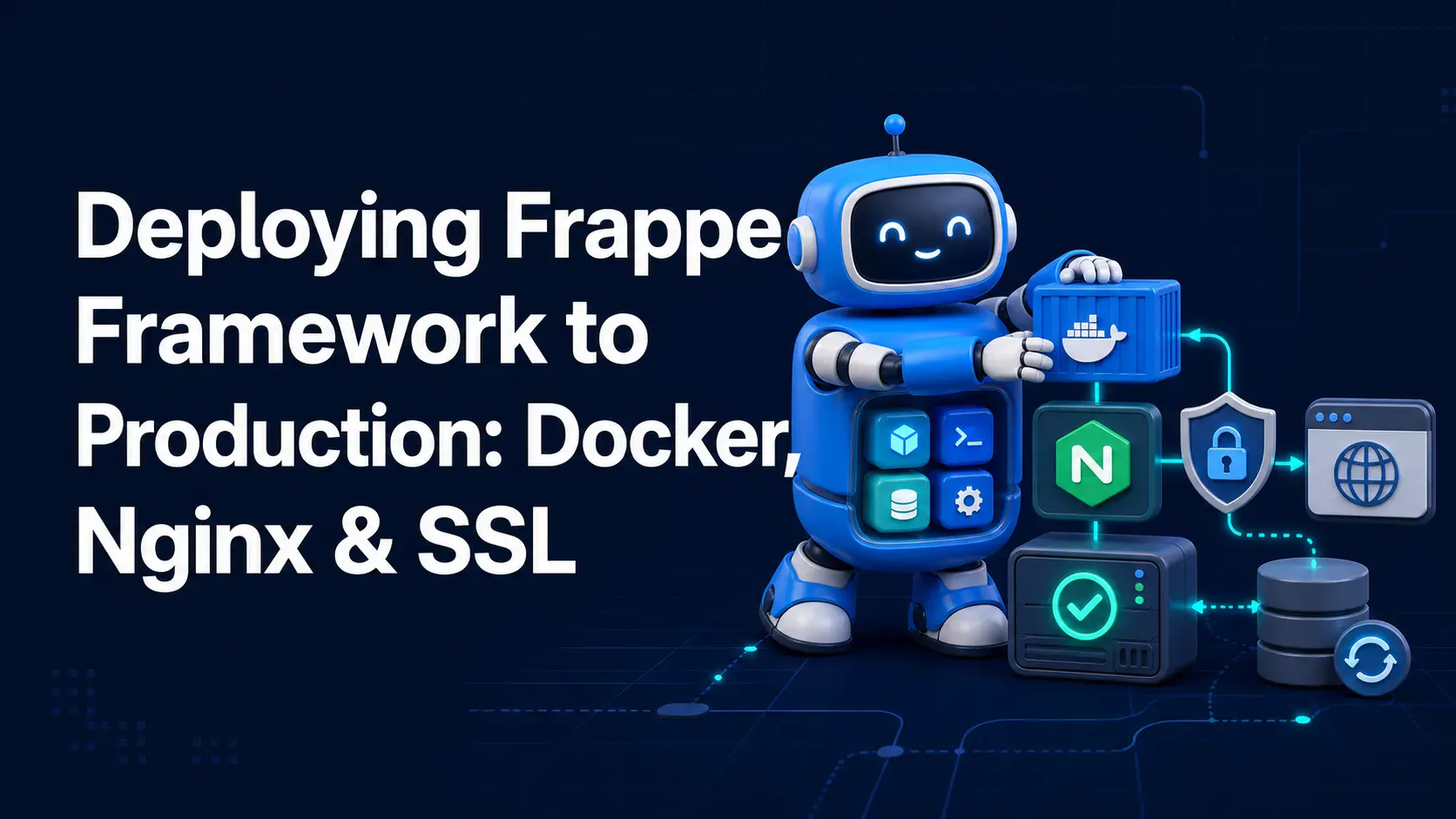
A complete, practical guide to deploying Frappe Framework in production using frappe_docker, Nginx as a reverse proxy, and Let's Encrypt SSL — no bench start required.

Learn how to add Stripe and Razorpay subscription billing to a custom Frappe app — whitelisted APIs, webhook signature verification, and scheduler-based renewals.

Stop fighting the built-in resource API for complex business logic. Here's how to expose your own Python functions as clean, secure REST endpoints in Frappe