Step-by-Step Guide to TailwindCSS WordPress Themes

Building a custom WordPress theme with TailwindCSS is a rewarding way to create a unique, modern, and responsive website. In this guide, we’ll walk you through the steps to create a WordPress theme from scratch, styled with the power of TailwindCSS. Whether you're a developer looking to hone your skills or a designer aiming for a fully customized site, this guide has you covered.
TailwindCSS is a utility-first CSS framework that simplifies responsive and modern design. It allows you to craft highly customized websites without writing lengthy CSS files. Integrating it with WordPress unlocks endless possibilities for designing a fast and functional website.
Before diving in, ensure you have the following installed:
Install WordPress: Download and install LocalWp and create a new site.
Create a New Theme Directory:
Navigate to wp-content/themes in your WordPress installation and create a folder for your new theme:
mkdir my-tailwind-theme
Add Required Theme Files: In your theme folder, create the following files:
style.css
index.php
functions.php
Add Theme Metadata to style.css
/*
Theme Name: My Tailwind Theme
Theme URI: https://sabbirz.com/
Author: Sabbirz
Author URI: https://sabbirz.com/
Description: A custom WordPress theme built with TailwindCSS.
Version: 1.0
License: GPL-2.0-or-later
*/
Initialize Node.js: Inside your theme directory, initialize a Node.js project:
npm init -y
Install TailwindCSS and Dependencies:
npm install tailwindcss postcss autoprefixer
Generate Tailwind Configuration:
npx tailwindcss init
Create a Tailwind Input File: Inside an assets/css directory, create a tailwind.css file:
@tailwind base;
@tailwind components;
@tailwind utilities;
Set Up PostCSS: Create a postcss.config.js file in the root of your theme:
module.exports = {
    plugins: [
        require('tailwindcss'),
        require('autoprefixer'),
    ],
};
Add a Build Script: Update your package.json file with a build script:
"scripts": {
    "build:css": "npx tailwindcss -i ./assets/css/tailwind.css -o ./style.css --watch"
}
Run the Build Process: Build the TailwindCSS file:
npm run build:css
Modify your functions.php file to enqueue the compiled CSS:
<?php
function my_tailwind_theme_enqueue_scripts() {
    wp_enqueue_style('tailwindcss', get_template_directory_uri() . '/style.css', array(), '1.0', 'all');
}
add_action('wp_enqueue_scripts', 'my_tailwind_theme_enqueue_scripts');
?>
Create Template Files: Add files like header.php, footer.php, single.php, and archive.php.
Example header.php File:
<!DOCTYPE html>
<html <?php language_attributes(); ?>>
<head>
    <meta charset="<?php bloginfo('charset'); ?>">
    <meta name="viewport" content="width=device-width, initial-scale=1.0">
    <?php wp_head(); ?>
</head>
<body <?php body_class(); ?>>
    <header class="bg-blue-500 text-white p-4">
        <h1 class="text-2xl"><?php bloginfo('name'); ?></h1>
    </header>
Example index.php File:
<?php get_header(); ?>
<main class="container mx-auto p-4">
    <?php if (have_posts()) : while (have_posts()) : the_post(); ?>
        <article class="mb-4">
            <h2 class="text-xl font-bold"><?php the_title(); ?></h2>
            <div><?php the_content(); ?></div>
        </article>
    <?php endwhile; endif; ?>
</main>

<?php get_footer(); ?>
Configure PurgeCSS in tailwind.config.js:
module.exports = {
    content: [
        './*.php',
        './template-parts/**/*.php',
    ],
    theme: {
        extend: {},
    },
    plugins: [],
};
Add a Production Build Script: Update your package.json:
"scripts": {
    "build:prod": "npx tailwindcss -i ./assets/css/tailwind.css -o ./style.css --minify"
}
Build for Production:
npm run build:prod
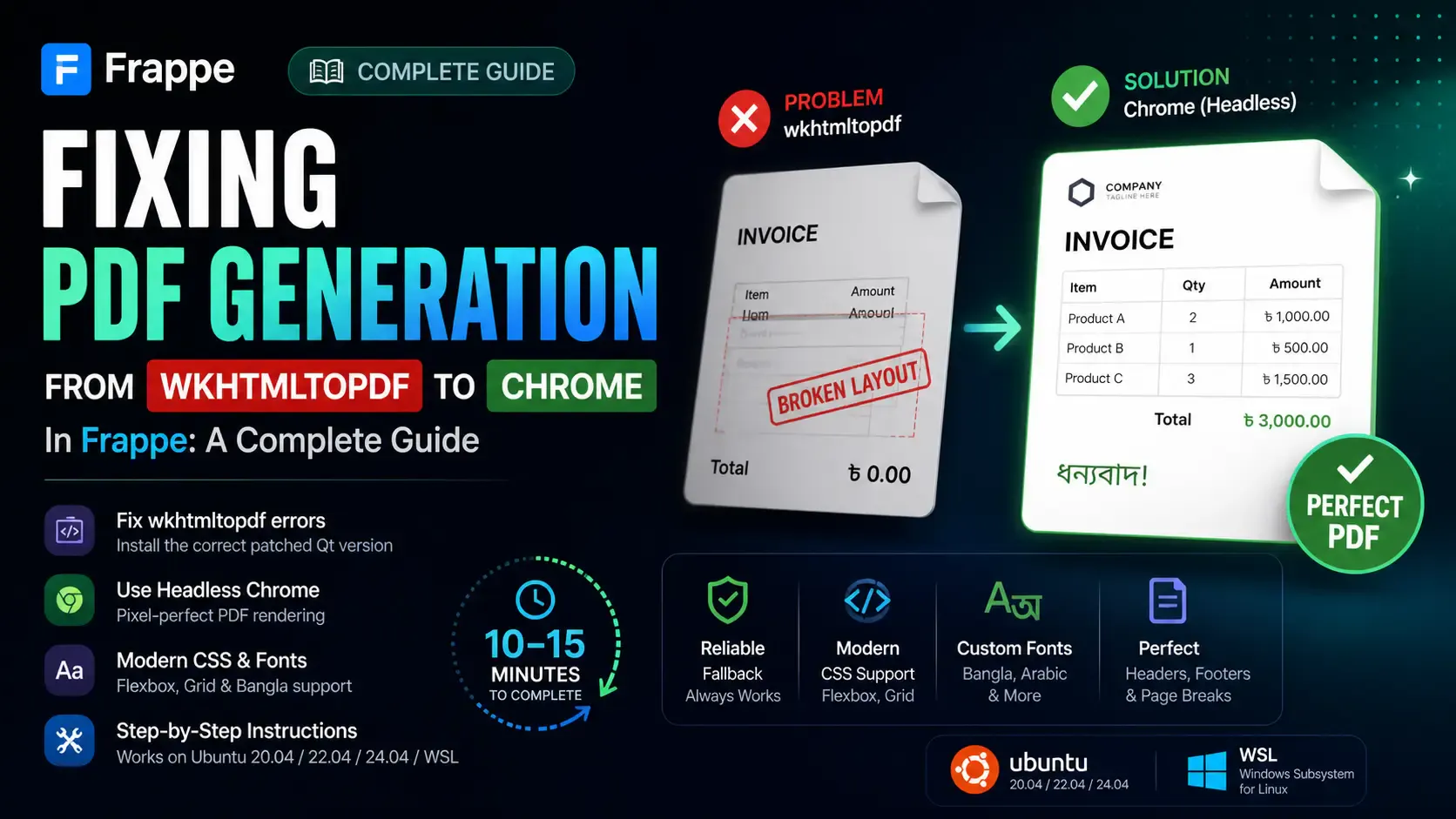
Getting the "Invalid wkhtmltopdf version" error in Frappe or ERPNext? Learn how to fix broken PDFs, install the patched Qt version, and switch to headless Chrome for pixel-perfect modern CSS and custom font support.

Learn how to quickly expose a localhost server to your local network on Windows using netsh portproxy. A step-by-step guide to accessing local apps from any device.
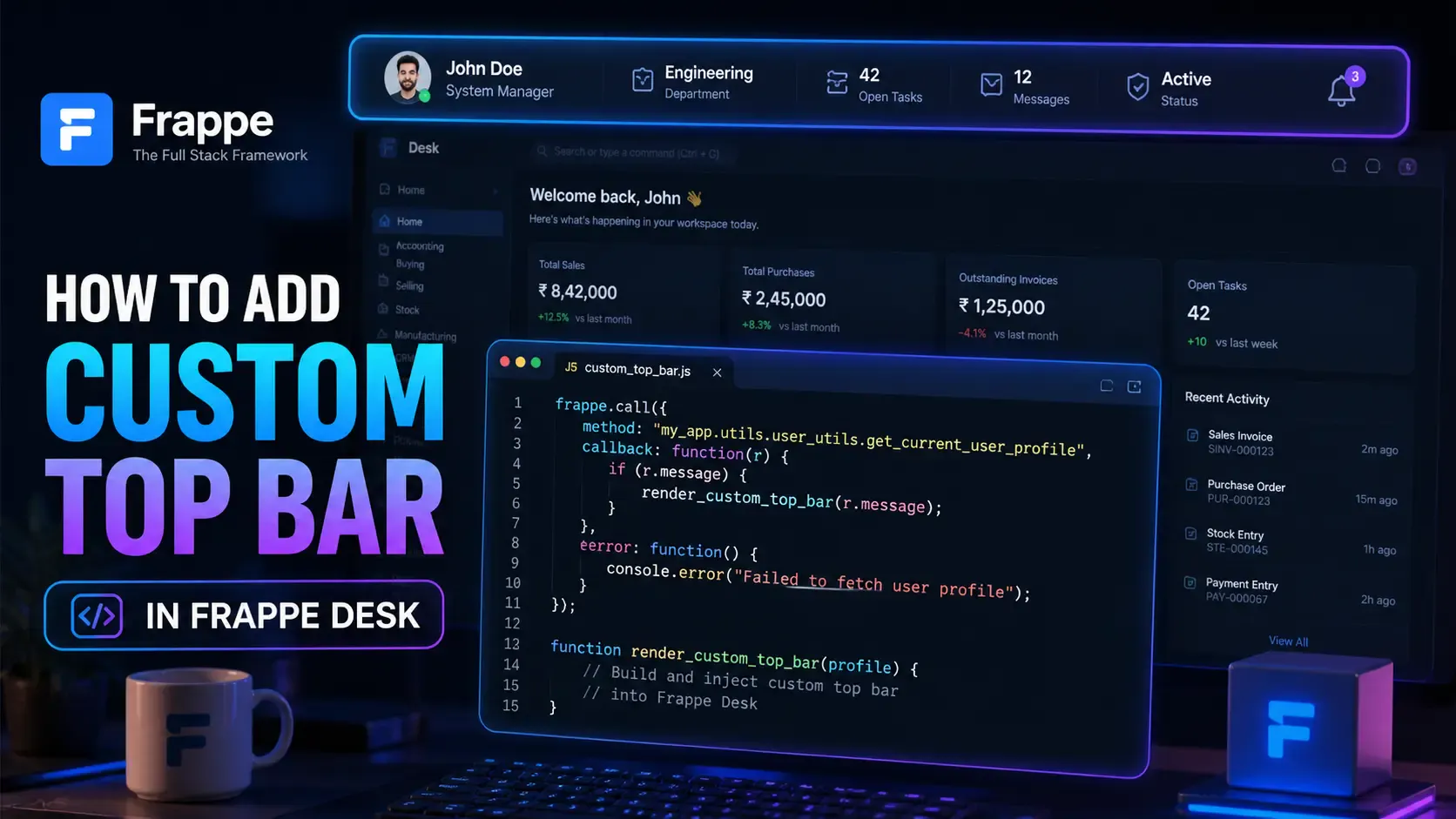
Learn how to enhance your Frappe Desk UI by adding a custom, dynamic top bar. Follow this beginner-friendly, step-by-step tutorial to display user profiles, statuses, and more!