Export Frappe Settings from Development to Production
Migrating setting data like HR Settings, Payroll Settings, or any other configurations in Frappe from your local development server to the production server is a common requirement. Settings are crucial because they define how your HRMS or ERP modules behave in production.
This guide covers two simple methods to export any Frappe "Single" DocType setting and import it safely to your production environment.
In Frappe, configuration documents like HR Settings, Payroll Settings, or Leave Settings are designed as Single DocTypes. This means:
SINGLE DocTypes.Hence, migrating these requires exporting the single record data properly.
export-jsonNavigate to your bench folder and run:
bench --site your-site-name export-json "HR Settings" ./custom_hr_settings.json
Replace HR Settings with any settings DocType you want to export (e.g., Payroll Settings).
This command will create a file named custom_hr_settings.json in your current directory.
✅ Explanation of the syntax:
bench export-json [DOCTYPE] [OUTPUT FILE PATH]
HR Settings → the DocType you want to export
./custom_custom_hr_settings.json → the file path where the JSON will be saved
Either manually transfer the json file to production server or,
Use SCP, rsync, or any file transfer method:
scp custom_hr_settings.json user@production-server:/path/to/your/bench/folder/
SSH into your production server, navigate to the bench folder, and run:
bench --site your-production-site import-doc "HR Settings" ./custom_hr_settings.json
✅ Your production HR Settings will be updated instantly.
If the setting is something you might need to deploy regularly, you can add it to your fixtures.
hooks.pyfixtures = [
{"dt": "HR Settings"}
]
bench export-fixtures
This will generate HR Settings.json inside your app's fixtures/ folder.
Push the fixture to production and run:
bench migrate
✅ This method is ideal for apps that are version-controlled and have continuous deployment.
--site during export/import.bench migrate after deploying fixtures.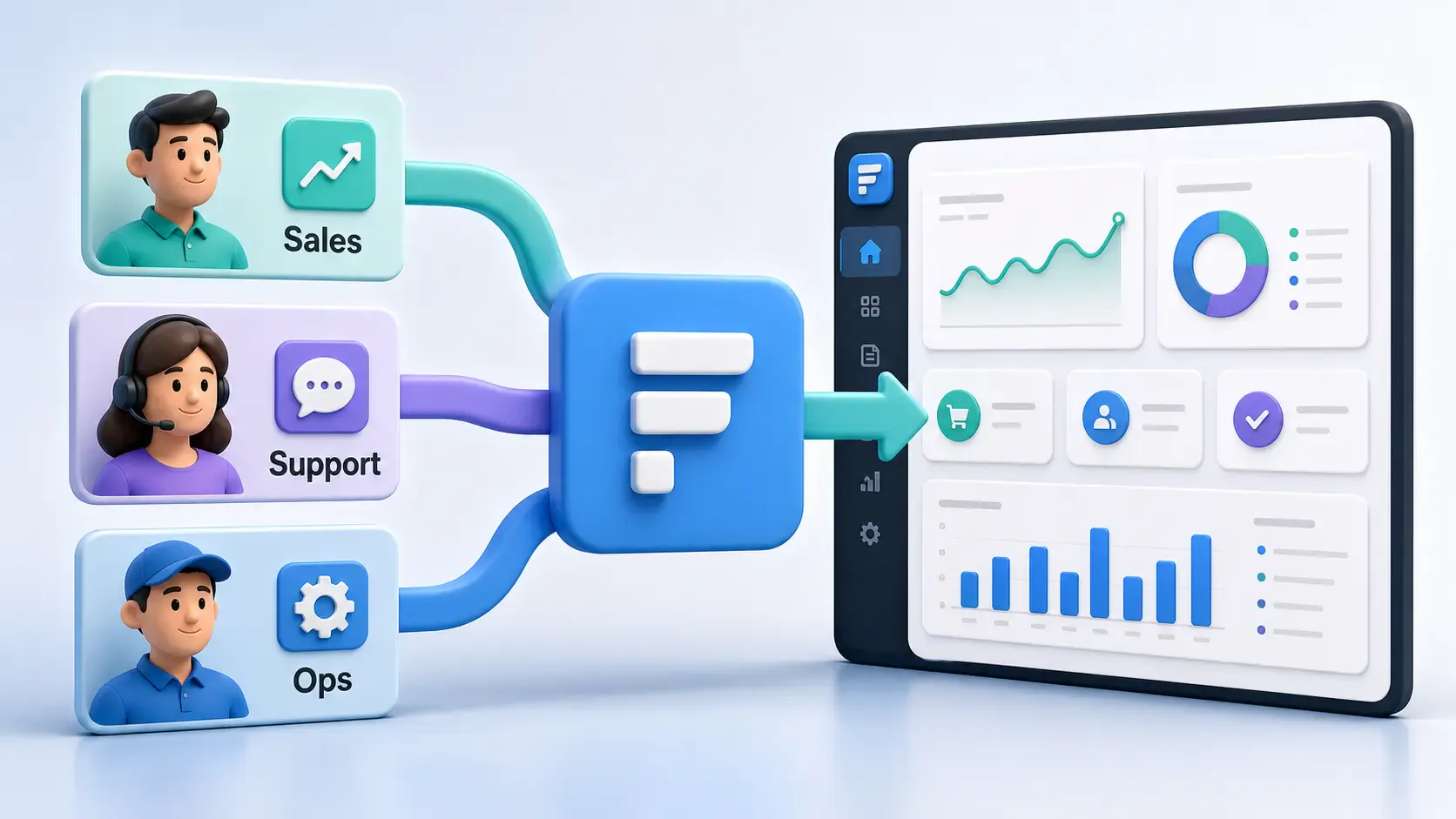
A practical Frappe tutorial for fixing wrong workspace redirects using role-to-route mapping, capture-phase click handling, and a reusable Desk JavaScript file.
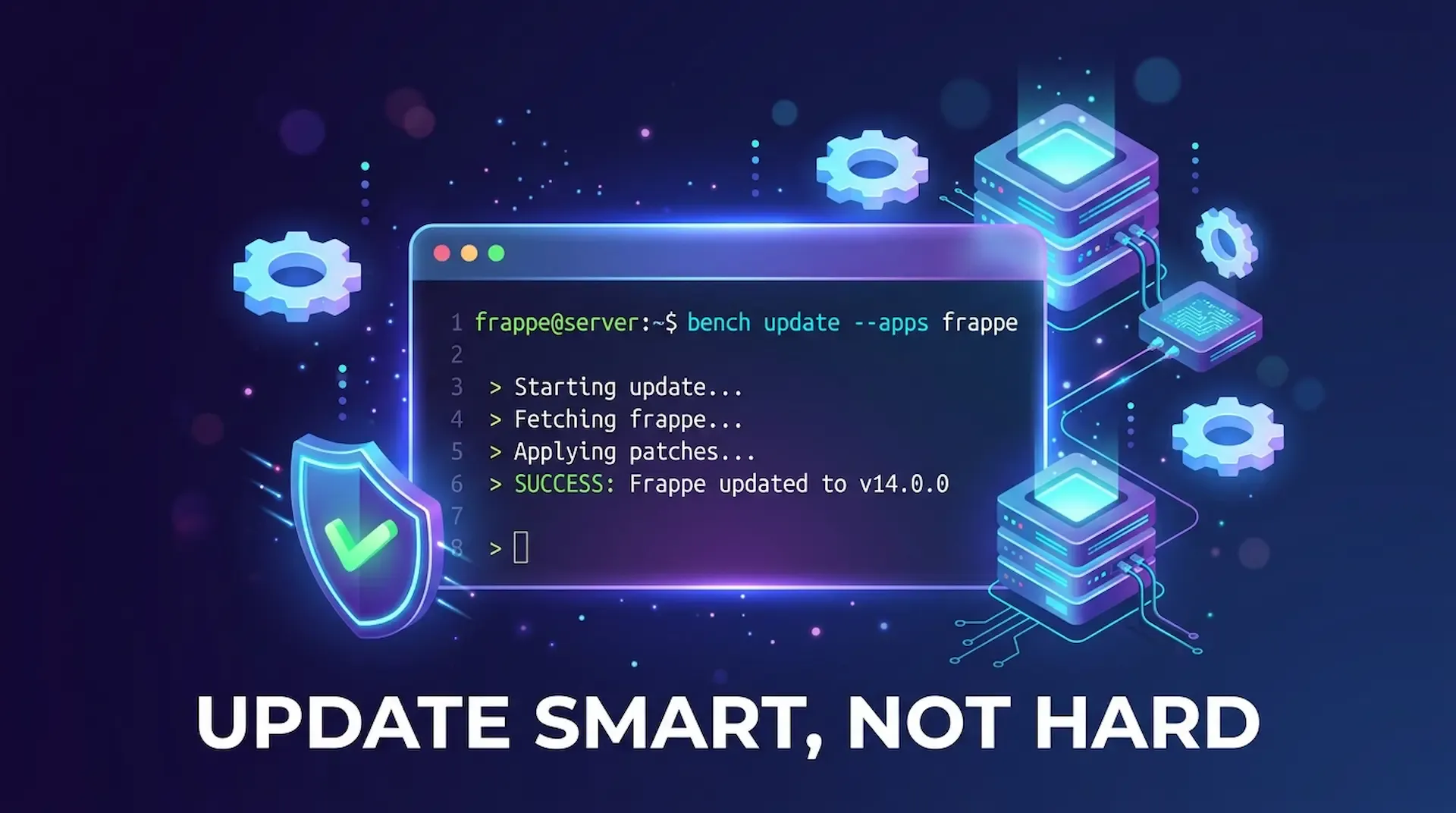
ired of bench update messing up your custom app? This guide shows you how to update only Frappe or any single app, fix common blockers like 503 errors and permission issues, and keep your bench stable.
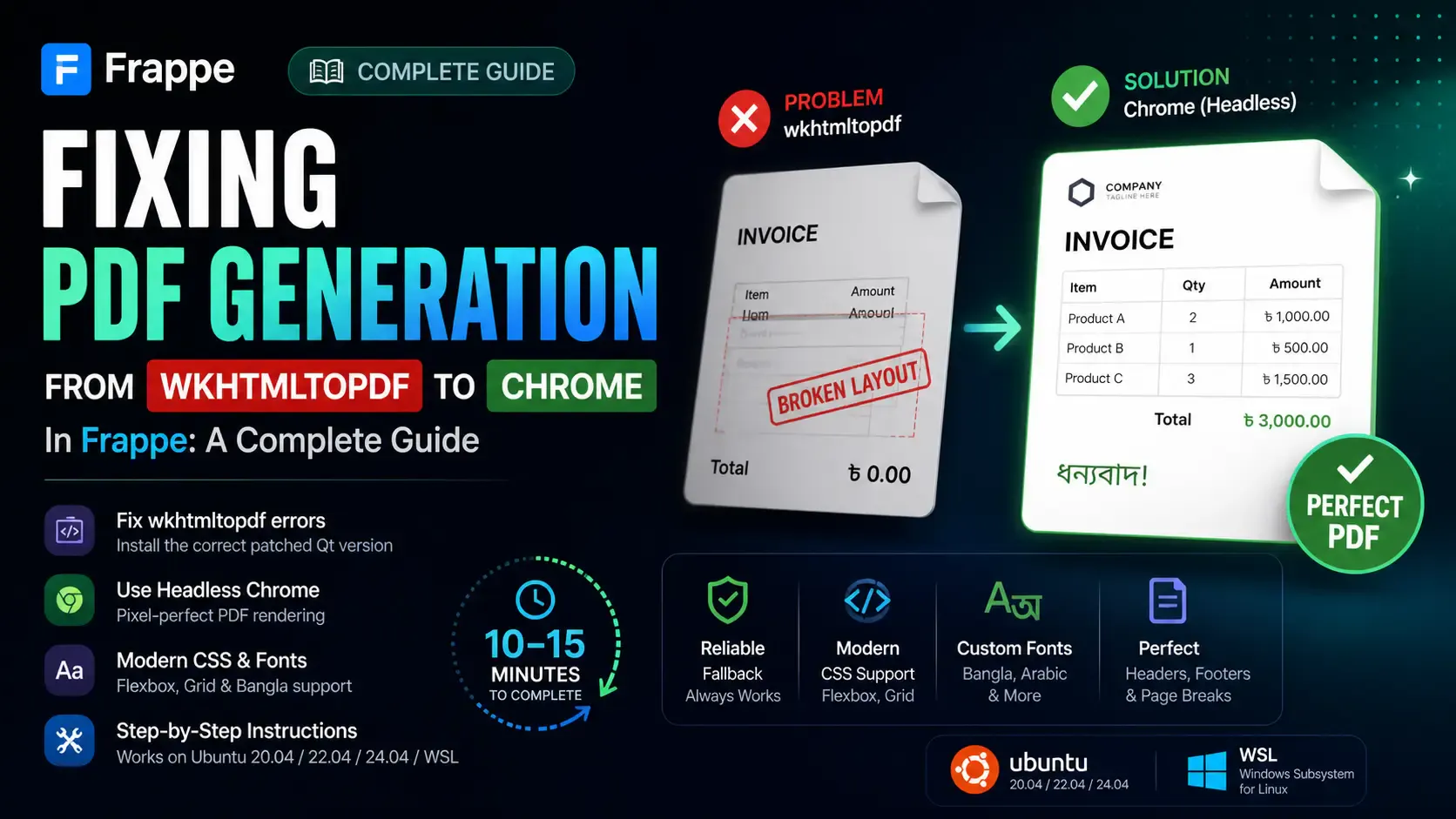
Getting the "Invalid wkhtmltopdf version" error in Frappe or ERPNext? Learn how to fix broken PDFs, install the patched Qt version, and switch to headless Chrome for pixel-perfect modern CSS and custom font support.