Exposing JavaScript Libraries to Global Scope: Best Practices

As JavaScript developers, we often rely on powerful libraries to enhance our applications. But sometimes, we need to inspect or interact with a library directly from the browser’s console. This is where the technique of exposing libraries to the window object becomes useful.
While it's a handy debugging method, it's essential to understand when (and when not) to use it.
Suppose you're using dayjs, a lightweight and popular date/time manipulation library. Here's how you'd expose it to the browser’s global scope:
import dayjs from 'dayjs';
window.dayjs = dayjs;
This code assigns the imported dayjs library to the window object, making it globally accessible as window.dayjs—or simply dayjs—from your browser console.
Once you've exposed dayjs, open your browser’s console and experiment with the following:
Get the current date and time:
dayjs()
Format the date:
dayjs().format('YYYY-MM-DD')
Parse and format a specific date:
dayjs('2023-11-05').format('dddd, MMMM D, YYYY')
Play with other dayjs methods:
dayjs().add(7, 'day').format('YYYY-MM-DD')
dayjs().subtract(1, 'month').format('MMMM YYYY')
dayjs().diff(dayjs('2024-01-01'), 'days')
✅ Use it for:
❌ Avoid in:
Exposing libraries to the window object is a simple, effective technique for development and debugging. Just remember to use it wisely and remove any global exposures before shipping your code to production.
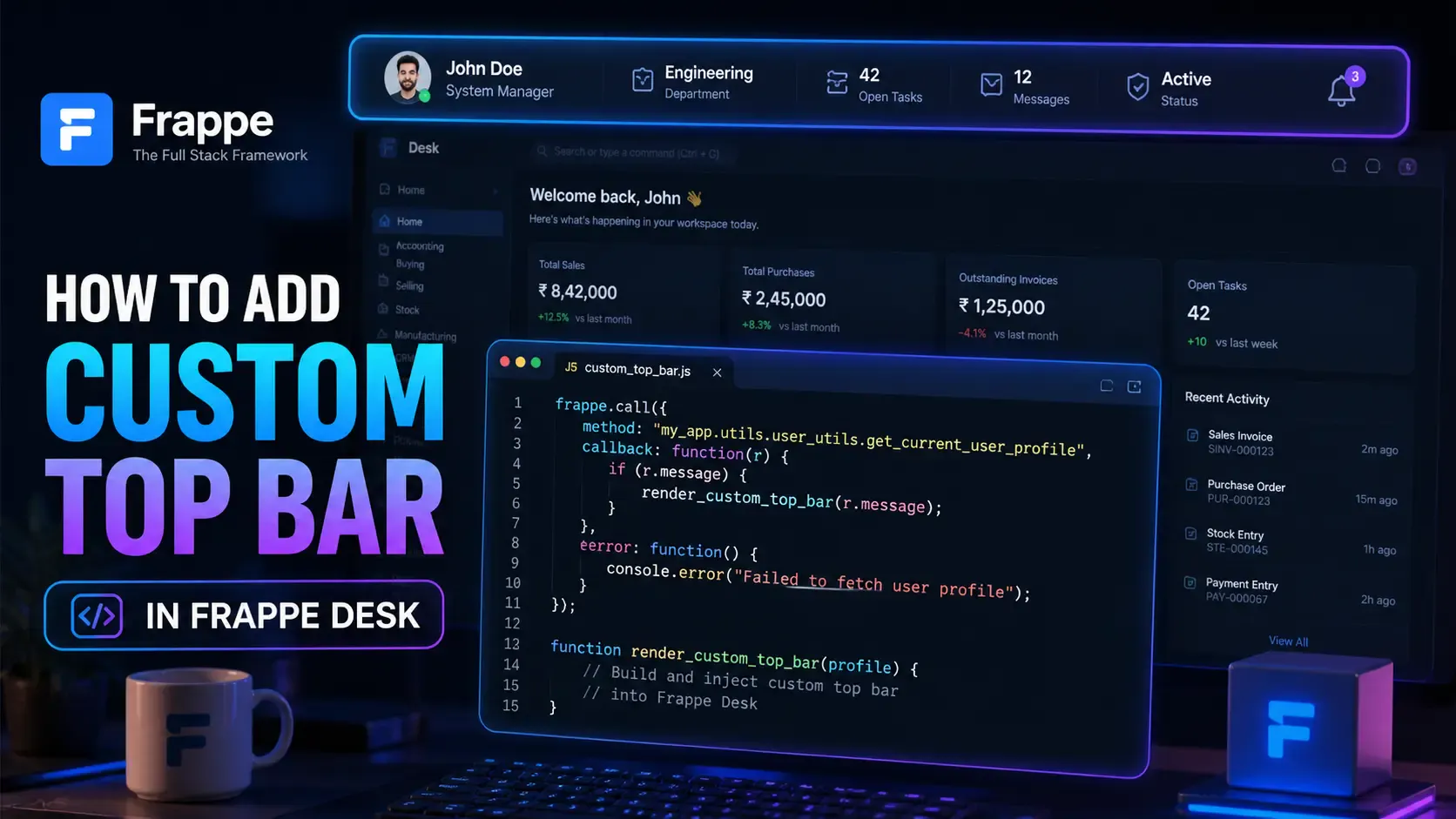
Learn how to enhance your Frappe Desk UI by adding a custom, dynamic top bar. Follow this beginner-friendly, step-by-step tutorial to display user profiles, statuses, and more!
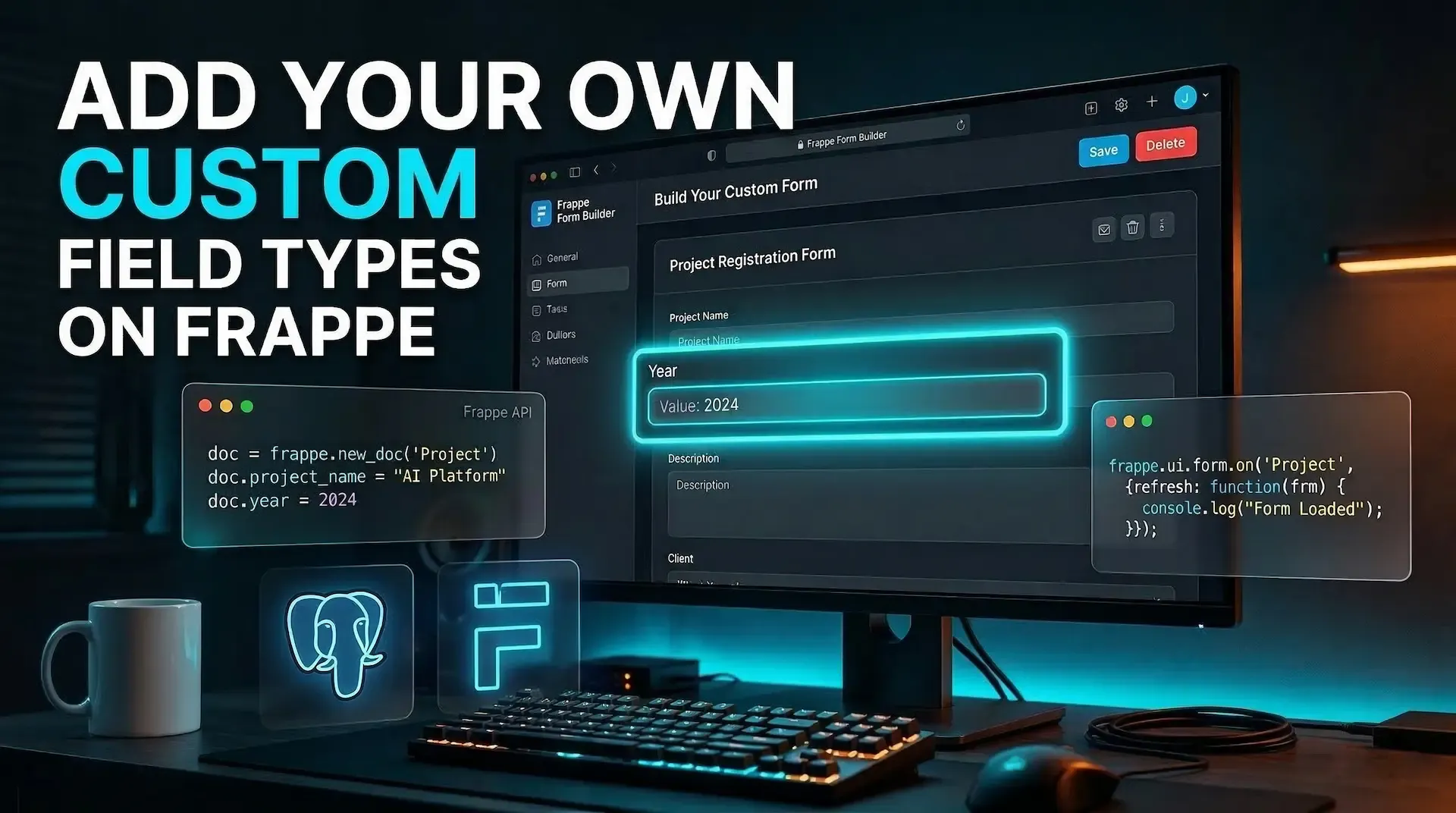
Learn how to create a custom `Year` field type in Frappe v15 using Python patches, Property Setters, custom metadata, and a JavaScript control, all from your own app
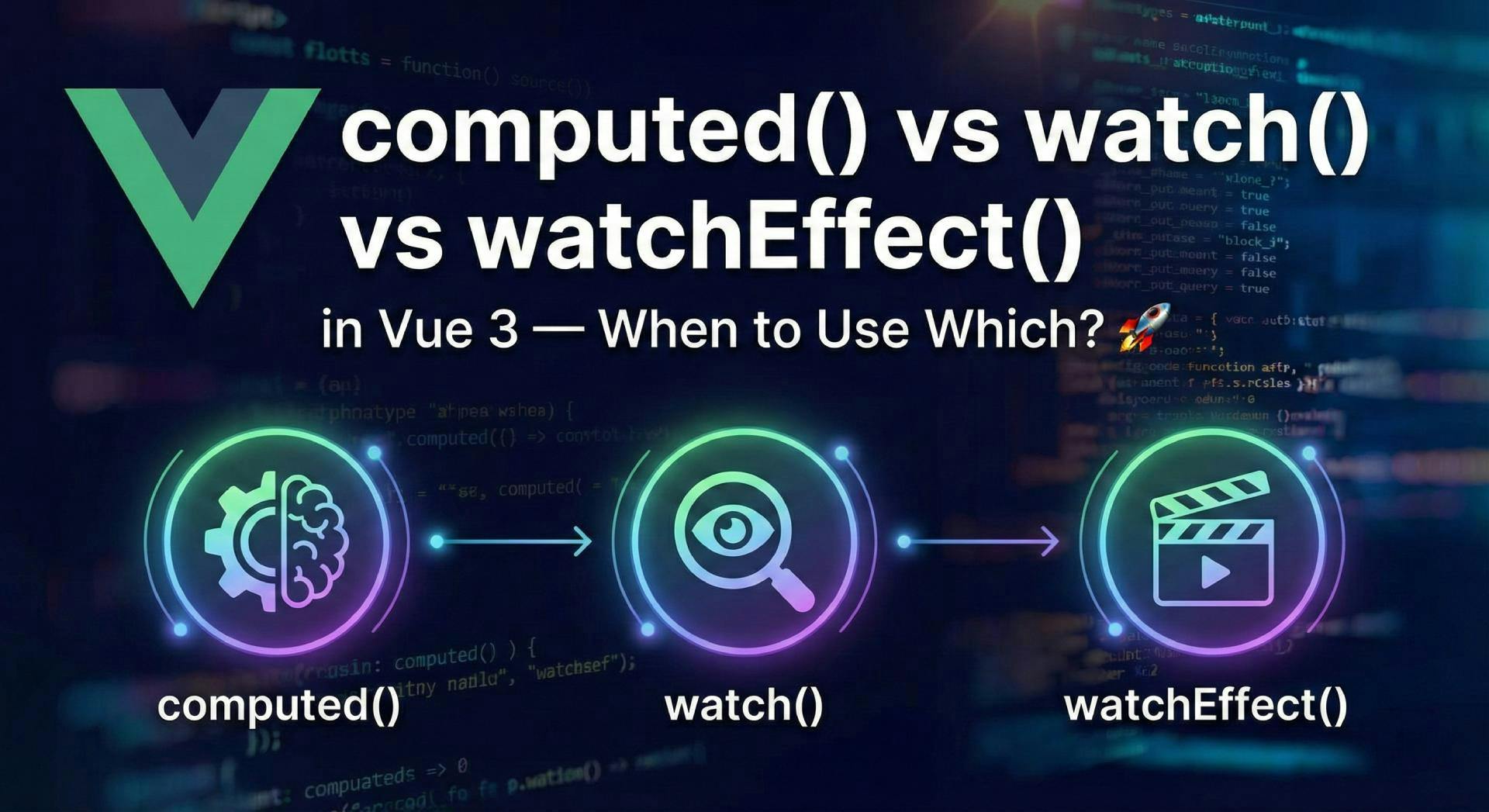
Confused by Vue 3's reactivity options? Master the differences between computed, watch, and watchEffect with real-world examples and best practices.