Vue 3 Reactivity: computed() vs watch() vs watchEffect() — When to Use Which?
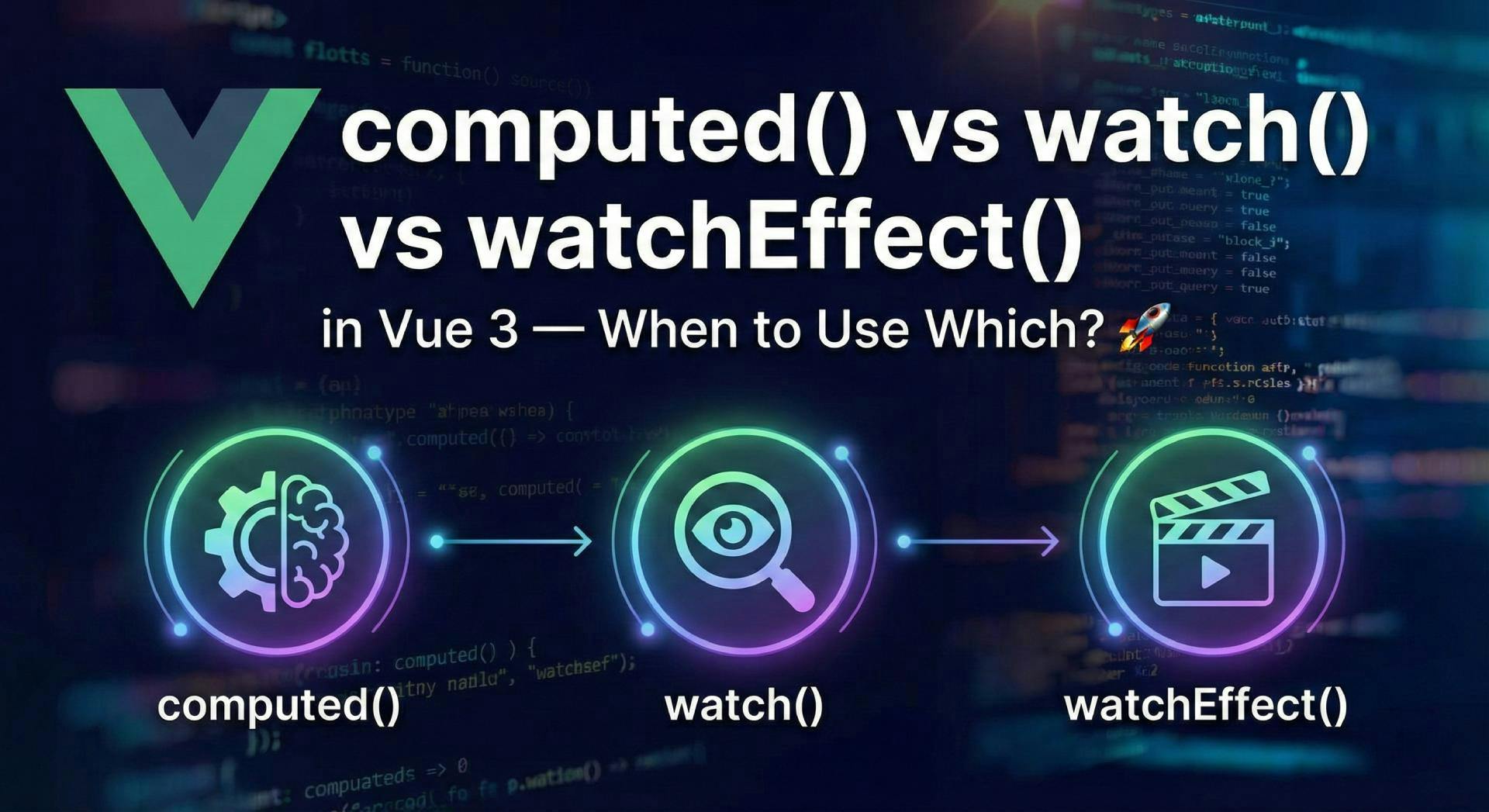
Start the clock!
By the end of this article, you will:
computed, watch, and watchEffect.If you've spent any time diving into the Vue.js ecosystem, specifically the Composition API, you've likely hit that wall. You know the one. You're staring at your IDE, cursor blinking, asking yourself:
"Wait... should this be a
computedproperty? Or maybe awatch? But what about that coolwatchEffectthing I saw on Twitter?" 🤔
It’s a rite of passage! They all react to data changes, so it’s easy to feel like they’re interchangeable. Spoiler alert: They aren't. Choosing the wrong one can lead to buggy code, infinite loops, or performance that crawls like a snail in molasses. 🐌
But don't worry! I’ve got you covered. We're going to break this down simply, logically, and with enough emoji to keep things fun. Let's dive in! 🌊
In a rush? Here’s the "save-this-for-later" comparison table:
| Feature | computed() 🧠 | watch() 🕵️♂️ | watchEffect() 🎬 |
|---|---|---|---|
| Primary Job | Derive new data | React to specfic changes | Run side effects automatically |
| Returns Value? | ✅ Yes (Read-only ref) | ❌ No | ❌ No |
| Auto-Dependency? | ✅ Yes (Magic!) | ❌ No (Explicit) | ✅ Yes (Auto-magic) |
| Runs Immediately? | ✅ Yes (Lazy evaluation) | ❌ No (Lazy by default) | ✅ Yes (Eager) |
| Old Value Access? | ❌ No | ✅ Yes | ❌ No |
Before we look at code, let's set your brain's default mode for these tools:
computed(): “I have ingredients, bake me a cake.” 🎂 (Input → Output)watch(): “If this specific door opens, bark at the mailman.” 🐕 (Event → Action)watchEffect(): “Keep your eyes open and do this whenever anything relevant changes.” 👀 (State → Effect)Use computed() when you want to create a new value derived from existing data. Think of it like a math formula in a spreadsheet.
It is a reactive getter. It looks at A and B to give you C.
computed property only recalculates when its dependencies change. If you access it 1,000 times but the data hasn't changed, it runs the function once and returns the saved result 999 times.async/await here, folks!)import { ref, computed } from "vue";
const price = ref(100);
const quantity = ref(3);
// ✅ GOOD: Deriving a value
const total = computed(() => {
return price.value * quantity.value;
});
console.log(total.value); // 300
price.value = 200; // Update the price
console.log(total.value); // 600 — Updates automatically! ✨
computed()?firstName + lastName = fullName).isFormValid).🔥 Hot Tip: If you aren't using the return value, you should NOT be using
computed().
watch() is for when you need to run a side effect (like an API call, DOM change, or logging) because a specific piece of data changed.
Unlike computed, it doesn't return a value. It just does stuff.
oldValue and the newValue. Perfect for comparisons!{ immediate: true }).import { ref, watch } from "vue";
const searchQuery = ref("");
watch(searchQuery, (newQuery, oldQuery) => {
console.log(`User changed search from "${oldQuery}" to "${newQuery}"`);
// 🚀 Perform a side effect (like Fetching Data)
performSearchAPI(newQuery);
});
If you try to watch a property of a reactive object directly, Vue might get confused. Use a getter function!
const user = reactive({ id: 1, name: "Alice" });

// ❌ WRONG: Passing number directly
// watch(user.id, (val) => ...)

// ✅ RIGHT: Use a getter
watch(
  () => user.id,
  (newId) => {
    console.log(`User ID switched to ${newId}`);
  },
);
watchEffect() is the new kid on the block. It’s a bit of a hybrid. It runs a function immediately, tracks whatever reactive properties are used inside it, and re-runs whenever they change.
You don't tell it what to watch. It just knows. 🔮
import { ref, watchEffect } from "vue";

const articleId = ref(123);
const isPublished = ref(false);

watchEffect(() => {
  // Vue sees we used 'articleId' and 'isPublished' here.
  // It automatically tracks them! 🤯
  console.log(
    `Article ${articleId.value} is ${isPublished.value ? "Live" : "Hidden"}`,
  );

  // Maybe update the document title?
  document.title = `Article #${articleId.value}`;
});
Since watchEffect is often used for things like API calls or event listeners, you might need to clean up the previous run before the next one starts (to avoid race conditions).
watchEffect((onCleanup) => {
  const controller = new AbortController();

  fetch(`/api/data/${id.value}`, { signal: controller.signal })
    .then((data) => data.json())
    .then((res) => (results.value = res));

  // 🧹 Clean up! specific to the *previous* run
  onCleanup(() => {
    controller.abort(); // Cancel the old request if id changes!
  });
});
Let's simplify your decision-making process. Ask yourself:
computed(). (Always try this first!)watch().watch().watchEffect().watch to calculate values.
firstName and lastName to update a fullName ref.computed for fullName. It's cleaner and cache-friendly.computed.
computed(async () => await fetch(...)) -> This returns a Promise, not your value!watch or watchEffect for async logic checking, and update a ref with the result.watchEffect.
watch to be more explicit.Vue 3's reactivity system is powerful, but power requires control.
computed is your architect — it builds data. 🏗️watch is your guard dog — it waits for specific triggers. 🐕watchEffect is your manager — it keeps the whole system moving. 👔Mastering these three tools is a huge step toward becoming a Vue.js expert. Your code will be cleaner, faster, and much easier for your team (and your future self) to read.
Now, go forth and build something amazing! 🚀
Did this clarify the Reactivity mystery? Check out the official Vue.js Composition API Docs or dive into state management with Pinia for even more power!

Getting the "Invalid wkhtmltopdf version" error in Frappe or ERPNext? Learn how to fix broken PDFs, install the patched Qt version, and switch to headless Chrome for pixel-perfect modern CSS and custom font support.

Learn how to quickly expose a localhost server to your local network on Windows using netsh portproxy. A step-by-step guide to accessing local apps from any device.
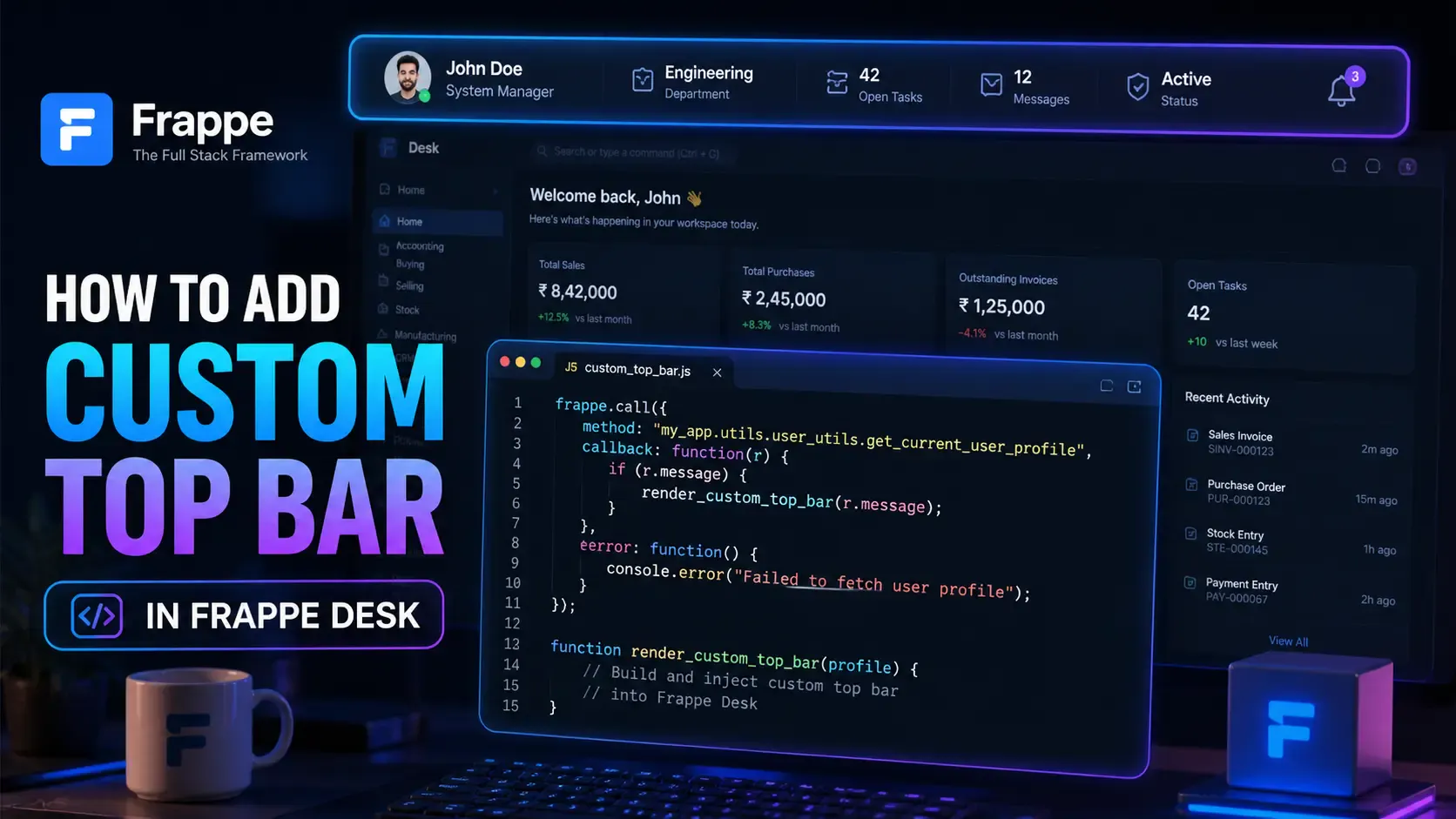
Learn how to enhance your Frappe Desk UI by adding a custom, dynamic top bar. Follow this beginner-friendly, step-by-step tutorial to display user profiles, statuses, and more!