How to Add a Custom Field Type in Frappe Without Modifying Core
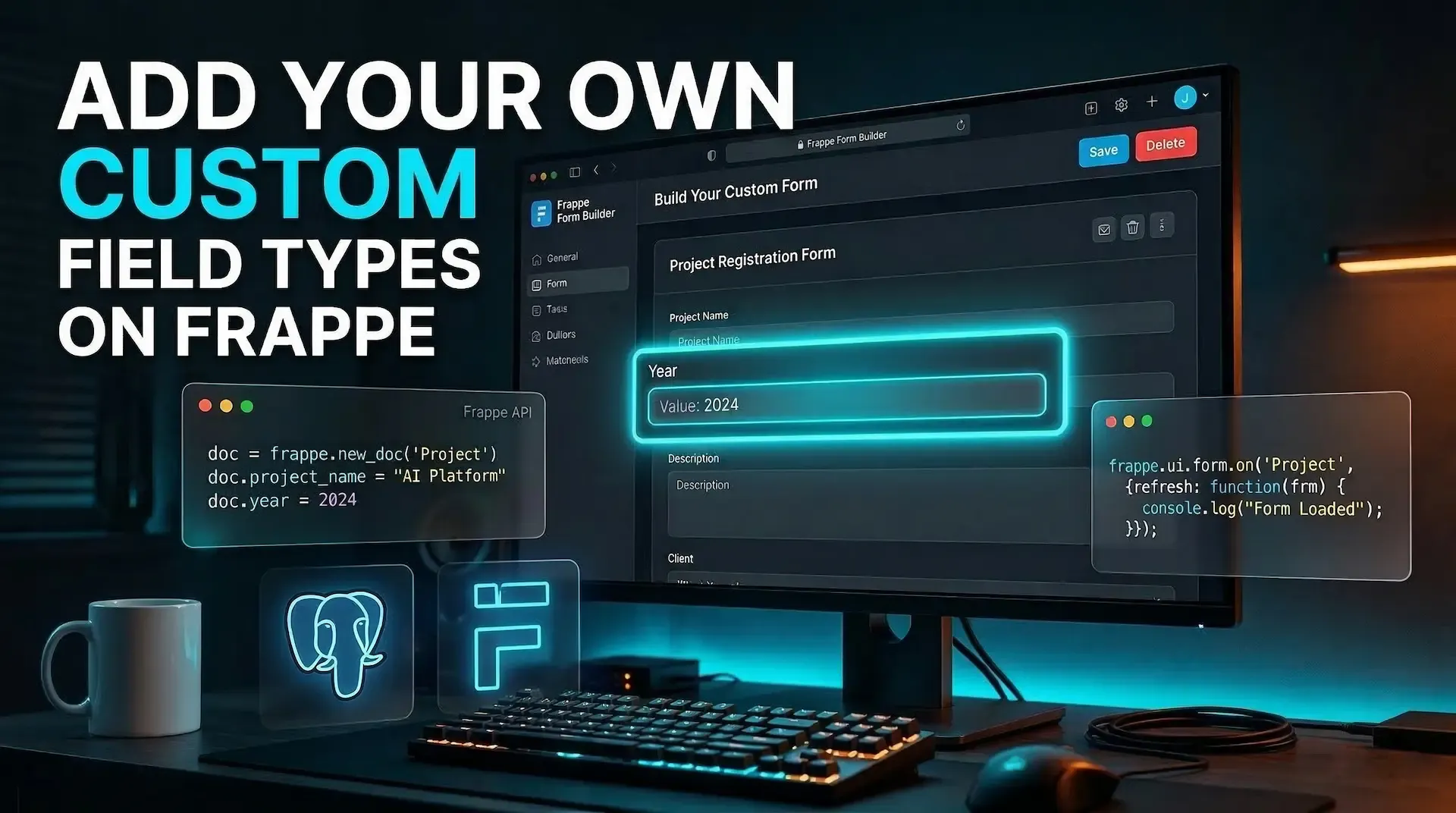
If you have ever wanted a field type that behaves like a first-class citizen inside Frappe Framework, you already know the obvious problem: Frappe makes it easy to add custom fields, but not brand-new custom field types.
That is where things get interesting. In this guide, we will build a real Year field type that shows up in the form builder, stores data correctly, and renders as a searchable dropdown in forms, all from a custom app. 🛠️
Important: this approach works by patching internal Frappe APIs in Frappe v15.x. It is powerful, but it is not an officially documented extension point, so you should expect to re-check these internals when upgrading.
About 35 to 50 minutes, depending on how familiar you are with Bench, app hooks, and Frappe's client-side controls.
By the end of this article, you will know how to:
Year field type to Frappe from a custom apppast_years and future_yearsCreating a new field type in Frappe is not a single change. Several parts of the framework need to agree that your field type exists:
| Layer | Why it matters |
|---|---|
| Python field type registry | Tells the ORM this field stores real data |
| Database type map | Tells MariaDB or PostgreSQL what column type to create |
| DocField metadata | Makes the field type selectable inside the form builder |
| Client-side metadata | Keeps the browser-side field type list in sync |
| JavaScript control class | Renders the field properly inside forms |
If one layer is missing, you usually get a confusing failure:
That is why this tutorial takes the long route and wires all of it together properly.
We will create a custom field type called Year with these behaviors:
past_yearsfuture_yearsExample:
If the current year is 2026, and you set:
past_years = 2future_years = 2The dropdown will offer:
2024, 2025, 2026, 2027, 2028
Assume your custom app is named my_app.
my_app/
├── my_app/
│   ├── __init__.py
│   ├── hooks.py
│   ├── utils/
│   │   └── year_fieldtype.py
│   └── public/
│       └── js/
│           ├── my_app.bundle.js
│           └── year_control.js
You will modify or create only these files:
my_app/my_app/__init__.pymy_app/my_app/hooks.pymy_app/my_app/utils/year_fieldtype.pymy_app/my_app/public/js/year_control.jsmy_app/my_app/public/js/my_app.bundle.jsClean, isolated, and upgrade-friendly. ✅
Frappe keeps a tuple called data_fieldtypes in frappe.model. This is the list of field types that are treated as real data columns, not layout-only fields such as Section Break or Column Break.
If your custom type is not added here, Frappe will not treat it as a data-bearing field.
File: my_app/my_app/__init__.py
import frappe.model as _model

if "Year" not in _model.data_fieldtypes:
    _model.data_fieldtypes = _model.data_fieldtypes + ("Year",)
data_fieldtypes is a tuple, so you cannot .append() to it__init__.py is imported early, before Frappe starts using the field definitionsThis makes Year visible to the ORM early enough to matter.
Once Frappe accepts Year as a data field, it still needs to know what SQL type to use when creating or altering columns.
For this example, Year is stored as a short string like "2026", so mapping it to varchar is a practical choice.
Still in my_app/my_app/__init__.py, add:
from frappe.database.mariadb.database import MariaDBDatabase as _MDB
from frappe.database.postgres.database import PostgresDatabase as _PG

_orig_mariadb_setup = _MDB.setup_type_map
_orig_postgres_setup = _PG.setup_type_map


def _patched_mariadb_setup(self):
    _orig_mariadb_setup(self)
    if "Year" not in self.type_map:
        self.type_map["Year"] = ("varchar", self.VARCHAR_LEN)


def _patched_postgres_setup(self):
    _orig_postgres_setup(self)
    if "Year" not in self.type_map:
        self.type_map["Year"] = ("varchar", self.VARCHAR_LEN)


_MDB.setup_type_map = _patched_mariadb_setup
_PG.setup_type_map = _patched_postgres_setup
Even if your site currently runs on MariaDB, Frappe v15 also supports PostgreSQL. Patching both keeps the custom field type portable across environments.
This is the part most people miss.
Frappe treats a handful of doctypes, including DocField, as special doctypes. Those doctypes do not go through the normal metadata processing flow. In practice, that means runtime behaviors like Property Setters and Custom Fields do not always apply to them the way you expect.
Why that matters here:
DocField metadatapast_years and future_years also need to behave like real fields on DocFieldSo a simple Property Setter is not enough. We need to patch metadata processing and inject our changes after Frappe finishes its normal work.
Meta.process() to inject the field type and extra propertiesContinue inside my_app/my_app/__init__.py:
from frappe.model.meta import Meta as _Meta

_orig_meta_process = _Meta.process


def _patched_meta_process(self):
    _orig_meta_process(self)

    if self.name == "DocField":
        ft_field = next(
            (f for f in self.get("fields") if f.fieldname == "fieldtype"), None
        )
        if ft_field and ft_field.options and "Year" not in ft_field.options.split("\n"):
            opts = ft_field.options.split("\n")
            opts.append("Year")
            opts.sort()
            ft_field.options = "\n".join(opts)

        from frappe.model.base_document import BaseDocument

        existing = {f.fieldname for f in self.get("fields")}
        added = False

        for fname, label in (
            ("past_years", "Past Years"),
            ("future_years", "Future Years"),
        ):
            if fname not in existing:
                self.append(
                    "fields",
                    BaseDocument(
                        {
                            "doctype": "DocField",
                            "fieldname": fname,
                            "fieldtype": "Int",
                            "label": label,
                            "options": "",
                            "default": "",
                            "depends_on": 'eval:doc.fieldtype==="Year"',
                            "hidden": 0,
                            "reqd": 0,
                            "read_only": 0,
                            "permlevel": 0,
                            "parent": "DocField",
                            "parenttype": "DocType",
                            "parentfield": "fields",
                        }
                    ),
                )
                added = True

        if added:
            for attr in ("_fields", "_valid_fields", "_valid_columns"):
                try:
                    delattr(self, attr)
                except AttributeError:
                    pass


_Meta.process = _patched_meta_process
It handles two jobs:
Year to the server-side fieldtype options on DocFieldpast_years and future_years into DocField metadata so the ORM can see and save themFrappe builds cached metadata structures during processing. If you append new fields after those caches are built, the new fields exist in the list but not in the computed lookup structures.
That is why deleting:
_fields_valid_fields_valid_columnsis important. It forces Frappe to rebuild those caches with the injected fields included.
Now we need the persistent setup:
tabDocFieldCreate my_app/my_app/utils/year_fieldtype.py:
import frappe

_TARGET_DOCTYPES = ("DocField", "Customize Form Field", "Custom Field")
_CUSTOM_FIELD_TARGETS = ("DocField", "Customize Form Field")

_YEAR_CUSTOM_FIELDS = [
    {
        "fieldname": "past_years",
        "label": "Past Years",
        "fieldtype": "Int",
        "default": "30",
        "description": "Number of past years to show (default 30)",
        "depends_on": 'eval:doc.fieldtype==="Year"',
        "insert_after": "sort_options",
    },
    {
        "fieldname": "future_years",
        "label": "Future Years",
        "fieldtype": "Int",
        "default": "10",
        "description": "Number of future years to show (default 10)",
        "depends_on": 'eval:doc.fieldtype==="Year"',
        "insert_after": "past_years",
    },
]


def _ensure_year_in_fieldtype_options():
    for dt in _TARGET_DOCTYPES:
        meta = frappe.get_meta(dt)
        fieldtype_df = meta.get_field("fieldtype")
        if not fieldtype_df:
            continue

        current_options = fieldtype_df.options or ""
        options_list = [o for o in current_options.split("\n") if o]

        if "Year" in options_list:
            continue

        options_list.append("Year")
        options_list.sort()
        new_options = "\n".join(options_list)

        existing = frappe.db.exists(
            "Property Setter",
            {"doc_type": dt, "field_name": "fieldtype", "property": "options"},
        )

        if existing:
            frappe.db.set_value("Property Setter", existing, "value", new_options)
        else:
            ps = frappe.new_doc("Property Setter")
            ps.doctype_or_field = "DocField"
            ps.doc_type = dt
            ps.field_name = "fieldtype"
            ps.property = "options"
            ps.property_type = "Small Text"
            ps.value = new_options
            ps.is_system_generated = 0
            ps.insert(ignore_permissions=True)


def _ensure_year_custom_fields():
    for dt in _CUSTOM_FIELD_TARGETS:
        for cf_def in _YEAR_CUSTOM_FIELDS:
            fname = cf_def["fieldname"]
            if frappe.db.exists("Custom Field", {"dt": dt, "fieldname": fname}):
                continue

            cf = frappe.new_doc("Custom Field")
            cf.dt = dt
            cf.fieldname = fname
            cf.label = cf_def["label"]
            cf.fieldtype = cf_def["fieldtype"]
            cf.default = cf_def["default"]
            cf.description = cf_def["description"]
            cf.depends_on = cf_def["depends_on"]
            cf.insert_after = cf_def["insert_after"]
            cf.is_system_generated = 0
            cf.insert(ignore_permissions=True)

    from frappe.database.schema import add_column

    added = False
    for cf_def in _YEAR_CUSTOM_FIELDS:
        fname = cf_def["fieldname"]
        if not frappe.db.has_column("DocField", fname):
            add_column("DocField", fname, "Int")
            added = True

    if added:
        cache_key = "table_columns::tabDocField"
        frappe.cache.delete_value(cache_key)
        frappe.client_cache.delete_value(cache_key)


def setup_year_fieldtype():
    _ensure_year_in_fieldtype_options()
    _ensure_year_custom_fields()
    frappe.db.commit()
This is the "make it real" step.
__init__.py patches solve runtime behaviorafter_migrate script makes sure the database and metadata records exist consistently after migrationIt is also safe to run repeatedly, which is exactly what you want from a migration-time setup routine. 🔁
Open my_app/my_app/hooks.py and add:
after_migrate = [
    "my_app.utils.year_fieldtype.setup_year_fieldtype",
]
If you already have an after_migrate list, append this entry instead of replacing the whole thing.
Now we teach the browser how to render the new field.
Create my_app/my_app/public/js/year_control.js:
const _YEAR_TARGETS = new Set([
  "DocField",
  "Customize Form Field",
  "Custom Field",
]);

$(document).on("app_ready", function () {
  if (
    frappe.model &&
    frappe.model.data_fieldtypes &&
    !frappe.model.data_fieldtypes.includes("Year")
  ) {
    frappe.model.data_fieldtypes.push("Year");
  }

  const _original_get_meta = frappe.get_meta;
  frappe.get_meta = function (doctype) {
    let meta = _original_get_meta.call(this, doctype);
    if (meta && _YEAR_TARGETS.has(doctype)) {
      _inject_year_into_meta(meta);
    }
    return meta;
  };

  frappe.ui.form.ControlYear = class ControlYear extends (
    frappe.ui.form.ControlAutocomplete
  ) {
    static trigger_change_on_input_event = false;

    set_options() {
      const current_year = new Date().getFullYear();
      const past = cint(this.df.past_years) || 30;
      const future = cint(this.df.future_years) || 10;

      const start = current_year - past;
      const end = current_year + future;

      let options = [];
      for (let year = end; year >= start; year--) {
        options.push({ label: String(year), value: String(year) });
      }

      this.set_data(options);
    }
  };

  _patchFormBuilder();
});

function _patchFormBuilder() {
  function patch(FB) {
    if (!FB || FB._yearPatched) return;

    const _origSetup = FB.prototype.setup_app;
    FB.prototype.setup_app = function () {
      _origSetup.call(this);

      try {
        const ctx = this.$form_builder.$.appContext;
        if (ctx && !ctx.components.YearControl) {
          ctx.components.YearControl = {
            props: ["df", "value", "read_only"],
            template: `
                            <div class="control frappe-control"
                                 :class="{ editable: $slots.label }">
                                <div v-if="$slots.label" class="field-controls">
                                    <slot name="label" />
                                    <slot name="actions" />
                                </div>
                                <div v-else class="control-label label"
                                     :class="{ reqd: df.reqd }">
                                    {{ df.label }}
                                </div>
                                <input class="form-control" type="text" readonly />
                                <div v-if="df.description" class="mt-2 description"
                                     v-html="df.description" />
                            </div>`,
          };
        }
      } catch (e) {
        console.warn("Year field: could not register form-builder preview", e);
      }
    };

    FB._yearPatched = true;
  }

  if (frappe.ui && frappe.ui.FormBuilder) {
    patch(frappe.ui.FormBuilder);
    return;
  }

  let _fb;
  Object.defineProperty(frappe.ui, "FormBuilder", {
    get() {
      return _fb;
    },
    set(val) {
      _fb = val;
      patch(val);
    },
    configurable: true,
    enumerable: true,
  });
}

function _inject_year_into_meta(meta) {
  if (!meta || !meta.fields) return;

  let ft_field = meta.fields.find((f) => f.fieldname === "fieldtype");
  if (
    ft_field &&
    ft_field.options &&
    !ft_field.options.split("\n").includes("Year")
  ) {
    let opts = ft_field.options.split("\n");
    opts.push("Year");
    opts.sort();
    ft_field.options = opts.join("\n");
  }

  if (!meta.fields.find((f) => f.fieldname === "past_years")) {
    meta.fields.push(
      {
        fieldname: "past_years",
        label: __("Past Years"),
        fieldtype: "Int",
        default: "30",
        description: __("Number of past years to show (default 30)"),
        depends_on: 'eval:doc.fieldtype==="Year"',
      },
      {
        fieldname: "future_years",
        label: __("Future Years"),
        fieldtype: "Int",
        default: "10",
        description: __("Number of future years to show (default 10)"),
        depends_on: 'eval:doc.fieldtype==="Year"',
      },
    );
  }
}
ControlAutocomplete is a good baseThis choice gives you a lightweight searchable input instead of forcing users through a plain dropdown. That is a better experience once the year range grows large.
It also matches the goal of making the field feel like a native Frappe control rather than a custom hack.
Open my_app/my_app/public/js/my_app.bundle.js and add:
import "./year_control.js";
Also make sure your hooks.py includes:
app_include_js = "my_app.bundle.js"
Without this, the browser will never load your control.
From your bench directory, run:
bench build --app my_app
bench migrate
After the build and migration finish:
If that works, the custom field type is fully wired through the stack. 🎉
Here is the mental model that makes this setup easier to reason about:
Year is added to frappe.model.data_fieldtypesYearMeta.process() is patched so DocField can recognize the new field type and extra propertiestabDocField gets real columns for past_years and future_yearsYearfrappe.get_meta() is patched to inject the same metadata client-sideControlYear becomes available for form renderingYearControl componentYearfrappe.ui.form.ControlYearset_options() computes the allowed year rangeThis pattern works, but it is advanced. Before you ship it widely, keep these points in mind:
varchar, int, or date, maintenance becomes easier.If your use case only needs custom behavior on top of an existing field, extending a built-in field type may still be cheaper than inventing a brand-new one.
Once you understand the Year example, you can reuse the same architecture for other controls.
You can simplify the setup:
data_fieldtypesDocField metadata| Field behavior | Good base class |
|---|---|
| Searchable input | ControlAutocomplete |
| Plain text | ControlData |
| Numeric input | ControlInt or ControlFloat |
| Static dropdown | ControlSelect |
| Date picker | ControlDate |
| Rich text | ControlTextEditor |
| Data shape | Common mapping |
|---|---|
| Short text | ("varchar", self.VARCHAR_LEN) |
| Long text | ("longtext", None) |
| Integer | ("int", 11) |
| Decimal | ("decimal", "21,9") |
| Date | ("date", None) |
| Boolean-ish flag | ("int", 1) |
Year to frappe.model.data_fieldtypesMeta.process() for DocFieldpast_years and future_years server-sideafter_migrate setup functionhooks.pyControlYear on the client sideyear_control.js into your app bundlebench build --app my_appbench migrateIf you want to explore the stack behind this article, these are worth bookmarking:
Adding a custom field type in Frappe is absolutely possible, but it is not a one-file customization. You are stitching together metadata, database behavior, ORM expectations, and client-side rendering.
That sounds intimidating at first, but once you see the shape of the system, it becomes surprisingly logical.
If you can get one field type like Year working cleanly, you now have a blueprint for building more ambitious controls without forking Frappe core. That is a useful capability for any serious Frappe developer. 🚀

Learn how to add Stripe and Razorpay subscription billing to a custom Frappe app — whitelisted APIs, webhook signature verification, and scheduler-based renewals.

Stop fighting the built-in resource API for complex business logic. Here's how to expose your own Python functions as clean, secure REST endpoints in Frappe

A practical Frappe tutorial for fixing wrong workspace redirects using role-to-route mapping, capture-phase click handling, and a reusable Desk JavaScript file.