Fix Database is Locked 🔒Error in Apache Superset

So, you’re happily building dashboards in Apache Superset, and suddenly—bam! 💥 Everything freezes, and you get hit with this nasty error:
sqlite3.OperationalError: database is locked [SQL: SELECT dbs.uuid ... FROM dbs ...]
Frustrating, right? 😤 You might think your charts are broken, but here’s the secret: This isn’t a chart problem. It’s a metadata problem.
Let’s dive into why this happens and, more importantly, how to fix it for good. 🚀
Here’s the deal: By default, Apache Superset uses SQLite for its metadata database (where it stores your dashboard configs, users, and database connections).
SQLite is amazing for lightweight apps, but it has one major flaw: It hates concurrency. 🛑
When you open a dashboard, Apache Superset fires off multiple workers (threads or processes) to fetch data for all your charts simultaneously.
If multiple workers try to write to or read from that single superset.db file at the exact same time, SQLite panics and locks the file to prevent corruption.
The result? One worker gets in, and the rest get the door slammed in their face: database is locked. 🔒
If you’re just testing things out locally and don’t want to set up a full database server yet, you can try this band-aid solution.
1. Stop Everything 🛑
Kill your current Apache Superset process. You can do this by pressing ctrl + c in the terminal.
2. Deactivate virtual environment (if any)
deactivate
4. Reactivate Virtual environment (if any)
source venv/bin/activate
5. Run with Threads 🧵
Restart Apache Superset using the --with-threads flag.
This forces the server to handle requests in a way that plays slightly nicer with SQLite's locking mechanism (though it's not bulletproof).
# If you are in a virtual env, make sure it's active!
superset run --with-threads
or
# If you are in a virtual env, make sure it's active!
superset run --with-threads --reload --debugger
Note: This is a temporary patch. If you're serious about using Superset, keep reading. 👇
If you want a stable, production-ready Superset instance, you must move your metadata database to a robust SQL engine like PostgreSQL or MySQL.
These databases are designed to handle thousands of concurrent connections without breaking a sweat. 💪
Create a new PostgreSQL database (e.g., superset) and a user (e.g., superset_user).
Open your superset_config.py (or set the environment variable) and update the SQLALCHEMY_DATABASE_URI to point to your new database.
# Example for PostgreSQL
SQLALCHEMY_DATABASE_URI = "postgresql+psycopg2://superset_user:yourpassword@localhost:5432/superset"
Initialize the new database with Superset's schema.
superset db upgrade
superset init
Pro Tip: If you have existing data in SQLite that you need to keep, you'll need to use a migration tool to copy the data over to Postgres. But for a fresh start, the commands above are all you need! ✨
The "database is locked" error is Superset's way of telling you it has outgrown SQLite.
By upgrading to a proper database backend, you unlock the full power of Superset—concurrent users, faster loads, and zero locking issues. 🔓
Happy visualizing! 📊
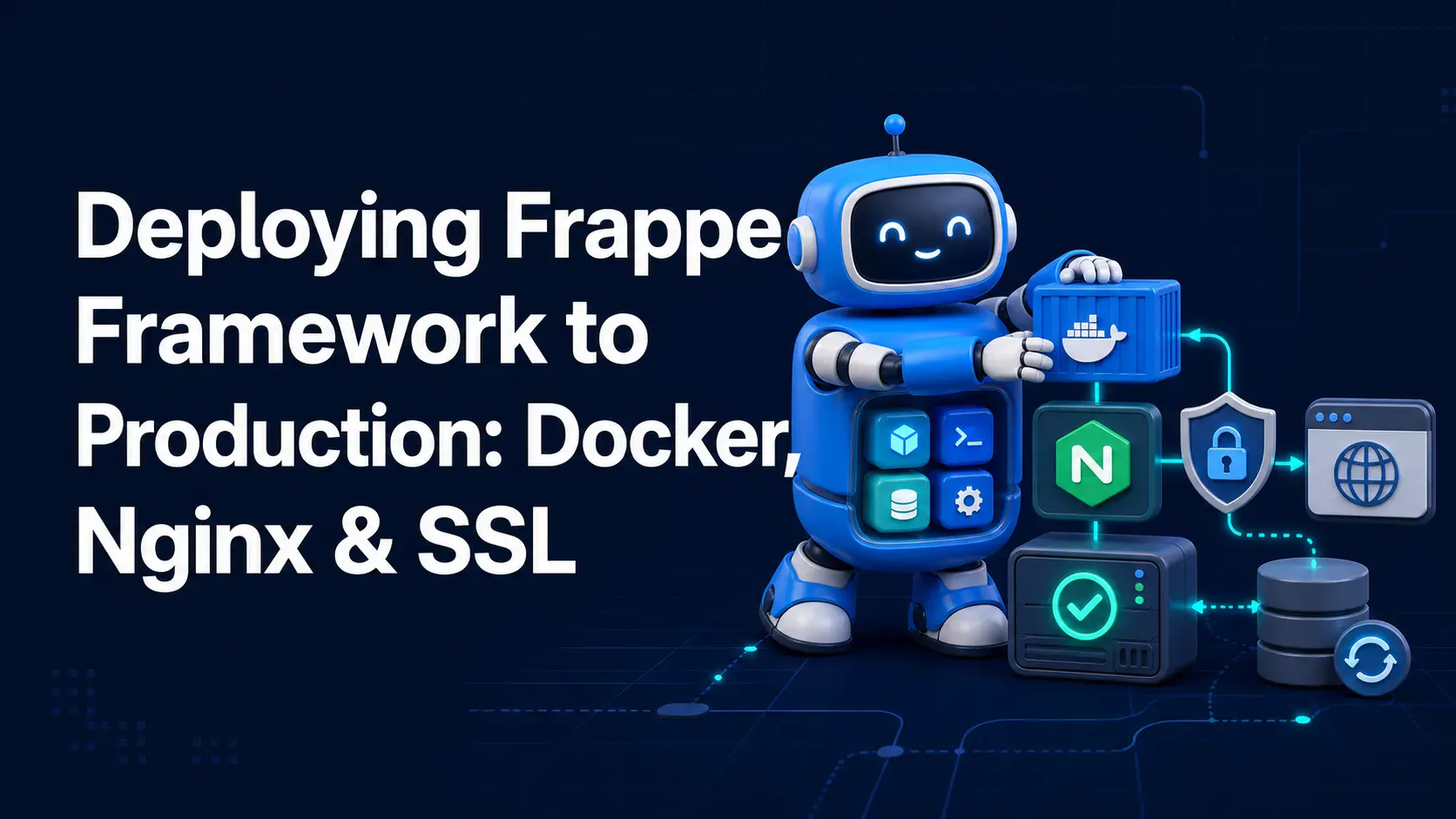
A complete, practical guide to deploying Frappe Framework in production using frappe_docker, Nginx as a reverse proxy, and Let's Encrypt SSL — no bench start required.
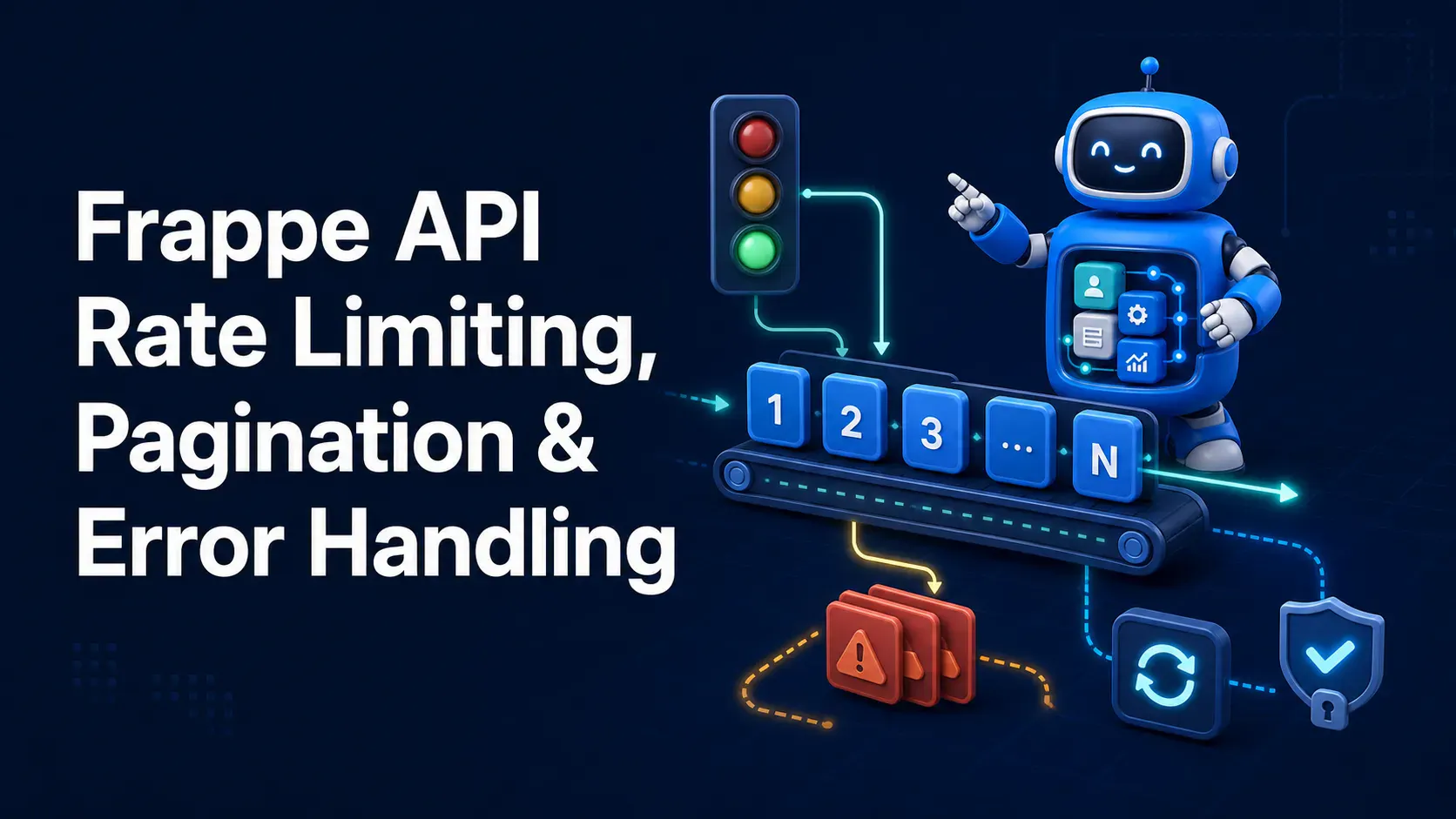
How to paginate large `/api/resource/` calls, configure Frappe's rate limiter, and build consistent error handling on both server and client for production-ready Frappe APIs.
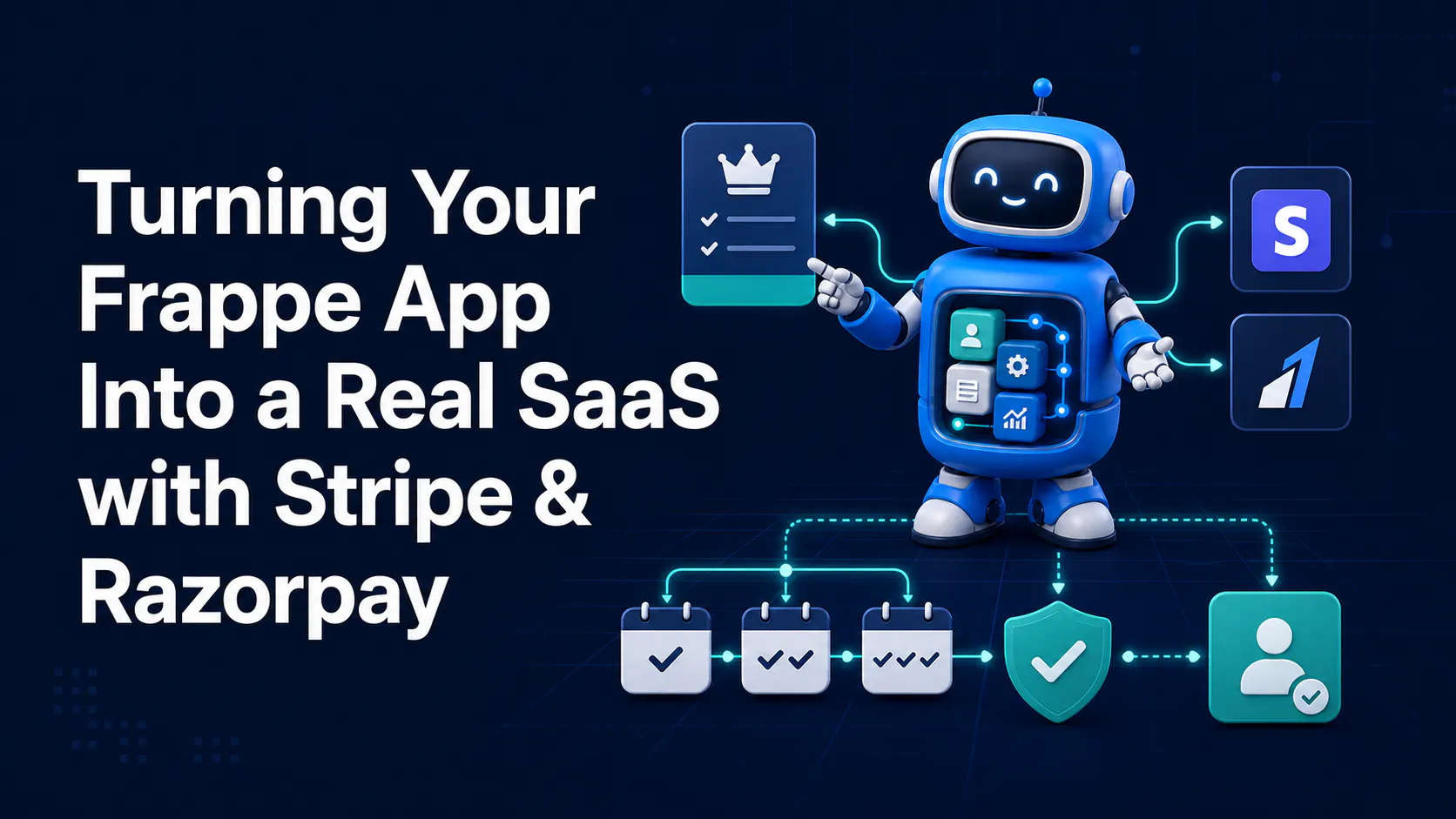
Learn how to add Stripe and Razorpay subscription billing to a custom Frappe app — whitelisted APIs, webhook signature verification, and scheduler-based renewals.