Managing Multiple PostgreSQL Versions Like a Pro

Running multiple PostgreSQL versions side-by-side is easier than you think — no virtual machines required! 🚀
15–30 minutes depending on your OS and the number of versions you install.
By the end of this guide, you'll know how to:
Before anything else, let's see what you've got.
psql client version:psql --version
SELECT version();
# On Ubuntu/Debian
dpkg -l | grep postgresql

# On macOS with Homebrew
brew list | grep postgresql
# Linux
pg_lsclusters

# macOS
brew services list | grep postgresql
PostgreSQL maintains its own apt repository, which makes installing multiple versions easy.
Step 1: Add the PostgreSQL apt repository
sudo apt install -y curl ca-certificates
sudo install -d /usr/share/postgresql-common/pgdg
curl -o /usr/share/postgresql-common/pgdg/apt.postgresql.org.asc --fail \
  https://www.postgresql.org/media/keys/ACCC4CF8.asc

sudo sh -c 'echo "deb [signed-by=/usr/share/postgresql-common/pgdg/apt.postgresql.org.asc] \
  https://apt.postgresql.org/pub/repos/apt $(lsb_release -cs)-pgdg main" \
  > /etc/apt/sources.list.d/pgdg.list'

sudo apt update
Step 2: Install your desired versions
sudo apt install -y postgresql-14 postgresql-16
Each version installs its own cluster and runs on its own port by default:
54325433 (auto-assigned if 5432 is taken)Verify all clusters:
pg_lsclusters
You'll see something like:
Ver  Cluster  Port   Status  Owner     Data directory
14   main     5432   online  postgres  /var/lib/postgresql/14/main
16   main     5433   online  postgres  /var/lib/postgresql/16/main
Homebrew makes multi-version Postgres straightforward.
Install multiple versions:
brew install postgresql@14
brew install postgresql@16
Start a specific version:
brew services start postgresql@14
brew services start postgresql@16
Note: On macOS, each version binds to a different port if configured. Check
/usr/local/var/postgresql@14/postgresql.confand updateportas needed.
Use the EnterpriseDB (EDB) installer and install each version to a different directory, assigning unique ports during installation (e.g., 5432 for PG14, 5433 for PG16).
Once multiple versions are running, connect to the right one by specifying the port:
# Connect to PostgreSQL 14
psql -p 5432 -U postgres

# Connect to PostgreSQL 16
psql -p 5433 -U postgres
Or in a connection string:
postgresql://postgres@localhost:5433/mydb
"Default" means two things: which psql binary is on your PATH, and which port 5432 is bound to.
psql BinaryUbuntu uses update-alternatives to manage which binary is active system-wide.
# Register both versions
sudo update-alternatives --install /usr/bin/psql psql /usr/lib/postgresql/14/bin/psql 140
sudo update-alternatives --install /usr/bin/psql psql /usr/lib/postgresql/16/bin/psql 160

# Interactively choose the default
sudo update-alternatives --config psql
You'll be prompted to pick a version. Confirm with:
psql --version
If you want PG16 to be the "primary" on port 5432:
# Stop both clusters
sudo pg_ctlcluster 14 main stop
sudo pg_ctlcluster 16 main stop

# Edit PG14 to use port 5433
sudo nano /etc/postgresql/14/main/postgresql.conf
# Change: port = 5433

# Edit PG16 to use port 5432
sudo nano /etc/postgresql/16/main/postgresql.conf
# Change: port = 5432

# Restart both
sudo pg_ctlcluster 14 main start
sudo pg_ctlcluster 16 main start
Add the version you want as default to the top of your shell config (~/.zshrc or ~/.bash_profile):
# Make PostgreSQL 16 the default
export PATH="/usr/local/opt/postgresql@16/bin:$PATH"
Then reload:
source ~/.zshrc
Verify:
psql --version
# psql (PostgreSQL) 16.x
To switch defaults, simply swap the version number in the export line and reload.
# Linux
sudo pg_ctlcluster 14 main stop
sudo pg_ctlcluster 16 main start

# macOS
brew services stop postgresql@14
brew services start postgresql@16
| Task | Linux Command | macOS Command |
|---|---|---|
| List installed versions | dpkg -l | grep postgresql | brew list | grep postgresql |
| List running clusters | pg_lsclusters | brew services list |
| Connect to specific version | psql -p 5433 | psql -p 5433 |
| Start a version | pg_ctlcluster 16 main start | brew services start postgresql@16 |
| Stop a version | pg_ctlcluster 16 main stop | brew services stop postgresql@16 |
| Set default binary | update-alternatives --config psql | Update $PATH in shell config |
pg_upgrade or dump/restore.pg_lsclusters or lsof -i :5432.🎉 Running multiple PostgreSQL versions gets easier once you understand that each version is essentially a self-contained service with its own port and data directory. With the tools above, you can switch between them confidently — no virtual machines required! 🚀

How to paginate large `/api/resource/` calls, configure Frappe's rate limiter, and build consistent error handling on both server and client for production-ready Frappe APIs.

Stop fighting the built-in resource API for complex business logic. Here's how to expose your own Python functions as clean, secure REST endpoints in Frappe
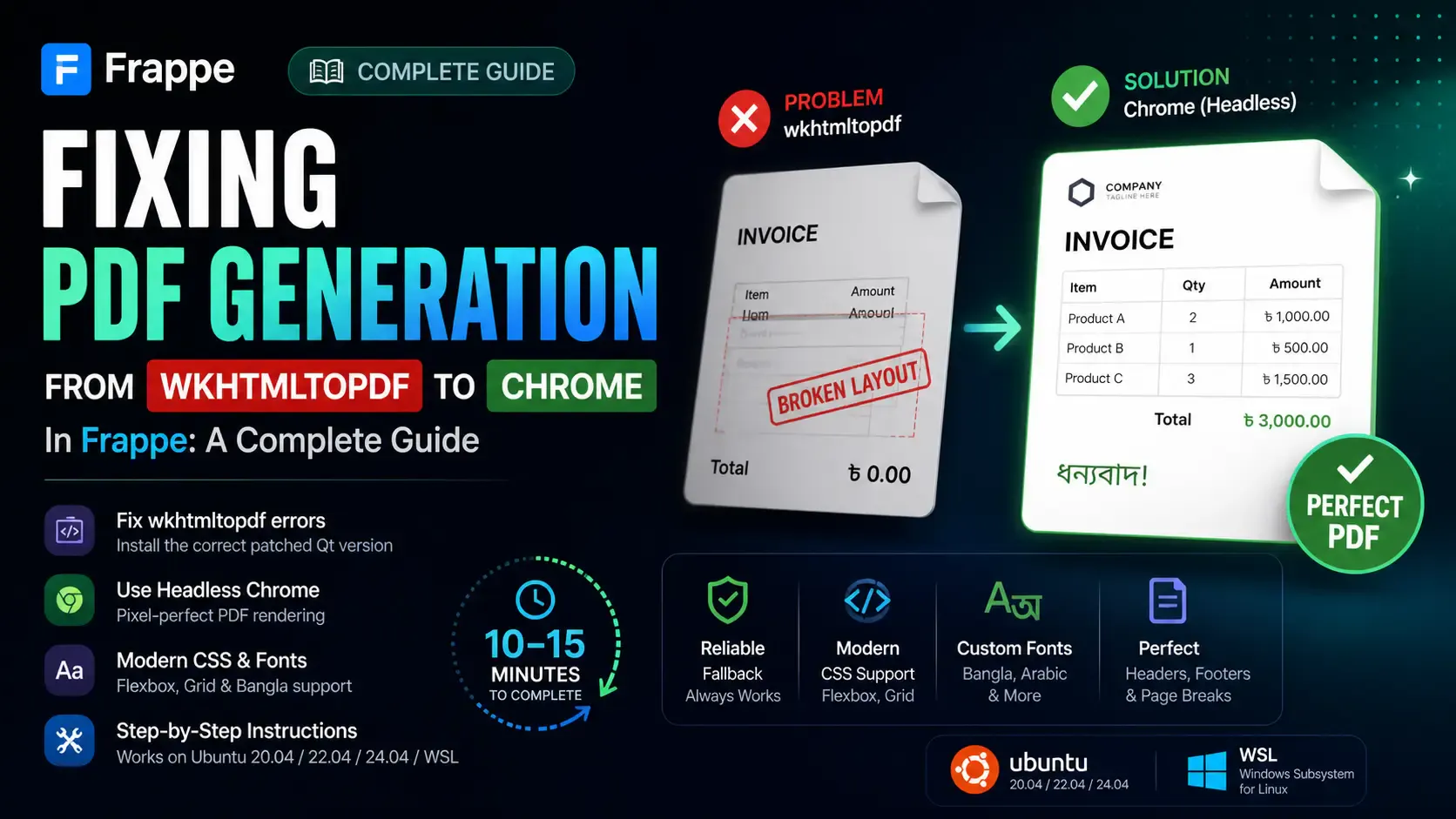
Getting the "Invalid wkhtmltopdf version" error in Frappe or ERPNext? Learn how to fix broken PDFs, install the patched Qt version, and switch to headless Chrome for pixel-perfect modern CSS and custom font support.