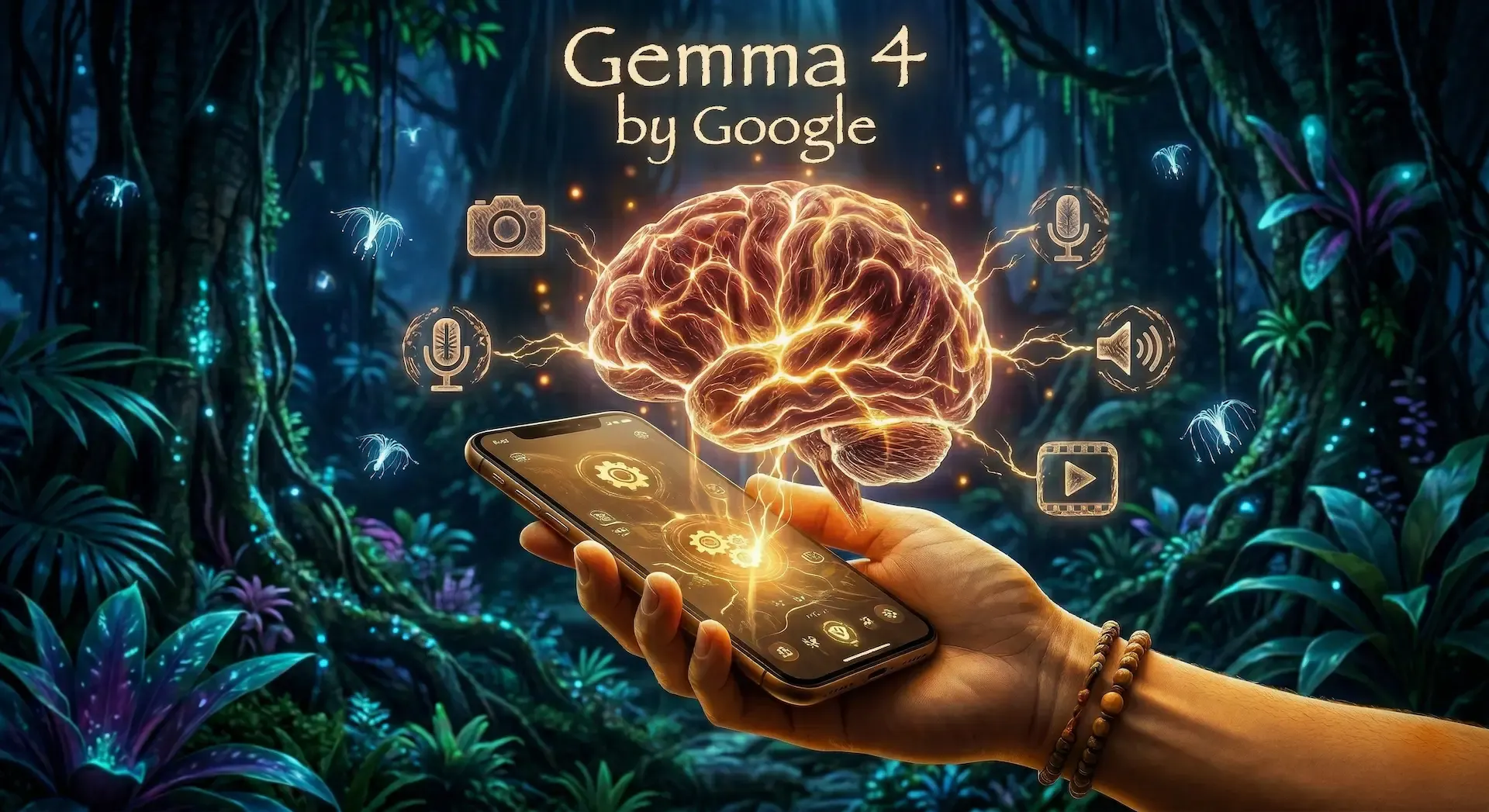
Google has officially pushed the boundaries of open-weight models with the release of Gemma 4. Licensed under the commercially permissive Apache 2.0 license, this new generation isn't just a minor bump in text generation—it is a massive foundational shift towards autonomous, multimodal, local AI.
⏱️ Time to Complete
~7-10 minutes of reading
🎯 What You’ll Achieve / Learn
- Master the Edge: Understand what it means to run high-powered AI natively on your own hardware.
- Compare Generations: See exactly how Gemma 4 obliterates Gemma 3 in benchmarks and capabilities.
- Avoid Pitfalls: Learn precisely what this model can and cannot do.
- Demystify Jargon: Get plain-English explanations for complex AI terms like GGUF, MoE, and Quantization.
- Build the Future: Discover incredible, real-world use cases you can start building today.
🔗 Useful Resources
Before we dive into the mind-blowing specific features, it is crucial to understand the driving philosophy behind this release: The Edge. 🔪
In the AI world, "the edge" refers to running models directly on local hardware—such as your smartphone, an IoT device like a Raspberry Pi, or your personal workstation—rather than relying on a distant, centralized cloud server. Running AI on the edge guarantees absolute data privacy, practically eliminates network latency, and allows your applications to function completely offline. Gemma 4 was engineered from the ground up to absolutely dominate this space.
Whether you are provisioning serverless GPUs for enterprise logic or building lightweight apps directly on edge devices natively, here is a comprehensive, no-nonsense breakdown of everything you need to know about Gemma 4.
1. 📅 The Release Date and What's New
Released on April 2, 2026, Gemma 4 is built from the identical bleeding-edge research and technology powering Google's flagship Gemini 3 models. But what makes it so special?
✨ What’s New in Gemma 4:
- 👁️ True Multimodality: All Gemma 4 models process images, video, and audio natively. The edge models even support direct audio input for blisteringly fast speech recognition!
- 🤖 Agentic Workflows Out-of-the-Box: Forget simple chat bots. Gemma 4 natively supports function-calling, structured data output (like JSON), and complex multi-step planning. It is designed to act as an autonomous agent that can interact with external APIs and services right away.
- 🧠 Massive Context Windows: Context sizes have doubled! The larger models now support up to a mind-boggling 256,000 tokens.
- 📏 New Architecture Sizes:
- E2B (Effective 2 Billion): Ultra-lightweight, heavily optimized for IoT and mobile edge devices.
- E4B (Effective 4 Billion): A balanced edge model that packs a serious punch.
- 26B MoE (Mixture of Experts): Extremely high performance with lower inference latency—the sweet spot for typical enthusiast hardware.
- 31B Dense: The flagship heavyweight, currently ranking #3 among ALL open AI models on the prestigious leaderboards.
2. 🥊 Gemma 4 vs. Gemma 3: The Ultimate Comparison
Upgrading your local inference stack from Gemma 3 to 4 brings substantial architectural changes. Here is exactly how they stack up against each other:
| Feature | 🥉 Gemma 3 | 🥇 Gemma 4 |
|---|
| Context Window | Up to 128k tokens | 128k (Edge) / 256k (26B & 31B) |
| Modality | Text & Vision | Text, Vision, Audio, & Video |
| Model Sizes | 1B, 4B, 12B, 27B, 270M | E2B, E4B, 26B MoE, 31B Dense |
| Agentic Support | Basic instruction following | Native function calling & tool use |
| Hardware / VRAM | CPU, standard GPUs (8GB+) | E2B/E4B run on mobile/IoT; 31B requires 24GB+ VRAM |
| Performance (Edge) | Standard mobile execution | Up to 4x faster, 60% less battery drain 🔋 |
💻 Hardware & Inference Reality:
Gemma 3 was great for standard workstation GPUs. Gemma 4 pushes this to the extremes! The E2B and E4B models run flawlessly on edge devices with near-zero latency. For the massive 31B Dense model, running it locally via Ollama or vLLM will demand serious hardware—think NVIDIA RTX 3090/4090 (24GB VRAM) or Apple Silicon with unified memory. The 26B MoE offers a fantastic middle-ground for incredibly fast inference on mid-tier hardware.
3. 🛑 What You CANNOT Do With Gemma 4
Despite the incredible hype, it is crucial to understand the limitations of the model to avoid architectural missteps:
- 🎨 You cannot generate media: Gemma 4 has multimodal understanding, meaning it can ingest, process, and intensely analyze images, video, and audio. However, it cannot generate images, video clips, or audio tracks. It outputs text, code, and structured data.
- 🌐 You cannot use it as a live search engine: It operates entirely offline. Out of the box, it lacks the ability to browse the internet for real-time news. You must build an agentic tool around it (using its native function-calling capabilities) to fetch live data.
- 📚 You cannot expect flawless factual recall: Like all LLMs, Gemma 4 is a reasoning engine, not a traditional database. Without Retrieval-Augmented Generation (RAG), it will confidently hallucinate facts or output outdated information.
4. 🕵️♂️ Busting the Myths: Vague Terms and Misconceptions
When a new model drops, marketing jargon often creates immense confusion. Let's bust the most common myths surrounding Gemma 4:
- ❌ Myth: "Gemma 4 has a 256k context window across the board."
- ✅ Reality: Only the massive 26B MoE and 31B Dense models support the 256k context window. If you are deploying the E2B or E4B models on the edge, your maximum context window is capped at a highly respectable 128k tokens.
- ❌ Myth: "Gemma 4 is just an offline version of Gemini 4."
- ✅ Reality: While built on similar underlying research, Gemini is Google's closed-source, proprietary cloud model. Gemma is open-weights, licensed under Apache 2.0, giving developers complete digital sovereignty and full ownership over their infrastructure without pesky subscription costs.
- ❌ Myth: "You need a massive, expensive server rack to run it."
- ✅ Reality: The "E" in E2B and E4B stands for "Effective". These models were collaboratively developed specifically to run entirely offline on standard mobile phones and IoT boards!
5. 🤗 Hugging Face: Distilled & GGUF Versions
To get Gemma 4 running efficiently on local hardware using frameworks like Ollama, llama.cpp, or LM Studio, you will desperately want the quantized GGUF formats.
You can find the official open-weight models and the community-quantized versions over at Hugging Face:
- 🏢 Official Google Blog: huggingface.co/blog/gemma4 (Find models and technical details here).
- 🗜️ GGUF Quantizations (For Local Inference): Search Hugging Face for
gemma-4-gguf. The brilliant community (such as Bartowski and Google's own QAT releases) typically provides standard, optimized quants like Q4_K_M or Q5_K_M.
- 💡 Pro Tip for local setups: Grab the
gemma-4-31b-it-Q4_K_M.gguf if you have 24GB of VRAM, or the E4B quants if you are experimenting on a standard laptop.
6. 🦙 Ollama: Running Gemma 4 Locally
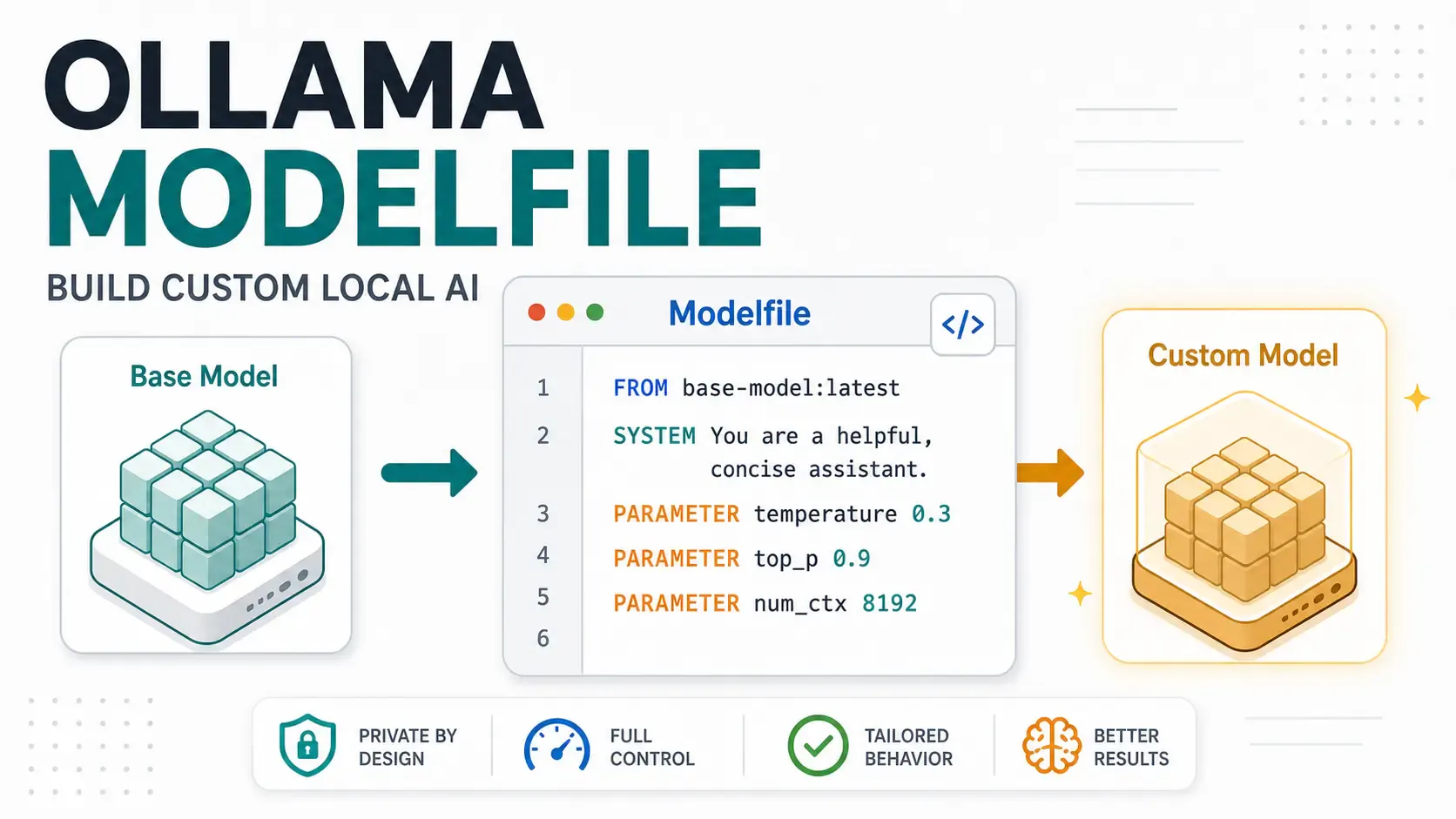
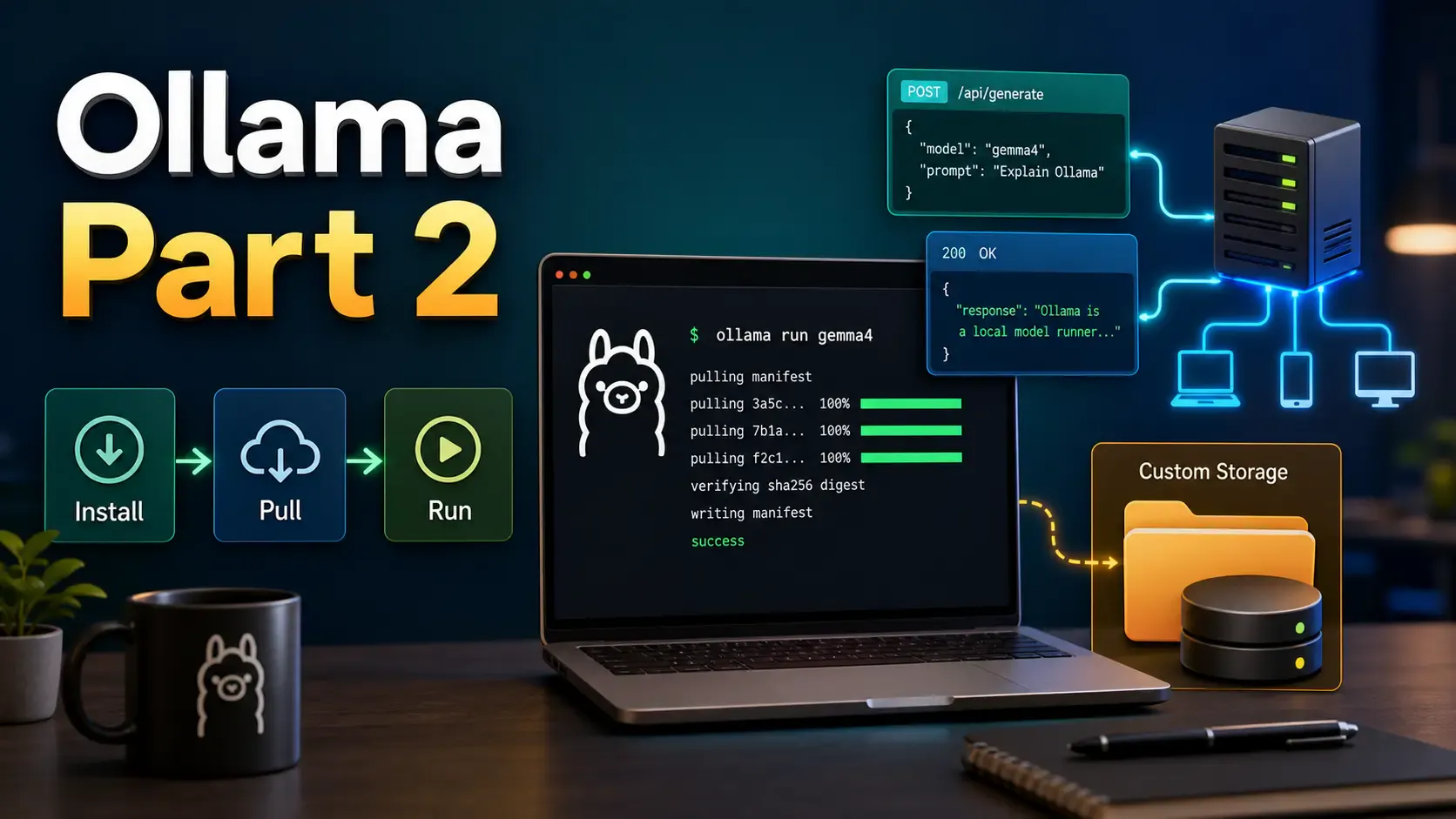
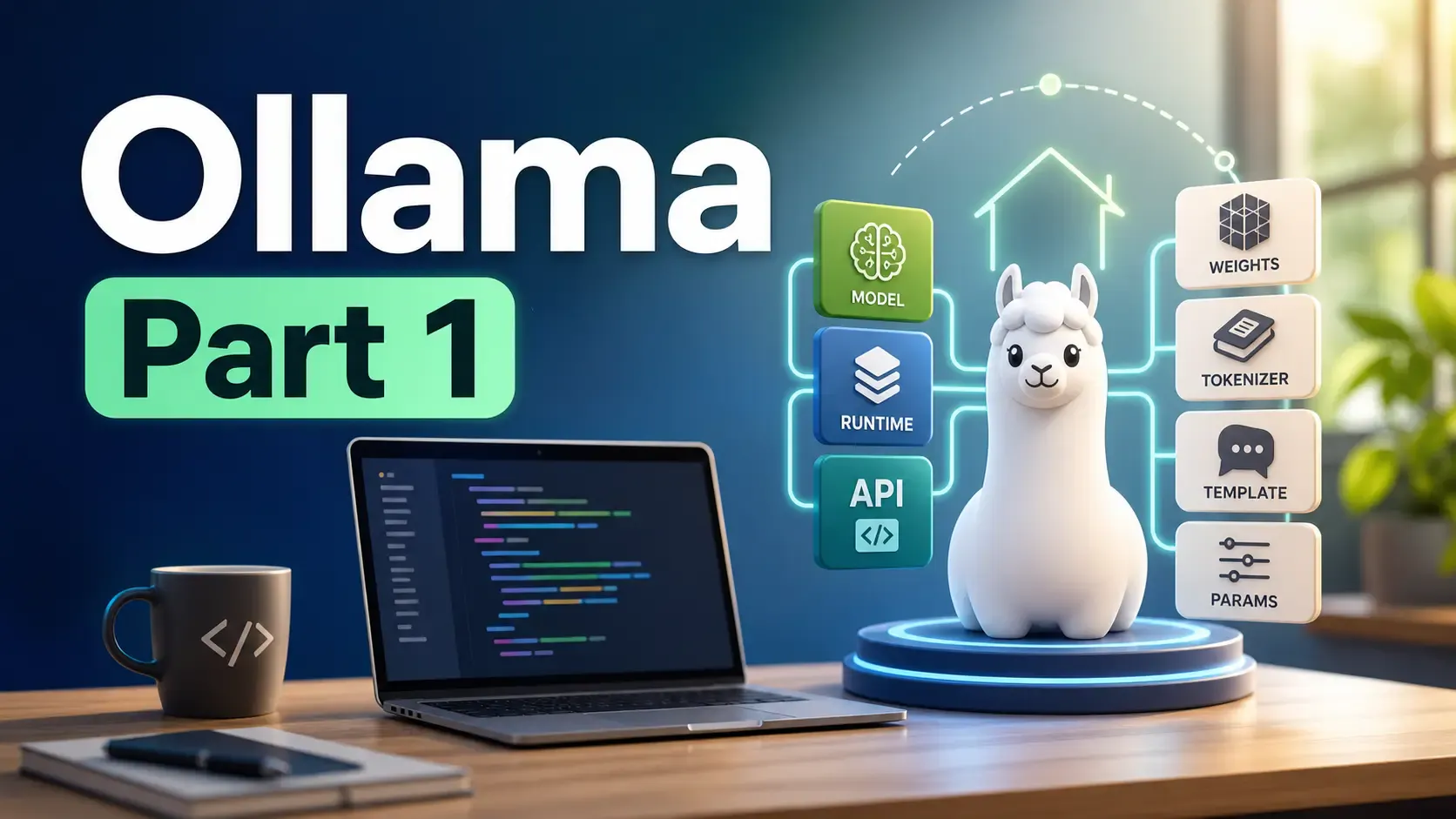
If you prefer a seamless, plug-and-play experience for local inference, Ollama is the perfect solution. It allows you to download and run AI models locally with simple commands.
You can find the official Gemma 4 models directly on their registry: Ollama Gemma Library. Simply install Ollama from their official website, open your terminal, and start running the models instantly!
7. 🛠️ What Can Be Built Using Gemma 4?
Gemma 4’s unique blend of massive context, true multimodality, and local execution opens up incredibly powerful, previously impossible use cases:
- 🏢 Enterprise-Grade ERP Integrations: Because Gemma 4 can run entirely offline on internal network infrastructure, it is absolutely perfect for integrating AI into highly secure business systems. Build an intelligent routing agent that handles secure enterprise data, automatically categorizes internal tickets, or manages complex structured data outputs without ever pinging an external cloud.
- 💻 Advanced Coding Assistants: By running the 31B Dense model locally, developers can create completely private, offline coding assistants. This is highly effective for safely building complex single-page applications or generating boilerplate logic without exposing proprietary, secret codebases to third-party APIs.
- 🎬 Video Post-Production Automation: Leveraging Gemma 4's powerful native video and audio understanding, you can build tools that ingest massive video project files. Imagine feeding it a long video tutorial and having the model automatically generate SEO-optimized metadata, exact structural timestamps, and a fully formatted blog post directly from the visual and audio context!
- 👾 On-Device Game NPCs: Using the lightweight E2B or E4B models, game developers can embed complex, reasoning NPCs directly into the client. Because inference happens safely on the user's local hardware, you can generate incredibly dynamic dialogue for 3D environments without incurring massive, crippling server-side API costs.
8. 📖 Glossary
If you are new to running AI on your own computer, the terminology can be extremely overwhelming. Here is a handy cheat sheet to help you out:
- 🌍 Edge / Edge Computing: Running the AI directly on your own device (like your laptop, phone, or a small custom computer) instead of relying on the internet or a big tech company's distant servers. It means your data stays 100% private and works perfectly offline!
- 🏋️ Dense Model: A "heavyweight" AI model where every single part of its digital brain works on every single question you ask it. It is incredibly smart but needs a very powerful computer to run.
- 🔀 MoE (Mixture of Experts): A "smart-routing" AI model. Instead of using its whole brain for every question, it rapidly routes your prompt to a specific "expert" section. It's like having a team of specialists; it gives you fast, smart answers without needing a massive supercomputer.
- 🧠 Context Window: The AI's short-term memory. A "256k" context window means the AI can read and remember about an 800-page book in a single conversation before it starts forgetting what you said at the very beginning.
- 📦 GGUF: Think of this as a highly optimized "ZIP file" specifically for AI. It’s a special file format that packages a giant AI model so you can easily download it and run it on a normal, everyday computer.
- 📉 Quantization: The process of shrinking the AI's file size. Think of it like saving a massive, ultra-high-quality raw photo as a smaller JPEG. You lose a tiny, mostly unnoticeable bit of absolute detail, but it loads incredibly fast on your computer.
- 🔎 RAG (Retrieval-Augmented Generation): Giving the AI an open-book test. Instead of relying only on its built-in memory, you let the AI actively read your personal documents, PDFs, or a secure database to find exact, true facts before it answers your questions.
- 🎮 VRAM (Video RAM): The special, ultra-fast memory inside your computer's graphics card. AI models are huge, and they desperately need a lot of this dedicated memory to load and run at lightning speed.