Threlte Camera Parenting Guide Building FPS Mechanics in the Browser
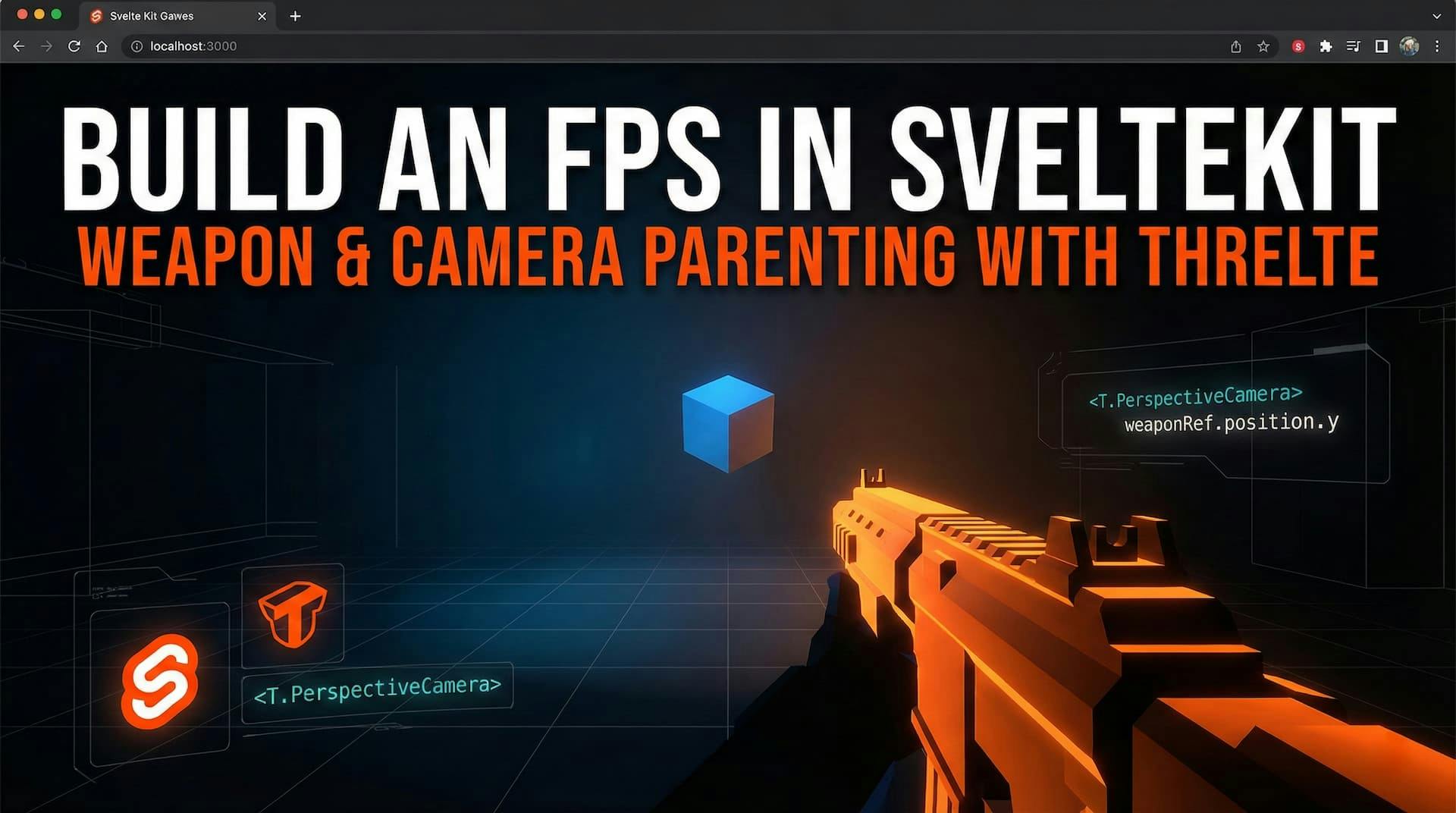
Ever find yourself daydreaming about building the next DOOM or Call of Duty... but in the browser? 🕹️
The secret sauce to any First Person Shooter (FPS) is the "feel" of the weapon. It needs to be an extension of the player, moving seamlessly with their view. Today, we're diving into Threlte—the ultimate power couple of Three.js and SvelteKit—to build a rock-solid camera-weapon setup.
We'll keep the scene minimal so the core mechanics shine. Let's lock and load! 💥
By the end of this guide, you'll have:
We only need two files to make this magic happen:
+page.svelte: The portal to our 3D world.Scene.svelte: Where the logic, camera, and action live.+page.svelte)This is our entry point. We set up a black void div that takes up the full screen height (h-screen) and mount our <Canvas> component.
<script>
  import { Canvas } from '@threlte/core';
  import Scene from './Scene.svelte';
</script>

<div class="h-screen w-full bg-black">
  <Canvas>
    <Scene />
  </Canvas>
</div>
Scene.svelte)Here is where the magic happens! We are going to use a clever trick called Parenting.
In 3D graphics, children inherit the transformation of their parents. By making our weapon a child of the camera, it will automatically follow the camera wherever it looks or moves. No complex math required! 🧠
<script>
  import { T, useFrame } from '@threlte/core';
  import { OrbitControls, Sky } from '@threlte/extras';

  let weaponRef;

  // 🌊 Procedural Sway Animation
  // Adds life to the static model by gently bobbing it like a breathing character
  useFrame(({ clock }) => {
    if (!weaponRef) return;
    const t = clock.getElapsedTime() * 2; // Speed multiplier

    // Vertical bobbing (breathing)
    weaponRef.position.y = -0.7 + Math.sin(t) * 0.005;

    // Slight rotational sway
    weaponRef.rotation.z = Math.sin(t * 1.5) * 0.01;
  });
</script>

<!-- 🎥 CAMERA SETUP -->
<T.PerspectiveCamera makeDefault position={[0, 2, 6]} fov={75}>
  <!-- Controls to look around -->
  <T.OrbitControls enableDamping />

  <!-- 🔫 THE WEAPON RIG -->
  <!-- Notice this group is INSIDE the Camera! This is "Camera Space". -->
  <T.Group
    bind:this={weaponRef}
    position={[0.4, -0.7, -1.4]}
    rotation={[0.05, 0.2, 0]}
  >
    <!-- Placeholder Weapon Mesh (High-tech Orange Box) -->
    <T.Mesh castShadow>
      <T.BoxGeometry args={[0.35, 0.2, 1.1]} />
      <T.MeshStandardMaterial color="#ffae00" roughnes={0.2} metalness={0.8} />
    </T.Mesh>

    <!-- Pro Tip: Add child meshes here for sights, barrels, or attachments! -->
  </T.Group>
</T.PerspectiveCamera>

<!-- 💡 LIGHTING & ENVIRONMENT -->
<T.AmbientLight intensity={0.5} />
<T.DirectionalLight position={[10, 10, 10]} intensity={1} castShadow />

<!-- The Ground -->
<T.Mesh rotation={[-Math.PI / 2, 0, 0]} receiveShadow>
  <T.PlaneGeometry args={[50, 50]} />
  <T.MeshStandardMaterial color="#374151" />
</T.Mesh>

<!-- Reference Cube (So you see you're moving) -->
<T.Mesh castShadow receiveShadow position={[0, 0.5, -3]}>
  <T.BoxGeometry args={[1, 1, 1]} />
  <T.MeshStandardMaterial color="#3b82f6" />
</T.Mesh>

<Sky />
When we nest the <T.Group> (our weapon) inside the <T.PerspectiveCamera>, we enter "Camera Space".
position={[0, 0, 0]} would be inside the camera lens.z: -1 puts it in front of the lens.x: 0.4 moves it to the right (perfect for right-handed alignment).useFrame) 🔄Static weapons feel dead. By using useFrame, we hook into the browser's render loop (60fps+).
Math.sin(time) creates a smooth wave (-1 to 1).Ready to level up? Here is your roadmap:
.glb model (try Sketchfab) using Threlte's <GLTF> component.weaponRef.position.z backward and lerp it back to original position.<OrbitControls> for specific FPS Pointer Lock controls to walk around the map!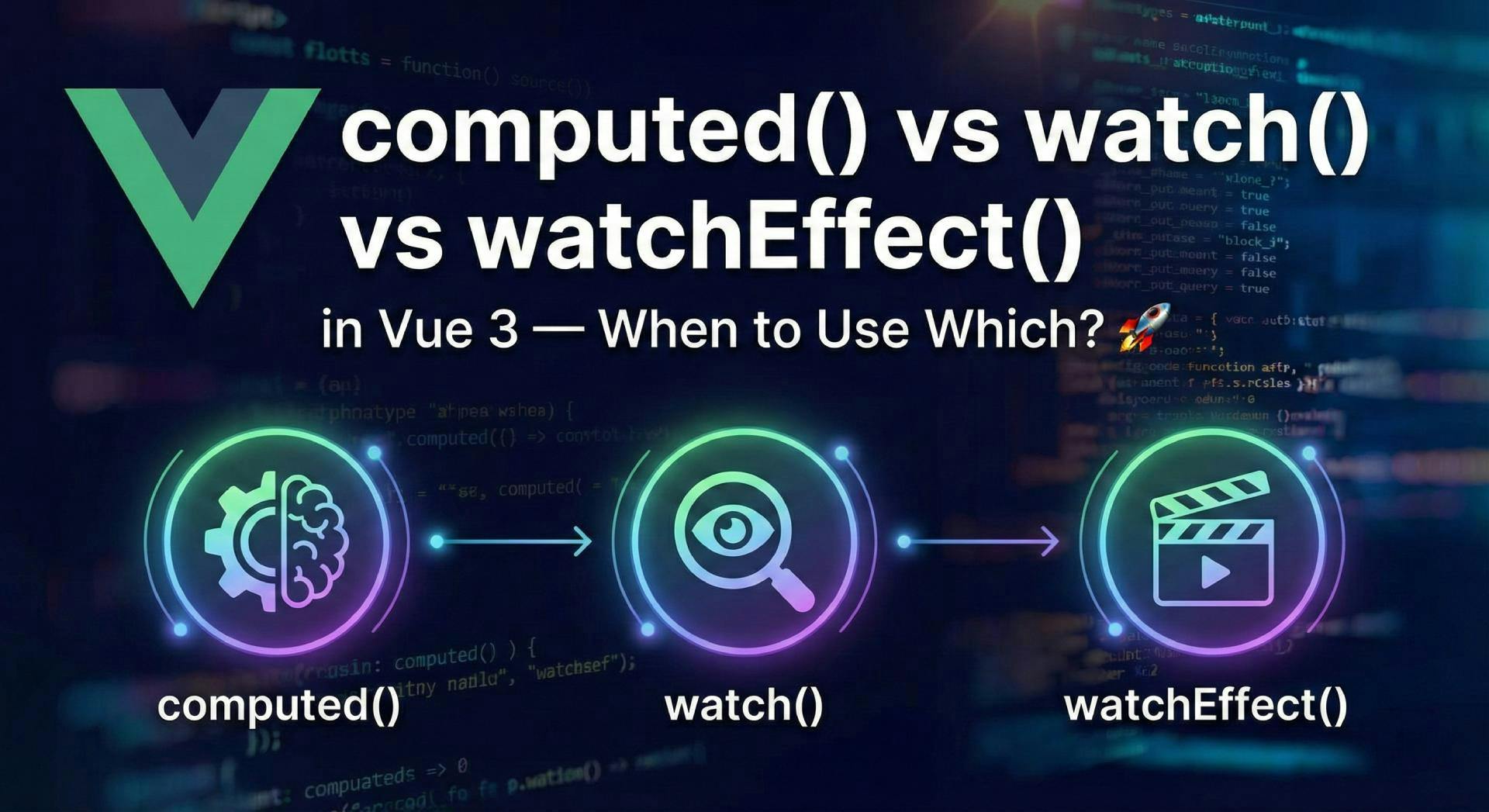
Confused by Vue 3's reactivity options? Master the differences between computed, watch, and watchEffect with real-world examples and best practices.
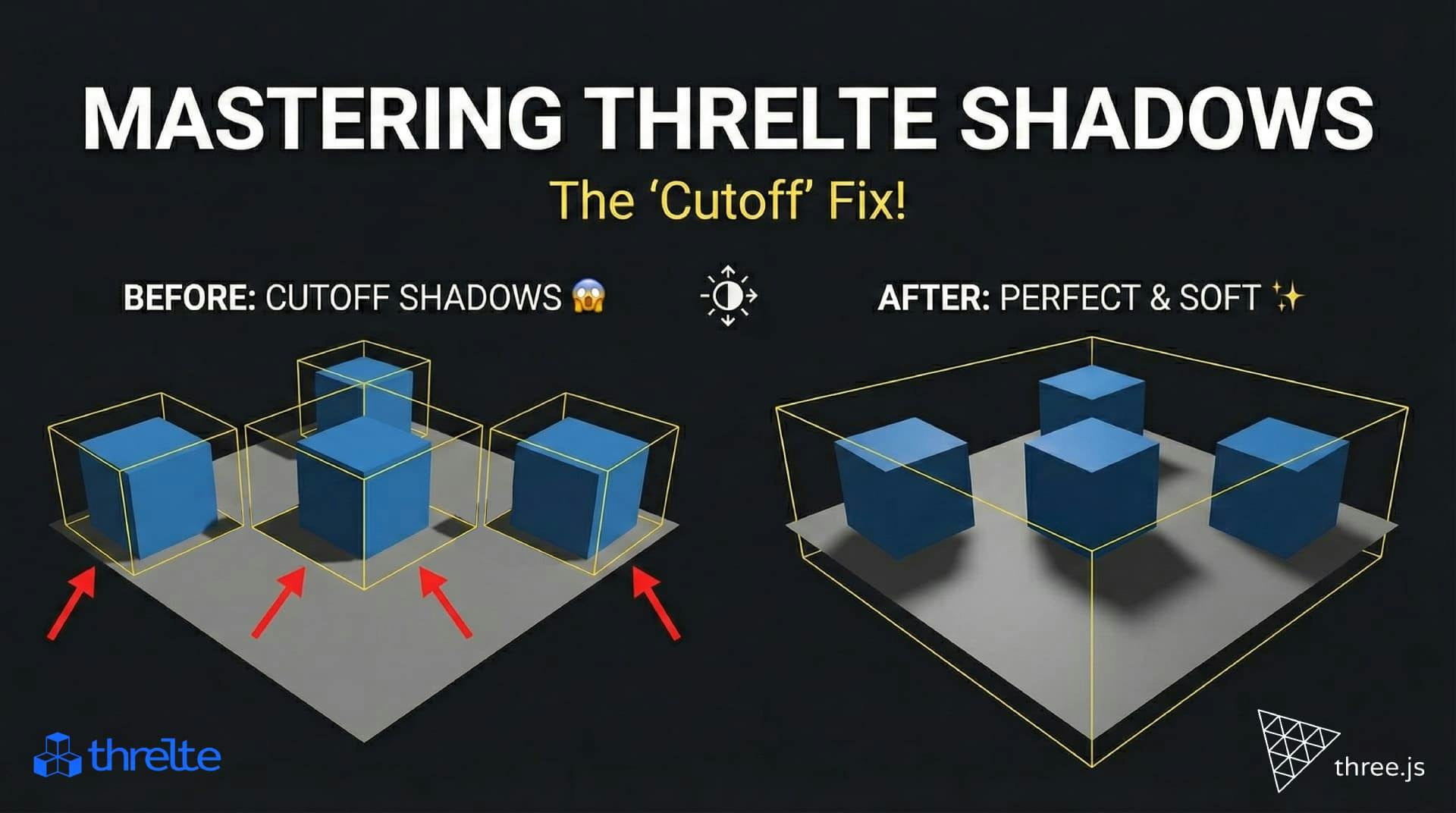
Shadows disappearing in your Threlte or Three.js scene? It’s a frustum issue. Learn how to visualize the shadow box and fix clipping instantly with this guide.

New to Shopify theme development? Learn the essential files—Liquid, JSON, and assets—and understand the modern Online Store 2.0 structure.