Frappe Framework Guide: Understanding Generated DocType Files
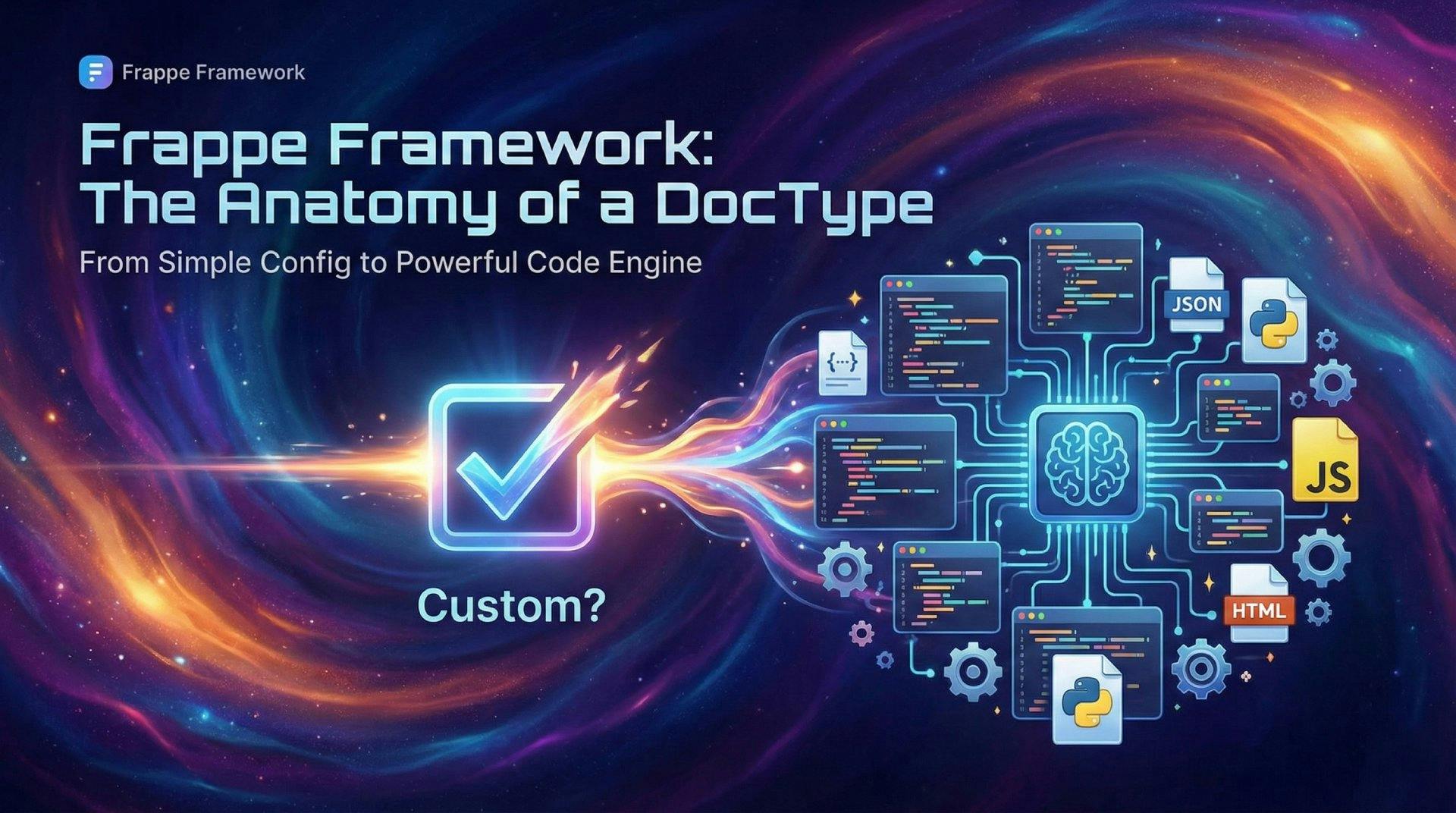
So, you’ve started building with the Frappe Framework. You’re loving the "Low Code" magic, right? You define a few fields, hit save, and boom—you have a working CRUD interface. 🤯
But wait. What if you want to get serious? What if you want to write custom logic, add complex validations, or integrate with a third-party API?
That’s where the "Custom" checkbox comes in (or rather, goes away).
When you uncheck that little "Custom?" box in the DocType settings, Frappe stops treating your data model as generic configuration and transforms it into a full-fledged Code Component. It generates a folder structure on your file system, handing you the keys to the castle. 🏰
Let’s dive into exactly what gets created, why it exists, and how you can use it to build powerful enterprise apps. 👇
First things first. When you create a DocType, enabling Developer Mode is key.
Run this command (to activate Developer Mode) in your bench directory if you haven't already:
bench set-config developer_mode 1
Library Member).Once you hit that save button, Frappe’s backend works its magic and generates a standardized directory in your app.
Here is the exact anatomy of your new DocType. Knowing which file does what is the difference between "hacking it together" and "engineering" a solution.
| 📁 File | ⚡ Role | ⏰ When it runs |
|---|---|---|
doctype.json | The Blueprint 📐 Defines fields, permissions, and settings. | Loaded immediately. The source of truth for structure. |
doctype.js | The Interaction 🎭 Client-side logic (alerts, visibility, filters). | Runs in the browser when the Form loads or fields change. |
doctype.py | The Brain 🧠 Server-side logic (CRUD hooks, DB operations). | Runs on Save, Submit, Cancel, or via API calls. |
test_doctype.py | The Safety Net 🕸️ Automated Unit Tests. | Runs only when you execute bench run-tests. |
doctype.html/css | The Look 🎨 (Optional) Custom UI templates. | Rendered if you are building custom print formats or views. |
your_doctype.json (The Metadata)This is not for human editing. Frappe writes to this file every time you change a setting in the DocType UI. It guarantees that your schema can be committed to Git and deployed to other servers.
your_doctype.js (Client-Side Magic)This is your playground for user experience. Want to hide a field based on a dropdown selection? Do it here.
refresh, onload, validate, before_save.// Example: Alert user on load
frappe.ui.form.on("Library Member", {
refresh(frm) {
frappe.msgprint("Welcome Back! 👋");
},
});
your_doctype.py (Server-Side Logic)This is where the heavy lifting happens. This Python class inherits from Document. You can override methods to sanitize data, call external APIs, or update other records.
validate (before save), on_submit, on_cancel.class LibraryMember(Document):
def validate(self):
if self.age < 18:
frappe.throw("Members must be at least 18 years old! 🚫")
test_your_doctype.py (Quality Assurance)Frappe generates a basic test file for you. Use this! Writing tests ensures your logic doesn't break when you update the app 6 months from now.
bench run-tests --doctype "Library Member"Understanding the order of operations is crucial for debugging. Here is the lifecycle of a "Save" button click:
.js): The validate hook in your Javascript runs. If it returns false, the process stops..json): Server validates data against the schema (types, mandatory fields)..py):
before_save method runs.validate method runs.on_update method runs.By moving away from "Custom" fields and into standard files, you unlock the true power of Modern Software Engineering:
.py and .js files to GitHub/GitLab. 🐙bench update ensures your production server matches your local development environment perfectly.Ready to code? Go uncheck that box and start building! 💻🔥
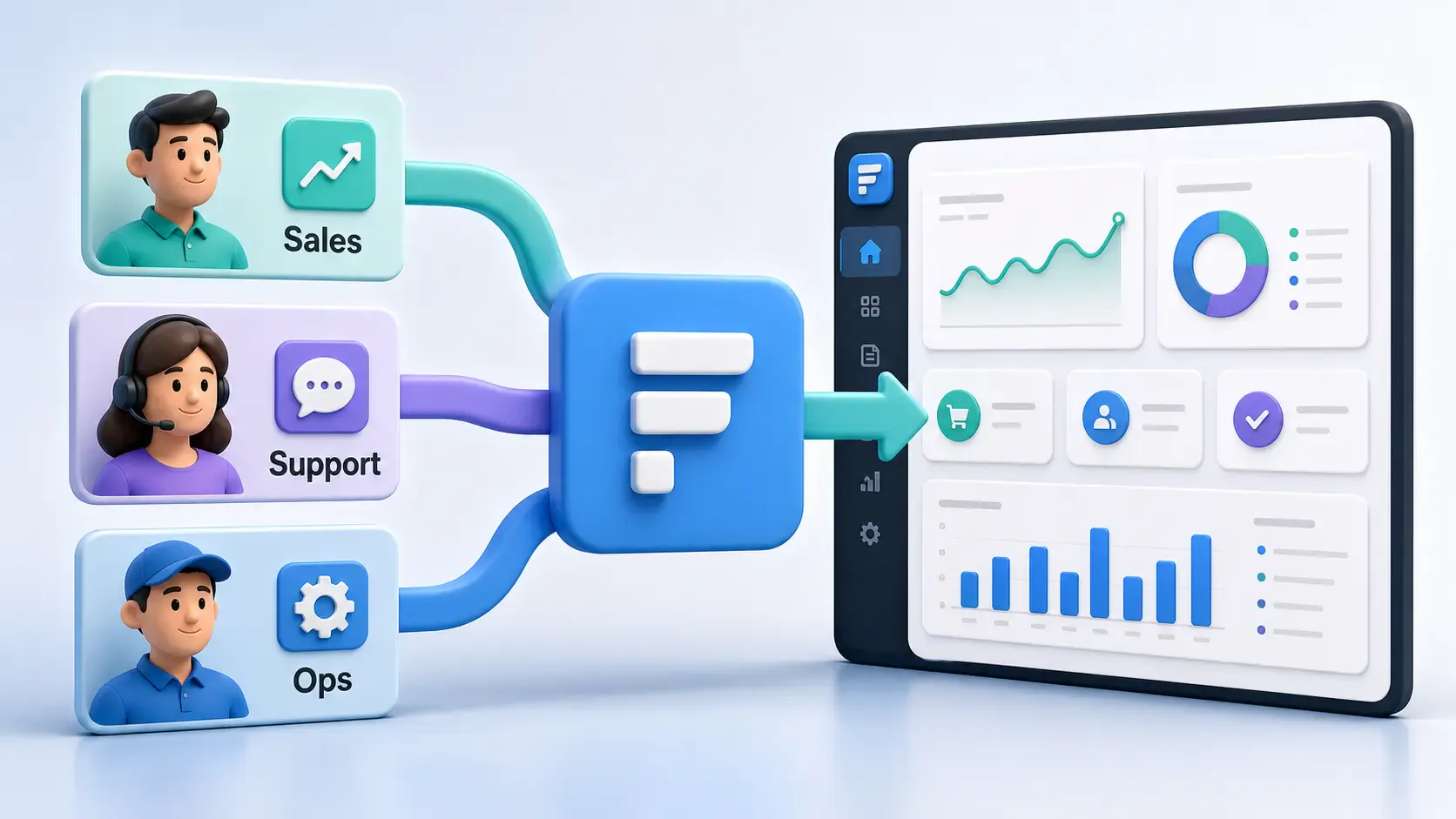
A practical Frappe tutorial for fixing wrong workspace redirects using role-to-route mapping, capture-phase click handling, and a reusable Desk JavaScript file.
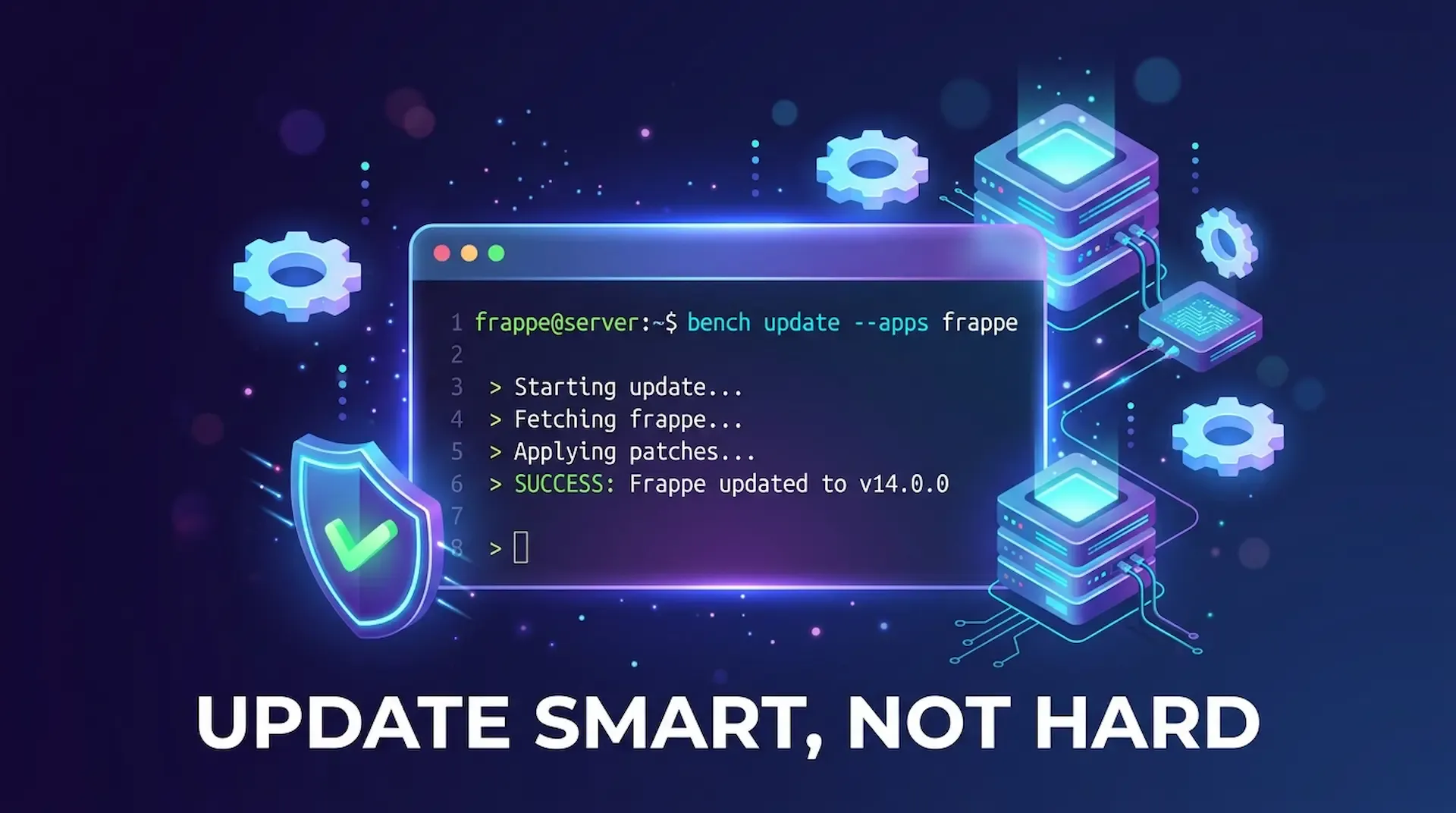
ired of bench update messing up your custom app? This guide shows you how to update only Frappe or any single app, fix common blockers like 503 errors and permission issues, and keep your bench stable.
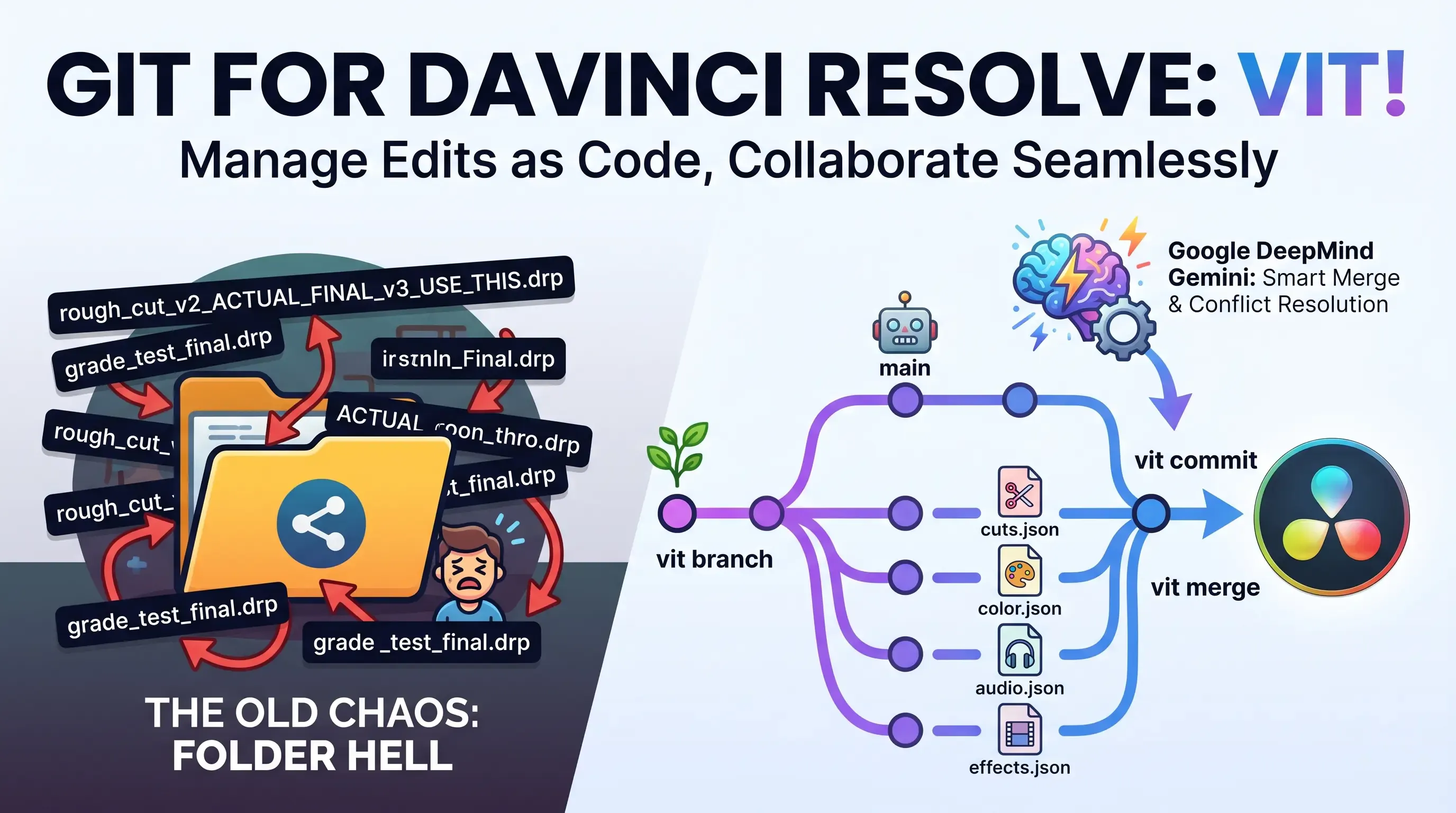
Explore Vit, the revolutionary tool that uses AI semantic merges to resolve video editing conflicts in DaVinci Resolve. Perfect for editors, colorists, and sound designers.