Teach Your AI Agent to Think Like a Senior Engineer with Skills
⏱️ Time to Complete: ~15 minutes
🎯 What You’ll Achieve / Learn:
SKILL.md file.📌 Context: This is the second post in my Antigravity series. If you missed the first one on configuring Rules for complex WSL workflows, go check that out first — it'll give you the mental model you need before diving into Skills.
Imagine hiring a contractor who is brilliant — but has zero memory of your codebase, your team's naming conventions, or that one weird deploy script that has to be run before migrations. Every session, you brief them from scratch. That's what AI coding agents are like without Skills.
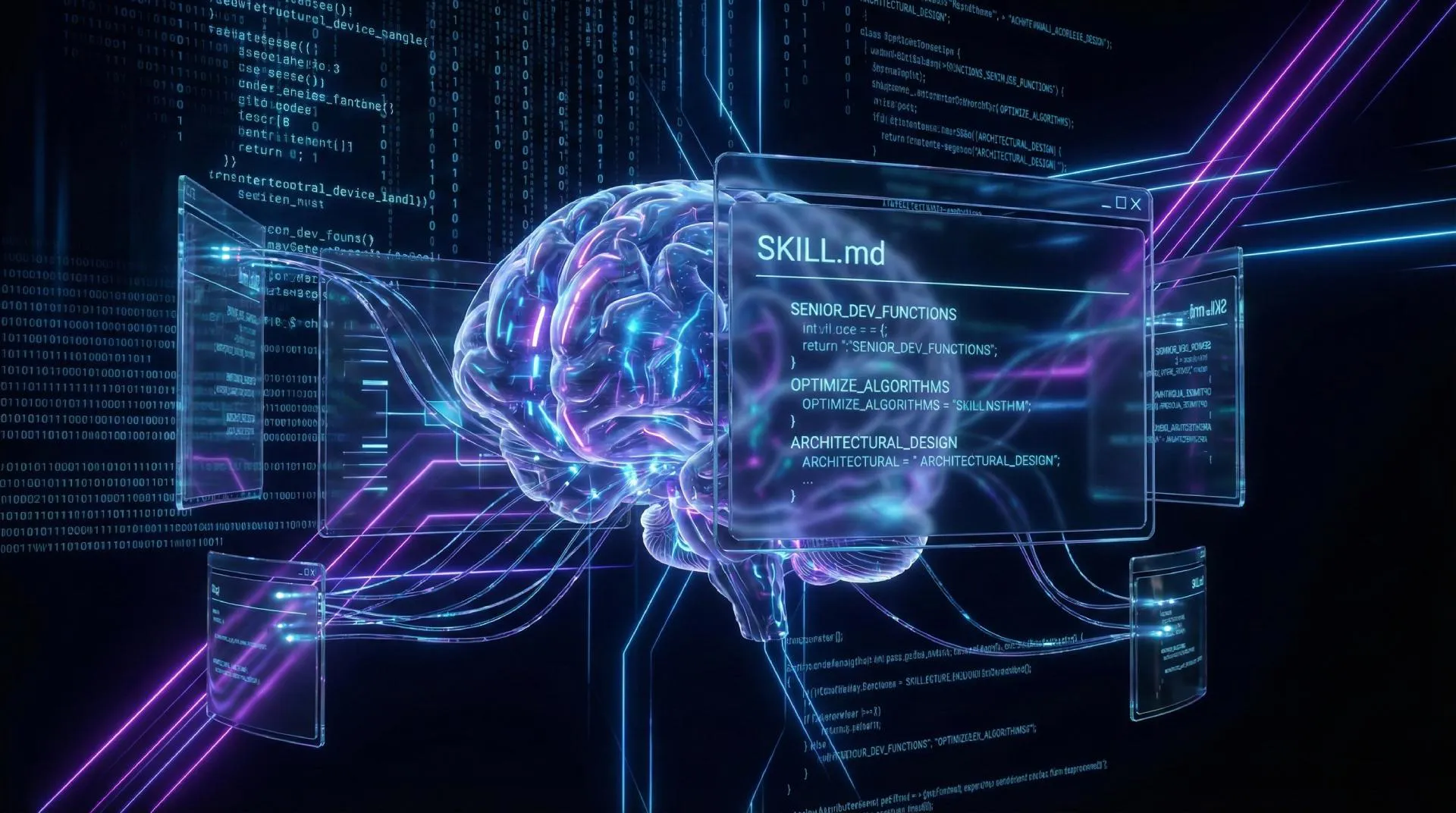
Agent Skills are modular packages of domain-specific knowledge — structured as a folder containing a SKILL.md file plus optional scripts, examples, and reference docs. The agent stays dormant until a relevant prompt arrives, then loads the right Skill automatically.
💡 The "Kung Fu" analogy
Think of it like the Matrix: instead of manually teaching Neo martial arts, you just jack in a skill. "I know Kung Fu." — except instead of Kung Fu, it's your company's deployment runbook.
Skills were originally developed by Anthropic for Claude and are now an open standard at agentskills.io — the same playbook as MCP (Model Context Protocol). A skill written once works across Google Antigravity, GitHub Copilot in VS Code, Cursor, Claude Code, and Codex CLI. Write once, use everywhere. 🎯
In my previous post I talked about Rules in Antigravity — persistent instructions that always stay in context. Rules are great for always-on, global behaviors like "never use var" or "always add JSDoc comments." But loading everything into context all the time creates what the Antigravity docs call "tool bloat": higher costs, slower responses, and a confused agent.
| Feature | Rules | Skills |
|---|---|---|
| Always in context? | ✅ Yes | ⚡ On-demand only |
| Best for | Global code style, security constraints | Domain tasks: deploys, changelogs, migrations |
| Can include scripts? | ❌ No | ✅ Yes (.py, .sh, .js) |
| Context cost | Always paid | Only when invoked |
| Version-controllable? | Partial | ✅ Yes — lives in your repo |
| Scope | Global or workspace | Global or workspace |
The golden rule 🥇: use Rules for what the AI must always know, and Skills for specialized tasks that only need to fire when relevant.
Every skill lives in a directory and is anchored by a SKILL.md file. The file has two parts: a YAML frontmatter block (the skill's "resume") and a Markdown body (the actual instructions).
---
name: my-skill-name         # max 64 chars; must match folder name
description: |              # max 200 chars — THIS is what triggers the skill
  Use when the user asks to run a database migration
  or mentions "migrate", "schema change", or "prisma".
  Do NOT use for general git log questions.
license: Apache-2.0
metadata:
  author: sabbir
  version: "1.0"
---

# Database Migration Skill

When asked to run a migration, follow these steps exactly:
1. Always run `npx prisma migrate status` first
2. Back up the database using the script in `scripts/backup.sh`
3. Then run `npx prisma migrate deploy`
4. Verify by checking row counts on affected tables
The description field is everything. The AI agent only reads your description at first — the full body stays dormant until a match is found. Write your description like you're training a semantic search engine: include synonyms, trigger phrases, and explicit "use when" / "don't use when" boundaries.
my-skill/
├── SKILL.md          # Required — core instructions
├── scripts/
│   └── backup.sh     # Executable scripts the agent can run
├── references/
│   └── REFERENCE.md  # Extra docs loaded on demand
├── examples/
│   └── sample.sql    # Example outputs
└── templates/
    └── migration.md  # Templates for the agent to fill in
⚠️ Keep it lean
Keep your SKILL.md under 500 lines / 5,000 tokens. Move verbose reference material to the
references/folder — those files only load when the agent actively references them.
Antigravity supports two scopes for Skills, which mirrors the Rules setup from my previous post. The folder paths follow the same pattern — so this should feel familiar. 👇
# Skills available in every project you open
~/.gemini/antigravity/skills/
  └── my-skill/
      └── SKILL.md
Good for reusable skills like "Format JSON", "General Code Review", or personal productivity habits.
# Skills scoped to a specific project (version-controlled!)
<workspace-root>/.agent/skills/
  └── deploy-staging/
      └── SKILL.md
This is the recommended approach for team projects — the skills live inside the repo, so when a teammate clones your project they get the exact same AI capabilities automatically. 🤝
Step 1 — Create the skill directory
mkdir -p .agent/skills/deploy-staging
Step 2 — Create the SKILL.md
Add a YAML frontmatter block with a clear name and description, then add your instructions below the --- divider.
Step 3 — Restart the Antigravity Agent Manager
Antigravity auto-detects new skills on startup. Press Cmd/Ctrl+Shift+P → "Restart Agent" or close and reopen the workspace.
Step 4 — Test it! 🎉
Type a prompt that matches your description and watch Antigravity automatically hydrate the skill context. You'll see it appear in the agent's reasoning trace.
// Agent reasoning trace
✓ Scanning .agent/skills/ ...
✓ Found 3 skills: deploy-staging, db-migrate, changelog-gen
→ Prompt matches skill: deploy-staging
✓ Hydrating skill context (1.2k tokens)
🤖 Running step 1: checking staging env vars...
You don't have to write all your skills from scratch. The community has exploded — there are collections like the 800+ skill aggregator at github.com/sickn33/antigravity-awesome-skills. To install globally:
# Clone the community skill pack
git clone https://github.com/sickn33/antigravity-awesome-skills ~/antigravity-skills

# Symlink to your global skills directory
mkdir -p ~/.gemini/antigravity/skills
ln -s ~/antigravity-skills/skills/* ~/.gemini/antigravity/skills/
VS Code version 1.108 (December 2025) shipped experimental Agent Skills support for GitHub Copilot. Same concept, slightly different file paths. Here's how to set it up. 🛠️
# Workspace skills (recommended for teams)
<workspace-root>/.github/skills/
  └── my-skill/
      └── SKILL.md

# Backwards-compatible path (Claude Code users)
<workspace-root>/.claude/skills/
  └── my-skill/
      └── SKILL.md
📁 Which path to use?
Use
.github/skills/— it's the primary path VS Code looks for. The.claude/skills/path exists for backwards compatibility with Claude Code users who already had skills set up.
Step 1 — Create the directory structure
mkdir -p .github/skills/my-skill
One folder per skill, named to match the name field in SKILL.md.
Step 2 — Write your SKILL.md
Same format as Antigravity — YAML frontmatter + Markdown body. The name in frontmatter must match the folder name exactly, otherwise the skill silently fails to load.
Step 3 — Invoke it
Copilot auto-matches on your prompt, OR use the slash command /my-skill in chat to invoke it directly.
EXPLORER
📁 .github/
   📁 skills/
      📁 db-migrate/
         📄 SKILL.md
         📁 scripts/
            🐚 backup.sh
      📁 changelog-gen/
         📄 SKILL.md
      📁 test-suite-runner/
         📄 SKILL.md
Don't want to manually browse GitHub repos for skills? Install the Agent Skill Ninja VS Code extension. It gives you a searchable library of 100+ community skills, one-click installation into .github/skills/, and automatically updates your Copilot instruction file so skills are always referenced. Total setup time: under 2 minutes. ⏱️
Let's build a real skill: a changelog generator that follows your team's format. This is the type of task you repeat constantly but never bother to automate — perfect Skill material. 📋
---
name: changelog-gen
description: |
  Use when generating a CHANGELOG entry, release notes,
  or when the user mentions "what changed", "release",
  "version bump", or "summarize commits".
  Do NOT use for general git log questions.
license: MIT
metadata:
  author: sabbir
  version: "1.0"
---

# Changelog Generator Skill

When generating a changelog:

1. Run: `git log --oneline --no-merges origin/main..HEAD`
2. Group commits into these categories:
   - ✨ Features (feat:, feature:)
   - 🐛 Bug Fixes (fix:, bugfix:)
   - ♻️ Refactors (refactor:, chore:)
   - 💥 Breaking Changes (BREAKING CHANGE:)
3. Format as Markdown using Keep a Changelog format
4. Add version number from `package.json` at the top
5. Prepend to CHANGELOG.md — never overwrite the entire file

## Example output format

\`\`\`md
## [1.4.2] — 2026-02-21

### ✨ Features
- Add dark mode toggle (#142)

### 🐛 Bug Fixes
- Fix sidebar overflow on mobile (#138)
\`\`\`
🎯 Description writing tips
Include: what the skill does, 3–5 trigger phrases, and explicit "do NOT use for" boundaries. The description is your semantic matching key — treat it like an SEO meta description.
Commit your skills to git. Skills in .agent/skills/ or .github/skills/ are version-controlled by default. Your whole team benefits, and you get a full history of how your AI's "knowledge" evolved alongside the codebase.
Use scripts for automation. A Skill isn't just documentation — it can execute code. Drop a scripts/ folder with a Python or Bash script, and the agent can run it as part of its task. Your changelog skill can literally run git log automatically.
Chain skills thoughtfully. Skills compose well. A "deploy" skill can reference your "test runner" skill, and your "test runner" skill knows which test framework you use. The agent assembles context on-demand.
Mismatched folder and name field. In VS Code, the folder name must exactly match the name field in your SKILL.md frontmatter. If they differ, the skill silently fails to load. No warning. No error. Just... nothing. 🫥
Writing a novel in SKILL.md. Keep the main file under 500 lines. If you have extensive reference material, split it into the references/ subfolder. The agent loads reference files only when needed — this keeps each task lean and cheap.
Vague descriptions. "Use this skill for coding tasks" will match everything or nothing. Be specific: name the exact commands, file types, or keywords that should trigger it.
🔁 For the video version
I'll be doing a full live demo of creating a skills folder from scratch, watching Antigravity auto-detect it, and then invoking the same skill in VS Code Copilot — to show the portability in action. Subscribe so you don't miss it! 🎬
Agent Skills are the smarter sibling of Rules. They follow the SKILL.md open standard (agentskills.io), work across Antigravity, VS Code, Cursor, Claude Code, and Codex, and use progressive disclosure to keep context costs low.
.agent/skills/ (workspace) or ~/.gemini/antigravity/skills/ (global).github/skills/Your next step: find one task you brief your AI agent on repeatedly — a deploy script, a code review checklist, a test setup — and encode it as a skill. You'll never explain it again. 🚀
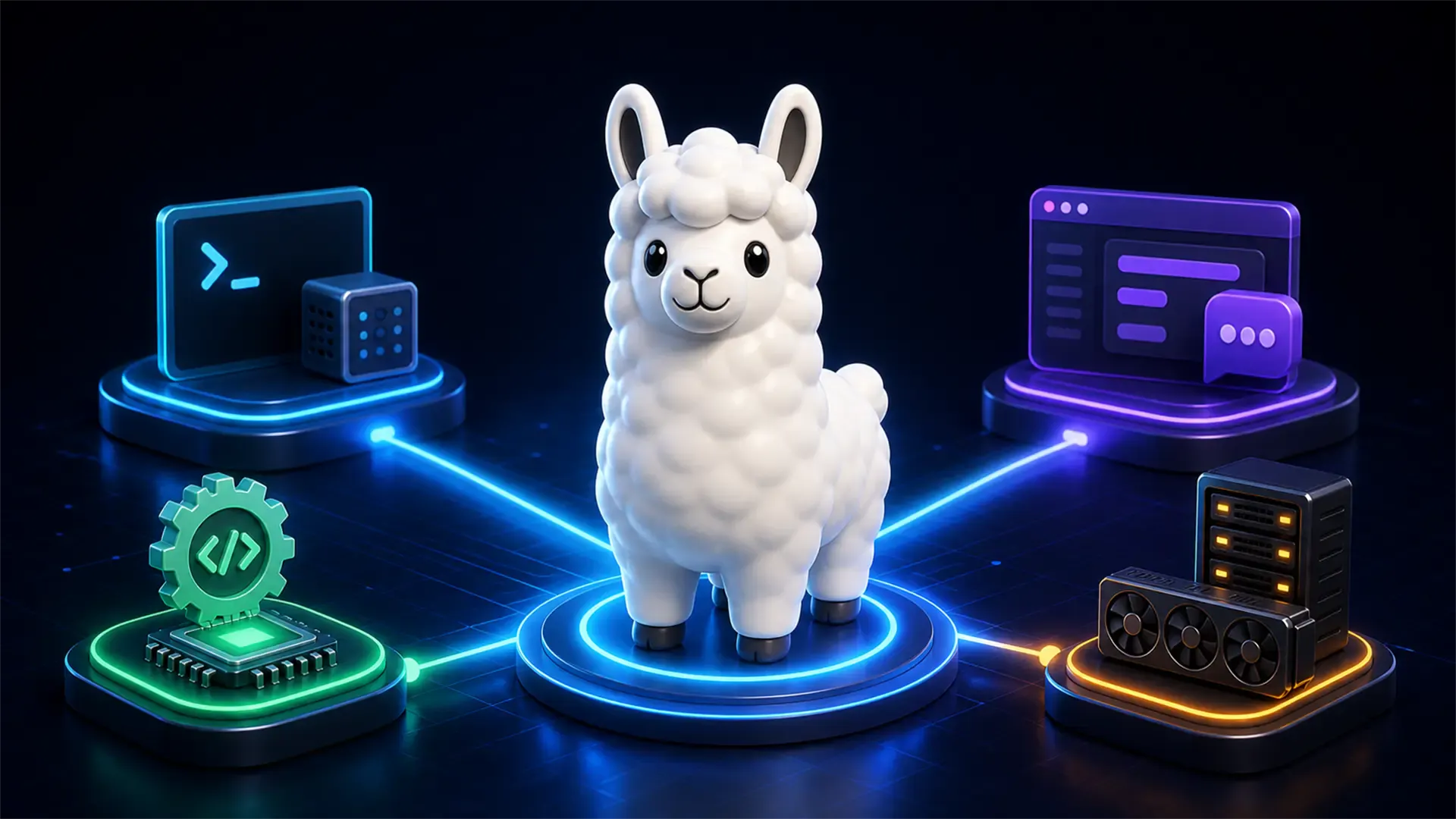
Compare Ollama, LM Studio, llama.cpp, and vLLM to choose the best local AI tool for development, desktop testing, control, or production serving.
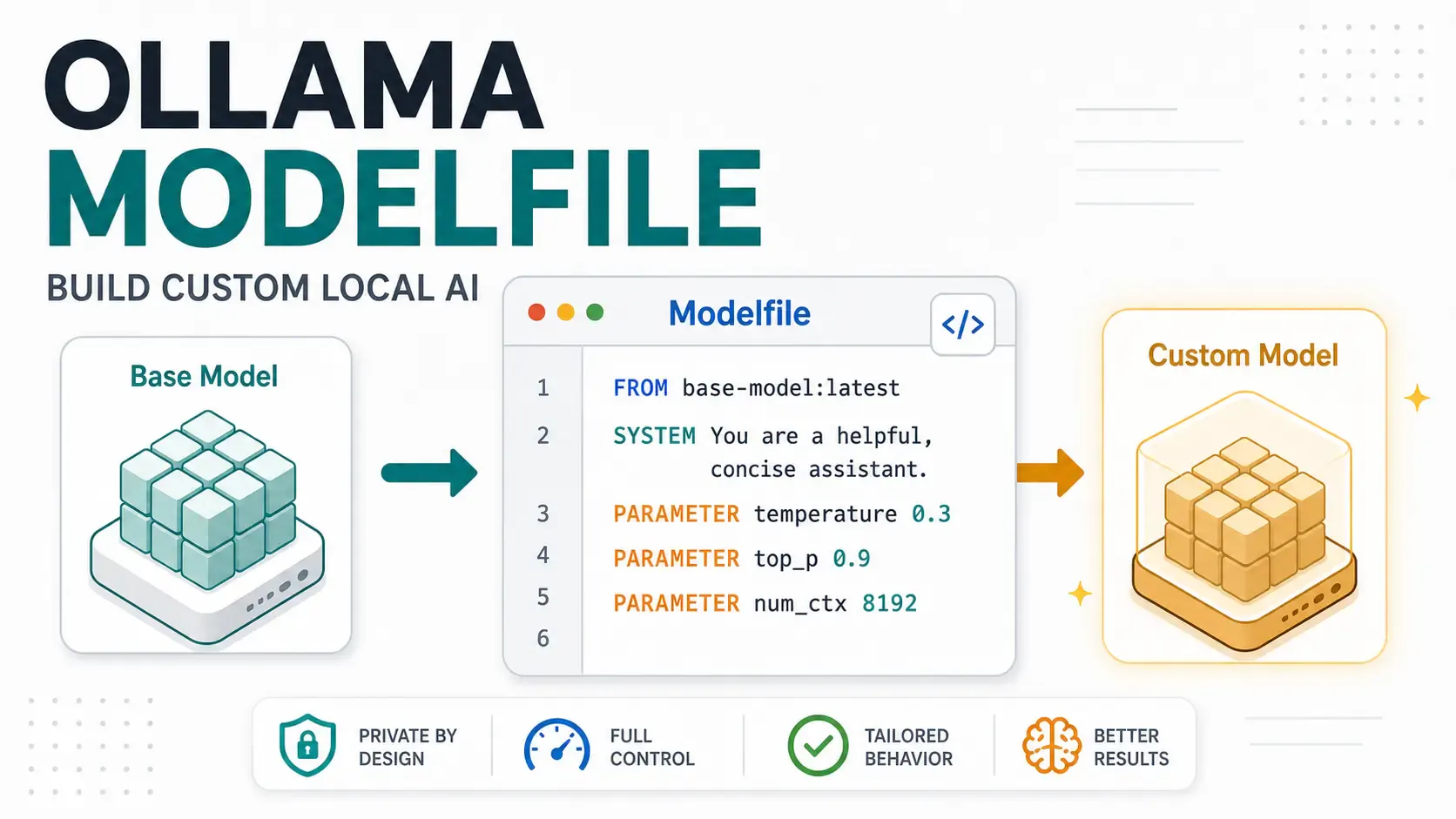
A hands-on Ollama Modelfile tutorial for developers building local AI assistants, support bots, code reviewers, and private app workflows.
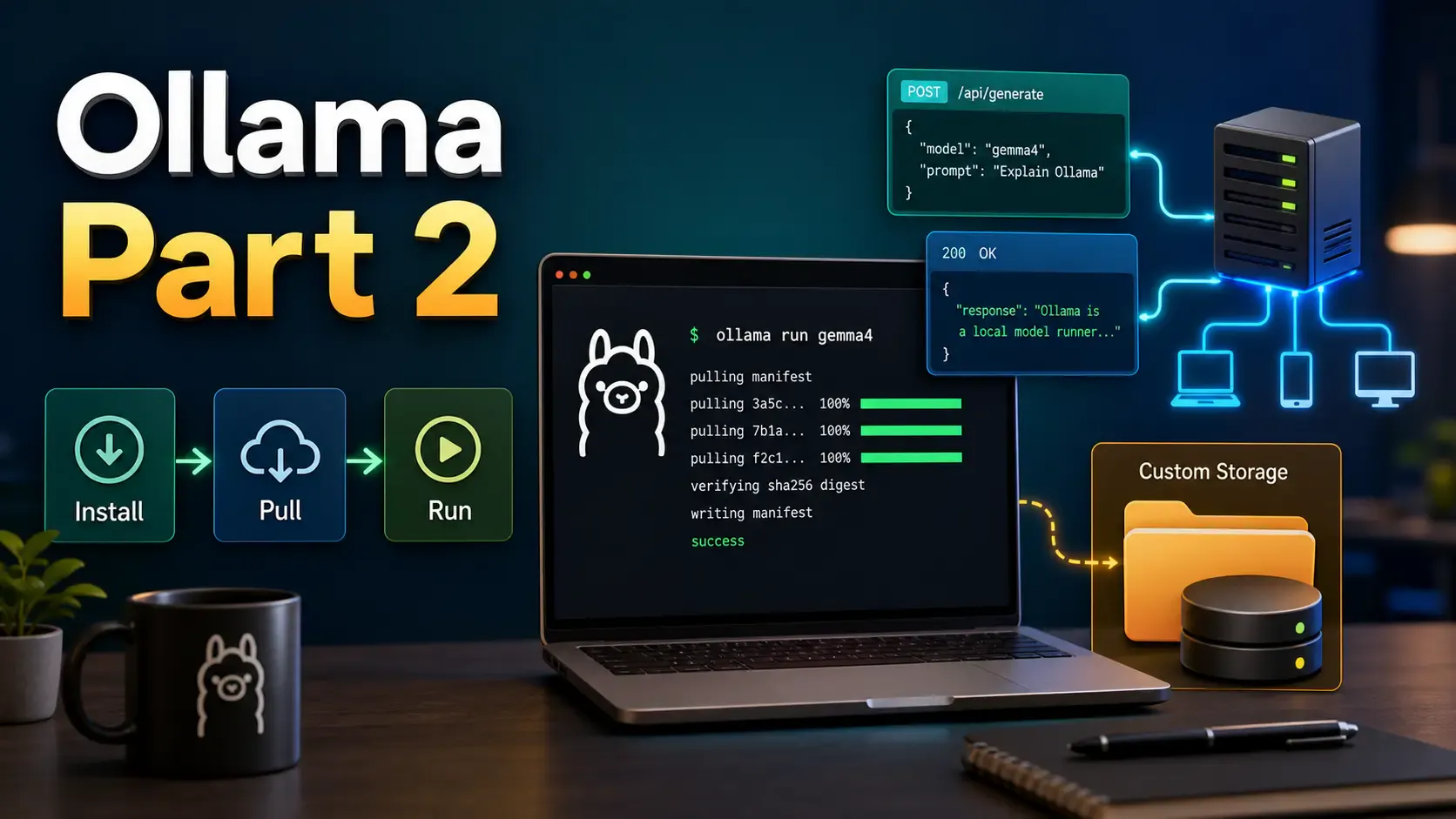
Learn how to install Ollama, run local models from CLI and UI, call the Ollama API, move model storage, and expose Ollama safely on a network.