How to Install a Frappe App on an Offline Ubuntu Server (Without GitHub or PyPI)
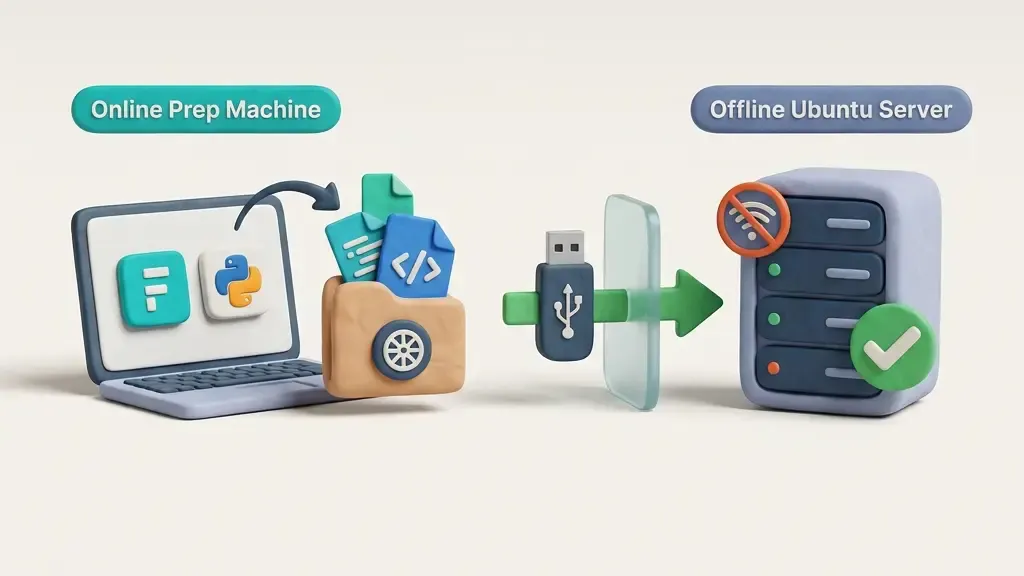
If you have ever built a custom Frappe Framework application on your local workstation — whether running WSL2 on Windows, native Ubuntu, or macOS — and then needed to deploy it onto a production server with zero internet connectivity, you have likely hit a brick wall. 🚧
Standard Frappe workflows rely heavily on online package indexes and remote repositories. Running bench get-app tries to clone from Git repositories via GitHub or GitLab, while pip attempts to query PyPI for Python dependencies, and yarn or npm fetch JavaScript packages for frontend assets. On an air-gapped, isolated enterprise network, every single one of these operations will time out and fail. ❌
The good news is that this is completely solvable. You do not need internet access on your target production server to deploy custom Frappe applications. You simply need to mirror offline what bench and pip do online: download dependencies ahead of time on a connected workstation, package them up correctly, transport the archive, and perform a fully offline installation.
This step-by-step guide covers the end-to-end workflow for deploying custom Frappe apps into air-gapped Ubuntu environments without losing developer velocity or compromising system integrity. 🛠️
bench get-app commands fail in air-gapped environments.whl) using pip downloadnode_modules into a single portable bundle./env/bin/pip install --no-index --find-linkssites/apps.txt and execute site migrations offlinescp / SFTP, or an enterprise artifact storage share).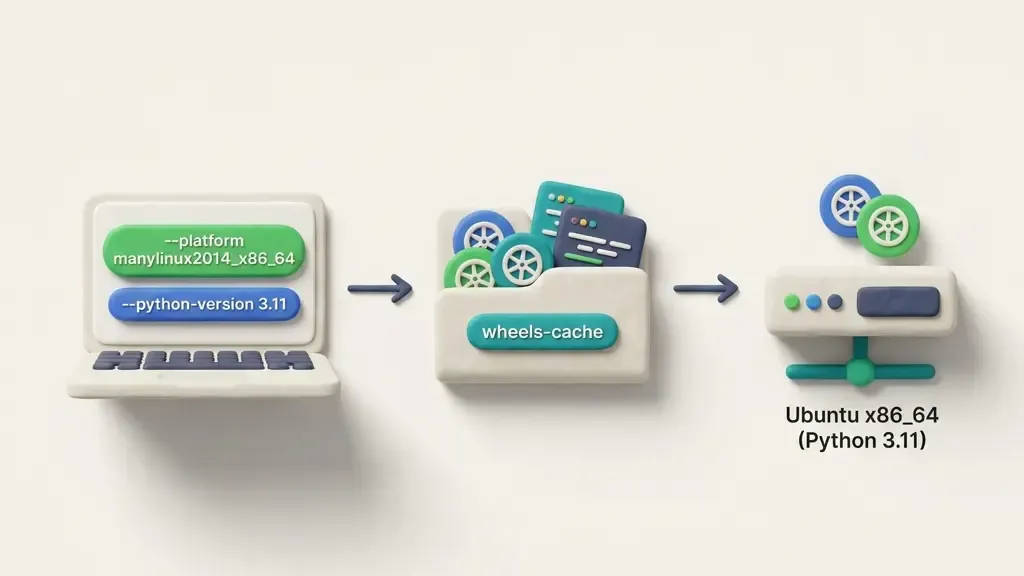
Section visual: Matching prep workstation architecture with air-gapped target server before downloading wheels.
When you execute the standard command:
bench get-app https://github.com/your-org/my_custom_app.git
Frappe's CLI performs three network-dependent tasks behind the scenes:
~/frappe-bench/apps/my_custom_app.pip install -e apps/my_custom_app, which reads pyproject.toml or setup.py and connects to PyPI to download dependent Python wheels.yarn install or npm install inside the app directory if node dependencies are defined in package.json.In an air-gapped environment (financial institutions, defense systems, internal private clouds, or isolated VLANs), all network sockets to external domains are blocked by firewalls. 🔒
To bypass this without altering Frappe core logic, we split the deployment into two distinct phases:
.tar.gz archive.apps/, run an offline pip install using --no-index, register the app in apps.txt, and execute bench migrate.The most common point of failure in offline deployments is binary incompatibility between Python wheels.
Python packages fall into two main categories:
.py code (e.g., requests, jinja2). These work across all platforms.cryptography, psycopg2, numpy, pillow). These are distributed as pre-compiled platform-specific wheels (.whl).If you pre-download wheels on an Apple Silicon Mac (arm64) or macOS, those wheels will fail to install on an x86_64 Ubuntu Linux server. Similarly, if your prep machine runs Python 3.12 and your target server runs Python 3.10, version-specific wheel tags will cause pip to reject them offline.
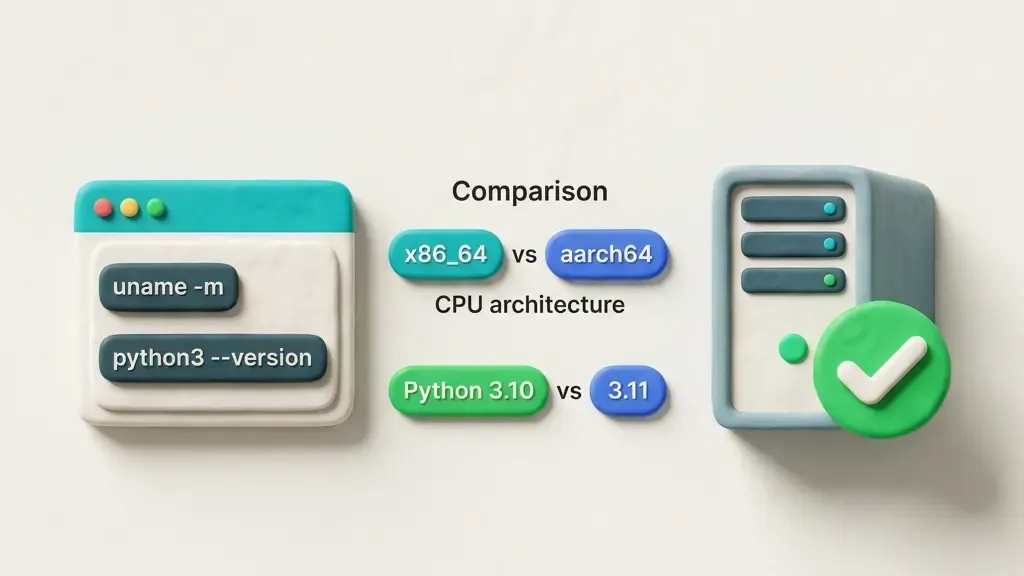
Section visual: Auditing target CPU architecture (uname -m) and Python version (python3 --version) before pre-downloading wheels.
Before downloading dependencies on your connected workstation, access your target server terminal (or consult your infrastructure inventory) and check two key system variables:
# Check Python version installed inside your bench environment
~/frappe-bench/env/bin/python --version

# Check Linux CPU architecture
uname -m
You will typically receive:
Python 3.10.x, Python 3.11.x, or Python 3.12.xx86_64 (standard 64-bit Intel/AMD) or aarch64 (ARM 64-bit)Write these values down. You will feed them directly into pip on your prep machine. 📝
On your internet-connected workstation, clone or locate your custom Frappe app repository:
git clone https://github.com/your-org/my_custom_app.git
cd my_custom_app
Clean out any existing build cache, compiled bytecode, or temporary files to ensure a lean bundle:
# Remove Python bytecode cache directories
find . -type d -name "__pycache__" -exec rm -rf {} +
find . -type f -name "*.pyc" -delete
Frappe apps specify their Python dependencies inside pyproject.toml (standard for Frappe v14, v15, and v16).
On your prep workstation, navigate into your app directory and create a dedicated wheels cache folder:
cd my_custom_app
mkdir -p wheels-cache
Now execute pip download, passing explicit platform, Python version, and implementation flags matching your target server:
pip download -d ./wheels-cache . \
  --platform manylinux2014_x86_64 \
  --python-version 3.11 \
  --implementation cp \
  --only-binary=:all:
-d ./wheels-cache: Tells pip to output all downloaded .whl files into this directory..: Tells pip to inspect pyproject.toml in the current working directory.--platform manylinux2014_x86_64: Forces pip to download Linux x86_64 pre-compiled wheels, even if you run this command on macOS or Windows! (Use manylinux2014_aarch64 for ARM servers).--python-version 3.11: Download wheels compiled for Python 3.11 (adjust to match your target server's Python version).--implementation cp: Target CPython (standard Python runtime).--only-binary=:all:: Rejects source packages (.tar.gz sdist) and requires pre-built binaries. This prevents target compilation errors on servers lacking C compilers (gcc, make, python3-dev).[!TIP] If
pip downloadfails for a specific obscure dependency with--only-binary=:all:, remove--only-binary=:all:for that package so its source tarball is downloaded, but ensure your target server has compilation build essentials installed.
If your custom Frappe app includes custom Desk pages, Vue/React components, custom bundles, or JS libraries defined in package.json, bench build will require Node dependencies.
On your prep workstation, run yarn/npm install inside the app directory before archiving:
# Install node packages locally so node_modules is pre-populated
yarn install
Make sure node_modules remains inside my_custom_app folder so it gets archived into your release bundle.
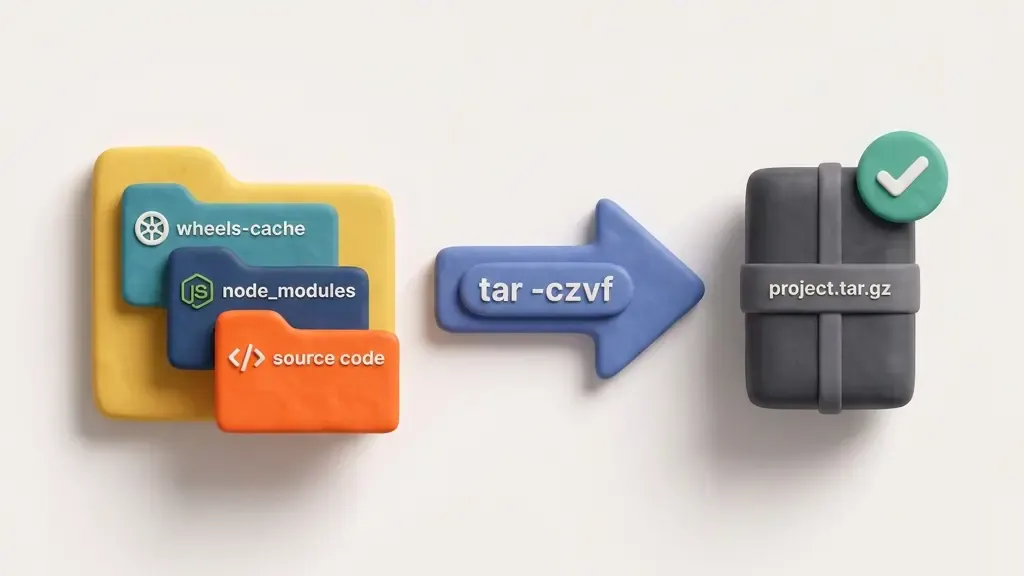
Section visual: Compressing app source code, wheels-cache, and node_modules into a single release archive.
Now compress the entire app folder — containing source code, wheels-cache/, and node_modules/ — into a single archive:
cd ..
tar -czvf my_custom_app_offline_v1.0.tar.gz my_custom_app/
Verify that the generated archive contains the required folders:
tar -tzvf my_custom_app_offline_v1.0.tar.gz | head -n 20
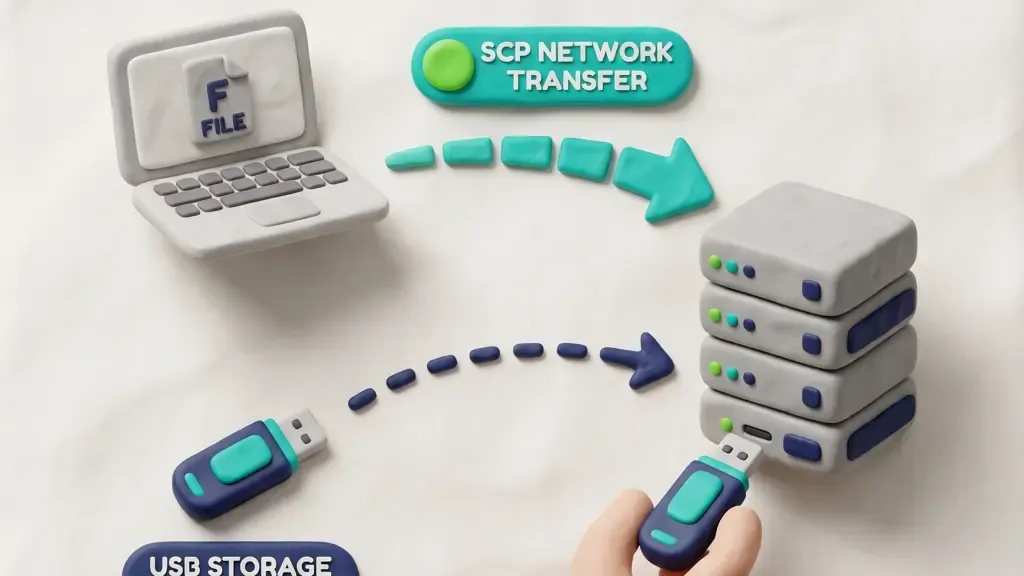
Section visual: Methods for moving the offline deployment bundle to the target Ubuntu server.
Transfer my_custom_app_offline_v1.0.tar.gz to your target Ubuntu server using your available offline medium:
Option A: via Secure Copy (SCP / SFTP over internal network)
scp my_custom_app_offline_v1.0.tar.gz [email protected]:/home/deploy_user/
Option B: via Mounted USB Drive
cp my_custom_app_offline_v1.0.tar.gz /media/usb-drive/
# On target server:
cp /media/usb-drive/my_custom_app_offline_v1.0.tar.gz ~/
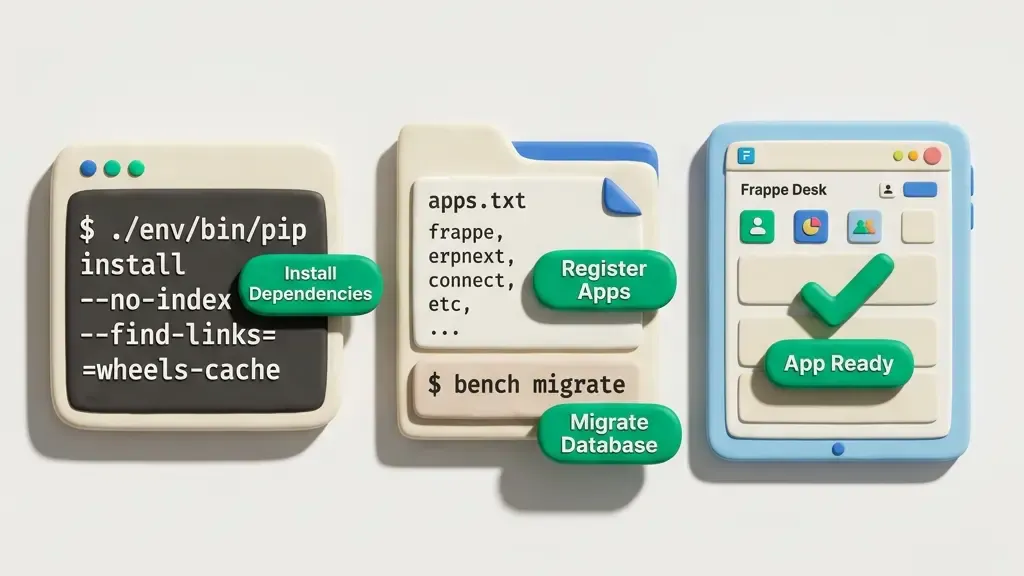
Section visual: Terminal commands for offline pip wheel installation and bench registration.
Log into your target air-gapped Ubuntu server as the bench user (e.g., frappe or deploy_user).
Extract the archive into your user home directory:
tar -xzvf my_custom_app_offline_v1.0.tar.gz
Copy the app directory directly into your bench's apps/ directory:
cp -r my_custom_app ~/frappe-bench/apps/
Navigate to the frappe-bench directory. Run pip using the bench's isolated virtual environment Python binary (./env/bin/pip).
Use --no-index to block PyPI connections and --find-links to point pip to your offline wheel cache:
cd ~/frappe-bench

./env/bin/pip install \
  --no-index \
  --find-links=apps/my_custom_app/wheels-cache \
  -e apps/my_custom_app
--no-index: Completely disables automatic network lookups to PyPI.--find-links=apps/my_custom_app/wheels-cache: Forces pip to search only inside our pre-downloaded wheel directory.-e apps/my_custom_app: Installs the app in editable mode, allowing Frappe to resolve module paths dynamically.If all dependencies match, pip will install every package within seconds! ✨
Normally, bench get-app appends the new app's name to sites/apps.txt. Since we bypassed bench get-app, we must register the app manually.
Verify whether my_custom_app is present in sites/apps.txt:
cat sites/apps.txt
If it is not listed, append it:
echo "my_custom_app" >> sites/apps.txt
If your app contains frontend assets or JS bundles, build them now:
bench build --app my_custom_app
Because node_modules was bundled during Phase A, bench build will compile assets locally without attempting to query npm/yarn online registries.
Now execute standard bench commands to link the app to your site and apply database migrations, doctype creations, and fixtures:
# Install app to site
bench --site your-site-name install-app my_custom_app

# Execute migrations
bench --site your-site-name migrate
Clear the Redis cache to ensure Desk loads fresh metadata:
bench --site your-site-name clear-cache
Restart your production process manager to pick up Python module changes:
For Production Environments (Supervisor / Systemd):
sudo supervisorctl restart all
# Or if using systemd units:
# sudo systemctl restart frappe-bench-workers
For Development / Single-Process Environments:
bench restart
Your custom app is now fully installed, running, and accessible on your air-gapped Ubuntu server! 🎉
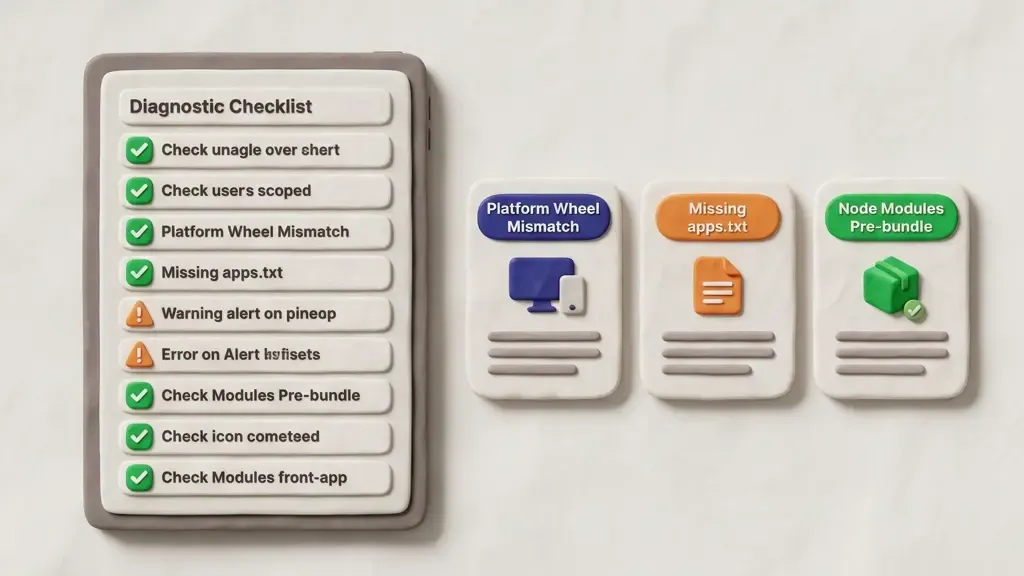
Section visual: Diagnostic checklist and resolution paths for common offline deployment errors.
| Problem / Error Message | Root Cause | Solution |
| :--- | :--- | :--- |
| ERROR: Could not find a version that satisfies the requirement | Missing wheel for target platform or Python version mismatch. | Re-run pip download on prep machine with exact --platform and --python-version matching python --version on server. |
| App my_custom_app not found during install-app | App directory name mismatch or missing entry in sites/apps.txt. | Ensure apps/my_custom_app matches app package name and append name to sites/apps.txt. |
| yarn install hangs or times out during bench build | Missing pre-bundled node_modules directory. | Run yarn install on prep workstation before creating .tar.gz bundle. |
| ModuleNotFoundError: No module named 'xyz' | Secondary dependency omitted from wheels-cache. | Run pip download against pyproject.toml ensuring recursive resolution without cached wheel suppression. |
| Permission denied on .whl files | Incorrect file ownership after extract. | Run chown -R frappe:frappe ~/frappe-bench/apps/my_custom_app. |
.whl binaries form the actual deployment unit.build_offline_bundle.sh) that automates pip download, yarn install, and tar compression to eliminate human error during releases.python --version and uname -m on the target server before fetching wheels.
A real cost and trade-off breakdown of hosting a Frappe or ERPNext app on a self-managed VPS, managed hosting, or Frappe Cloud — with tables, hidden costs, and a decision framework.

Learn how to add Stripe and Razorpay subscription billing to a custom Frappe app — whitelisted APIs, webhook signature verification, and scheduler-based renewals.

Stop fighting the built-in resource API for complex business logic. Here's how to expose your own Python functions as clean, secure REST endpoints in Frappe